How to turn off Tesla cruise control: Executed Precisely
Ever felt like you weren’t fully in command of your Tesla’s speed? Whether you are a new owner navigating the interface for the first time or a long-time driver looking to sharpen your reflexes, knowing exactly how to override automation is a vital safety skill. In this guide, we break down every method to deactivate your Tesla cruise control instantly, ensuring you are always ready to take the wheel with total confidence.
Understanding Traffic-Aware Cruise Control and System Basics


📤 Share Image
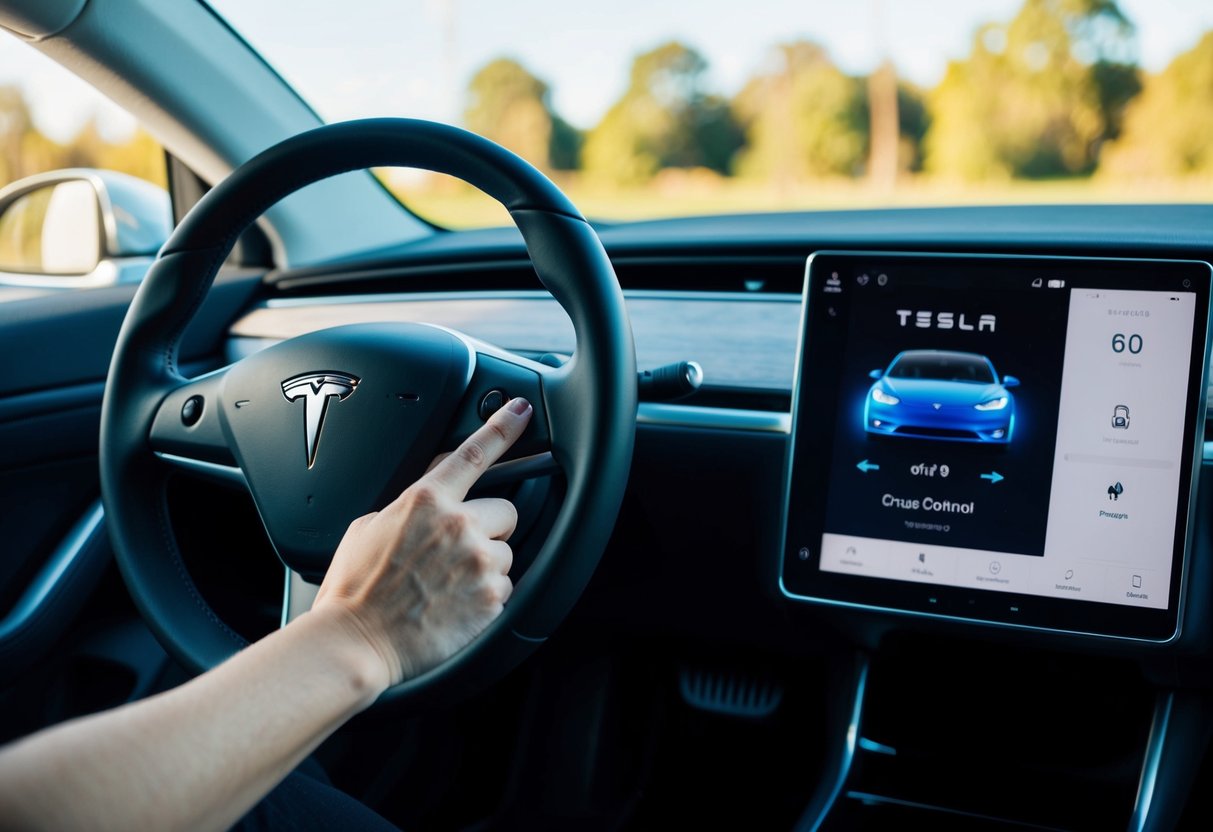
To master how to turn off Tesla cruise control, one must first recognize the underlying architecture. Tesla vehicles utilize Traffic-Aware Cruise Control (TACC) as the bedrock for all higher-level automation, including Autopilot and Full Self-Driving (FSD) features. Unlike legacy “dumb” cruise control systems that maintain a fixed speed regardless of traffic, TACC constantly evaluates the distance to the vehicle ahead using a sophisticated array of cameras and, in some legacy models, radar.
What is Traffic-Aware Cruise Control (TACC)?
TACC is designed to match the speed of your vehicle to the flow of traffic, coming to a complete stop if necessary and resuming acceleration when the path clears. However, because it is an automated system, it is essential to treat it as an assist, not a replacement for driver attention. Understanding that TACC is the “base layer” helps clarify why disengaging it also silences other linked features like Autosteer.

Visualizing System Status on the Dashboard
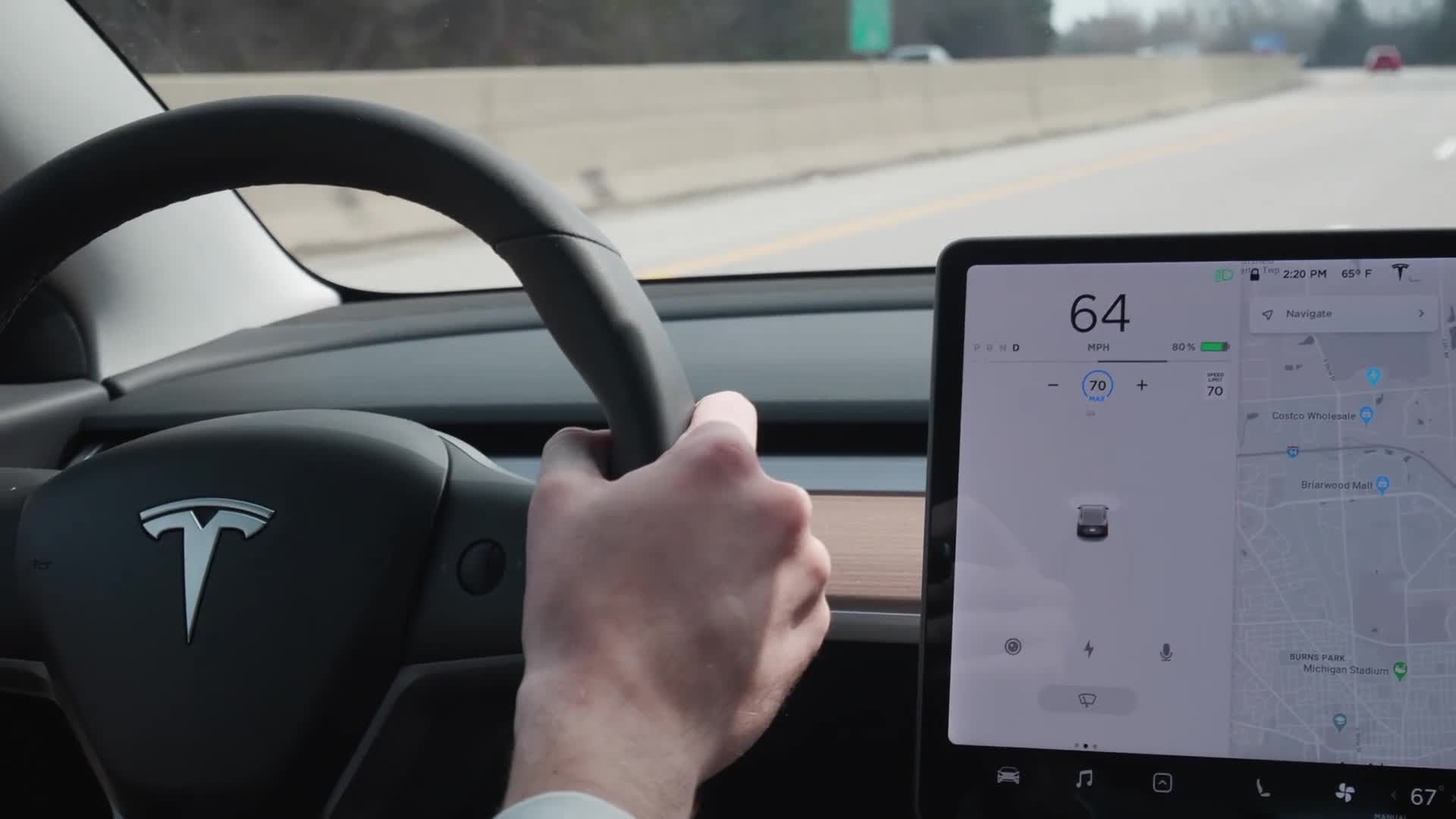
Tesla’s interface provides constant visual feedback regarding the status of your cruise control. When the system is active, you will see a blue speed indicator on the main screen, often accompanied by a blue steering wheel icon if Autosteer is engaged. When you successfully initiate the process of turning off the system, these icons turn gray or disappear entirely. Monitoring these icons is a best practice for confirming the system has fully disengaged.
By The Numbers
Brake override reliability
Typical disengagement latency
How To Turn Off Tesla Cruise Control: Step-by-Step Methods
The method for disengaging your cruise control varies slightly depending on whether you are driving an older Model S/X with stalks or a newer stalkless Model 3/Y. Below are the definitive ways to regain manual control.
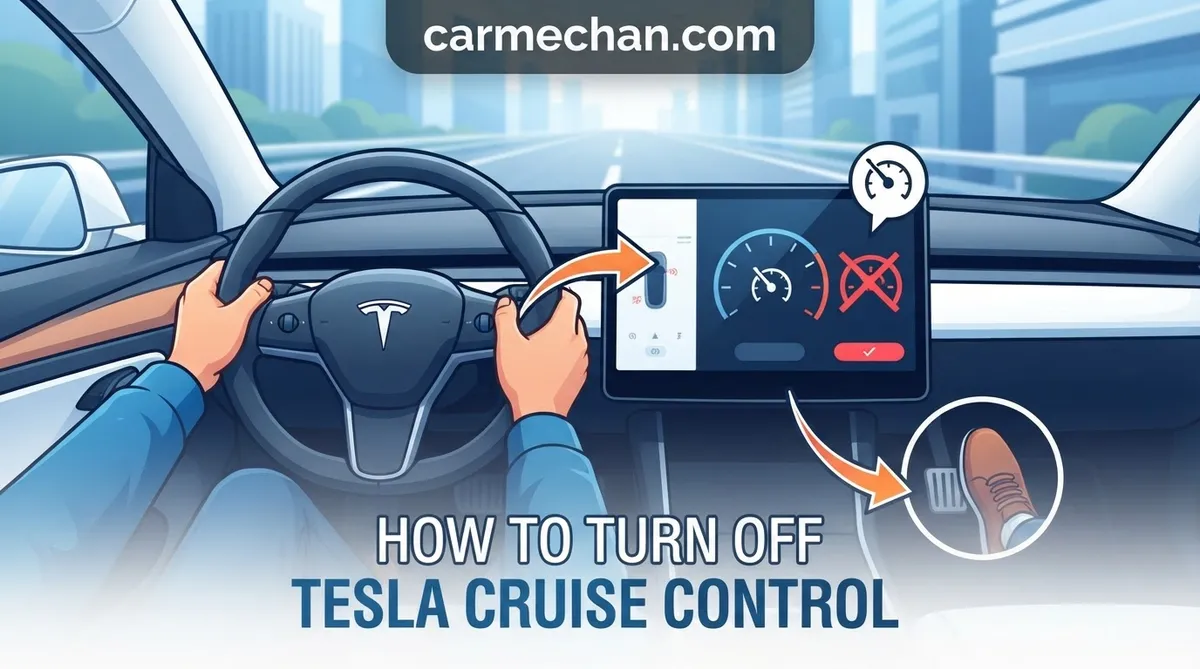
Applying any pressure to the brake pedal is the “master switch.” It provides an immediate, hardware-level cancellation of TACC and Autosteer. This is the recommended method for emergency situations or when you need to slow down rapidly.
On vehicles equipped with gear stalks, gently move the right-hand steering column stalk up one position (partial lift). This cancels cruise control without engaging the friction brakes, allowing for a smoother transition back to manual driving.
On newer stalkless models, you typically press the scroll wheel button on the right side of the steering wheel to deactivate TACC. If you are using Autosteer, pushing the scroll wheel button or simply counter-steering slightly against the wheel’s resistance will immediately cancel the active assist.
System Disengagement and Driver Responsibility
Once you have successfully learned how to turn off Tesla cruise control, it is vital to understand what happens to the vehicle dynamics immediately following the input.
- Transition Back to Manual Driving: The moment you disengage TACC, the vehicle shifts from automated longitudinal control back to your foot. You must be prepared to maintain speed or decelerate using your accelerator pedal immediately.
- Regenerative Braking Reality: Because Tesla vehicles prioritize efficiency, removing your foot from the accelerator after canceling cruise control will trigger regenerative braking. Be prepared for the car to feel as though it is “slowing down” more aggressively than a traditional internal combustion vehicle.
- Autosteer vs. TACC: Note that cancelling TACC often cancels Autosteer, but canceling Autosteer (via the wheel) may not necessarily turn off TACC. Always check your dashboard icons to confirm which systems remain active.
- No Automatic Stop: Disengaging cruise control does not mean the vehicle will automatically come to a stop. You have full command; if you take your foot off the pedal, the car will coast (and regenerate power) until you intervene.
Never rely on cruise control to bring the vehicle to a complete stop at a stop sign or red light. While the system is highly advanced, it is not a substitute for active human perception of traffic signals and complex urban environments.
Troubleshooting Latency and System Response
If you find the system is not responding as expected, it is rarely a mechanical failure. More often, it relates to software conditions or external factors affecting sensor perception.
Troubleshooting Latency and System Response
Deactivation latency in a Tesla is designed to be near-instantaneous (measured in milliseconds). If you notice a delay, consider if you are in a “critical” override scenario or if the vehicle software is currently task-saturated. Always keep your cameras and sensors clean; if they are obscured by mud, snow, or road grime, the system may occasionally experience “hesitation” when engaging or disengaging.
When to Perform an OTA Update Check
Tesla frequently releases Over-the-Air (OTA) updates that refine how Autopilot and TACC interact with the driver. If you encounter persistent bugs or perceived “stickiness” in the controls, ensure your vehicle is on the latest firmware version. If the issue remains, resetting the vehicle by holding down both scroll wheels until the screen reboots is a standard industry practice to clear temporary software glitches.
If you are experiencing hardware resistance (e.g., the stalk feels physically blocked), stop using it immediately and contact service. Do not force components; use the brake pedal as your primary, safe alternative while you arrange for an inspection.
Essential Best Practices for Every Tesla Driver
Mastering your vehicle is a continuous process. Whether you are a beginner or an experienced pilot, consistency is key. To recap:
- The brake pedal is your ultimate manual override. It works 100% of the time, in every model.
- Stalk or scroll wheel inputs provide a smoother, more sophisticated way to disengage during daily driving.
- Always watch your dashboard for icon changes—when the blue symbols go gray, you are back in total command.
We strongly recommend that you take your vehicle to a safe, empty parking lot or an uncongested road to practice these disengagement methods. Building this muscle memory now ensures that when the moment requires an instant return to manual control, you will act without hesitation. Stay focused, stay vigilant, and enjoy the capability of your Tesla with the confidence that you are always the one in charge.
How to Turn Off Tesla Cruise Control: Frequently Asked Questions
Does tapping the brake turn off cruise control?
Yes, tapping the brake pedal is the most reliable and immediate way to turn off Tesla cruise control. Because the system is designed to prioritize safety, any physical input to the braking system—even a light tap—instantly cuts the power to the cruise control, forcing the car back into manual mode. This should be your primary method if you encounter a sudden traffic event.
How do I disengage just the cruise control but keep steering?
Currently, Tesla’s software generally treats Traffic-Aware Cruise Control (TACC) and Autosteer as a combined unit. If you are using full Autopilot, you cannot easily disengage just the speed control while keeping the steering assistance active. To adjust speed manually, you must typically disengage the entire system, perform your maneuver, and then re-engage the system once you have reached your desired speed or road position.
Why does my Tesla cruise control stay on when I expect it to stop?
If your Tesla cruise control stays on, it is likely because you are only lifting your foot off the accelerator. While this triggers regenerative braking, it does not necessarily cancel the TACC system, which may be attempting to maintain your set speed. To effectively disengage the system, you must use a hard input like the stalk, the steering wheel controls, or the brake pedal.
Can I cancel cruise control using the voice commands?
While Tesla allows for various voice commands, it is not recommended to rely on voice control for disengaging cruise control. In an emergency or high-traffic situation, the speed of response from a voice command is inferior to physical interaction. Stick to the brake pedal or the steering column stalks to ensure your command is registered immediately by the vehicle’s onboard computer without latency issues.
Does the cruise control disengage when I change lanes?
Standard Traffic-Aware Cruise Control (TACC) does not automatically disengage when you change lanes. However, if you are using Autosteer, the vehicle will track the lane markings. If you force a lane change without signaling, the car may attempt to fight the steering input. Always signal your intent, as this allows the system to recognize your input as a manual override and adjust the steering support accordingly.