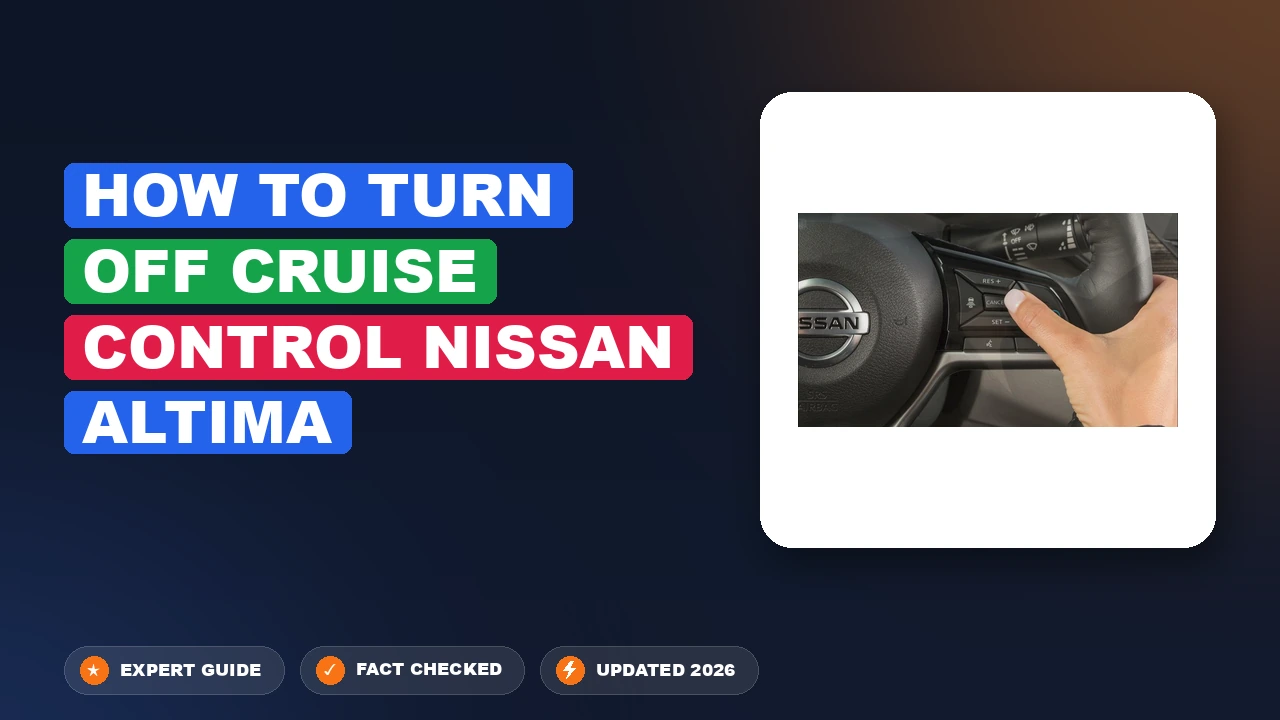
how to turn off cruise control nissan altima: Managed Properly
Ever feel like your Altima is accelerating when you want it to pause? Many drivers encounter confusion when distinguishing between a temporary speed pause and a full system shutdown, often leading to hesitation during critical traffic moments. In this guide, you will learn how to turn off cruise control Nissan Altima systems across all recent models, ensuring you stay in absolute command of your vehicle at all times.
Understanding How To Turn Off Cruise Control Nissan Altima Systems


📤 Share Image

Cancel vs. Off: Key Differences
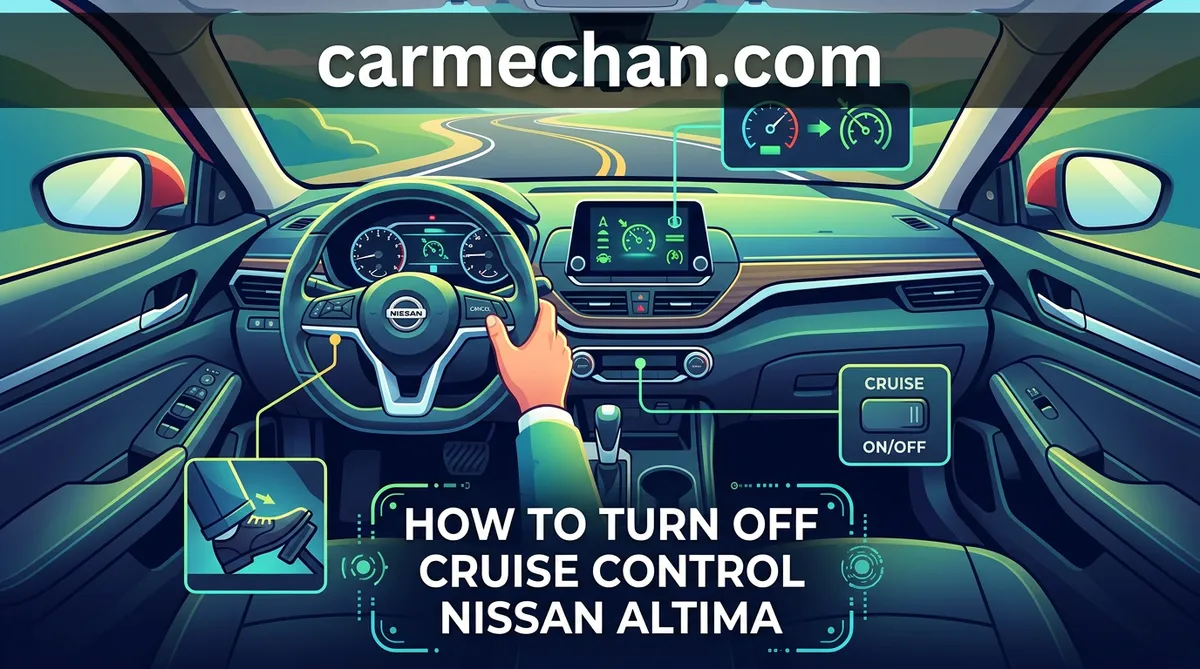
It is essential to understand that your vehicle operates with two distinct states: standby and fully disabled. The Cancel button is designed for temporary suspension; it halts the active acceleration while keeping the system in “standby” mode, allowing you to resume your previous set speed with a simple touch. Conversely, the Main/On-Off button cuts power to the system entirely. When you press this, the Electronic Control Unit (ECU) ceases all cruise-related monitoring, effectively clearing your set speed from the system’s memory.
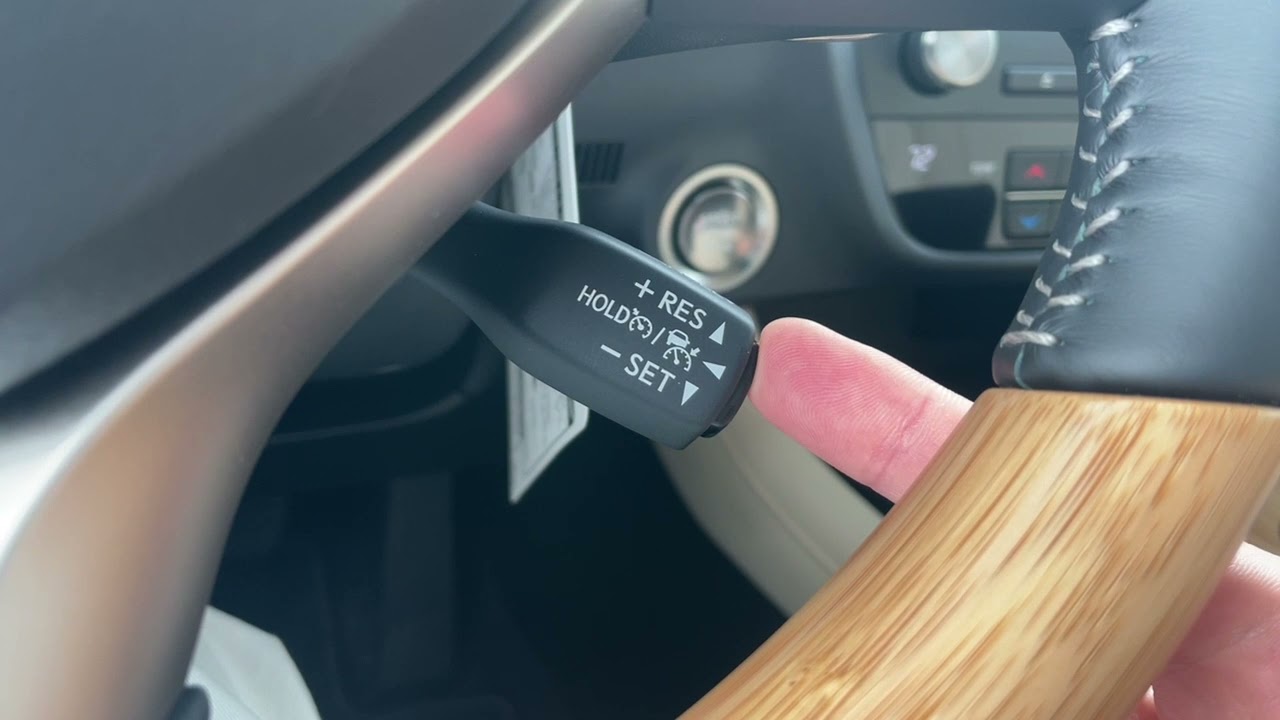
How the ECU Manages System Readiness
The Electronic Control Unit (ECU) acts as the brain of your Altima. When the system is active, the ECU monitors throttle position, wheel speed sensors, and radar data. When you initiate a shut-down sequence, the ECU performs a rapid handshake with the drivetrain to ensure a smooth transition from automated throttle control back to your direct pedal input. This transition is near-instantaneous, designed for maximum safety during highway driving.

Reading Your Instrument Cluster Indicators
You can monitor the system state via the visual feedback on your instrument cluster. Typically, a white icon indicates that the system is ready (standby), while a green icon confirms that the system is actively maintaining speed. When you successfully learn how to turn off cruise control Nissan Altima systems, you will see these icons disappear entirely. If the icon remains on, the system is still live.
📋
Step-by-Step Guide
Locate the “Cancel” button on your steering wheel’s right-hand control pad. Pressing this will pause the system immediately, allowing you to manually control speed while keeping the cruise feature in standby.
Press the “Main” or “On/Off” button (usually marked with a gauge icon). This cuts all power to the system, removing the visual indicator from your dashboard cluster.
For immediate manual control, firmly depress the brake pedal. This creates a mechanical/electrical interrupt that is hard-wired into the cruise system, ensuring it disconnects instantly regardless of the software status.
Safety Protocols When Mastering How To Turn Off Cruise Control Nissan
Safety is paramount when using driver-assistance technologies. Radar-based distance sensing, while sophisticated, has defined physical limitations. Drivers often mistake these for fully autonomous systems, but they are merely supportive tools. Understanding the protocol for disengagement is critical in the following scenarios:
- Inclement Weather: Never use cruise control on slippery, icy, or wet roads. Hydroplaning while the system is attempting to maintain a set speed can lead to loss of vehicle control.
- Radar Limitations: The system may struggle to detect vehicles entering your lane abruptly or objects in curves. If you are approaching heavy traffic, manual control is always safer.
- Driver Attention: These systems are not a substitute for human vigilance. If you feel tired or distracted, disengage the cruise system immediately to regain full manual feedback from the road.
If your vehicle is equipped with ProPILOT Assist, understand that this system includes steering intervention. Disengaging cruise control in a ProPILOT vehicle usually requires pressing the ‘Cancel’ button or tapping the brake pedal, but be prepared for the vehicle to hand over steering control back to you instantly.
Troubleshooting When You Cannot Turn Off Cruise Control Nissan Altima
Identifying Potential Faults
If your cruise control refuses to disengage via the steering wheel buttons, the issue often lies with the brake pedal switch. This switch sends a signal to the ECU that you have applied the brakes. If the switch is faulty, the car may not “know” you are trying to stop the system. In such cases, the system remains active despite your attempts to cancel it.
Industry Data
Brake Switch Response Rate
System Latency (Max)
When To Seek Professional Help
If the cruise light remains active despite a firm brake press, or if the “Set” indicator flickers intermittently, this indicates a deeper ECU or sensor fault. Persistent unresponsiveness is a safety hazard; you should consult a certified technician to inspect the brake pedal sensor and the steering wheel cruise control module. Do not attempt to bypass or modify the wiring yourself, as these systems are deeply integrated into the vehicle’s safety network.
Summary and Final Recommendations
Mastering the control of your Altima’s cruise system is vital for confident driving. Remember: use the Cancel button for traffic pauses, the Main button to power off the feature entirely, and always rely on the brake pedal for an immediate manual override in any unexpected scenario. Never allow the convenience of modern driving tech to outweigh the necessity of your full focus. I recommend spending time in a controlled environment, such as a parking lot, to practice these button sequences until they become muscle memory. This simple preparation ensures you remain the primary decision-maker behind the wheel, no matter the road conditions.
How to Turn Off Cruise Control Nissan Altima: Frequently Asked Questions
How do I turn off cruise control without turning off the whole system?
To turn off cruise control without fully disabling the system, simply press the ‘CANCEL’ button on your steering wheel. This action stops the vehicle from maintaining its current speed while keeping the cruise control standby mode active. You can then quickly resume your previously set speed by pressing the ‘RES+’ button, provided you are at an appropriate speed for the system to re-engage.
Does tapping the brakes turn off the cruise control?
Yes, tapping the brake pedal is a primary mechanical override for the cruise control system in your Nissan Altima. The moment the brake sensor detects pedal depression, it sends an immediate signal to the engine control module to cut the throttle and disengage the cruise control, ensuring the vehicle returns to manual speed control for your safety.
Why won’t my cruise control turn off?
If the cruise control fails to disengage via the steering wheel buttons, immediately use the brake pedal to manually override the system. A cruise control that does not turn off often points to a faulty brake light switch, a blown fuse, or a stuck steering wheel button. If the system remains active, you should have the vehicle inspected by a professional technician to prevent safety risks.
Is it safe to use cruise control in rain?
It is generally not recommended to use cruise control during rain or on wet, slippery roads. The system may attempt to maintain a constant speed regardless of tire traction, which can lead to wheel spin or hydroplaning. Human reaction is essential during inclement weather to adjust speed for changing road conditions, as cruise control cannot accurately anticipate localized patches of water or reduced traction.
Will turning off the car reset my cruise control settings?
Yes, turning off the ignition completely resets the cruise control system on most Nissan Altima models. When you restart the vehicle, the system defaults to ‘Off’ and clears any previously stored speed memory. This is a built-in safety feature designed to ensure that the cruise control is not active upon starting the vehicle, preventing accidental acceleration in parking lots or driveways.