Where Is the TPMS Reset Button on Acura MDX 2026
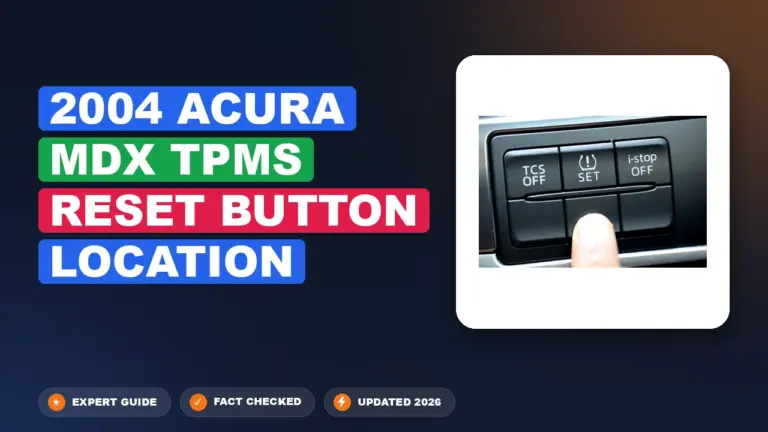
Most modern Acura MDX models do not have a physical TPMS reset button. You must initiate the calibration process through the Vehicle Settings menu on the center display.
The 2026 Acura MDX does not have a physical TPMS reset button anywhere inside the cabin or inside the glove box. Instead, the tire pressure monitoring system (TPMS) calibration is entirely managed through the Acura Precision Cockpit infotainment interface. You must navigate through the center touchscreen menu to initiate the system recalibration after you have adjusted your tire pressures.

Prime for Young Adults — 6 Months Free
Students and 18–24s get six months of Prime free, then half price.
Start 6 Months FreeThis digital-only approach is designed to integrate the TPMS with the MDX’s advanced sensor suite, ensuring the vehicle recognizes the specific tire load and rotational data required for 2026 safety standards. By using the infotainment system, you eliminate the need to hunt for hard-to-reach buttons under the steering column, allowing you to trigger the calibration while sitting in the driver’s seat with the vehicle in a stationary position.
Key Takeaways
- Modern Acura MDX models use software-based calibration, not a physical button.
- Ensure all tires are inflated to the door-jamb specification before starting.
- Calibration usually requires driving the vehicle for several miles to complete the sync.
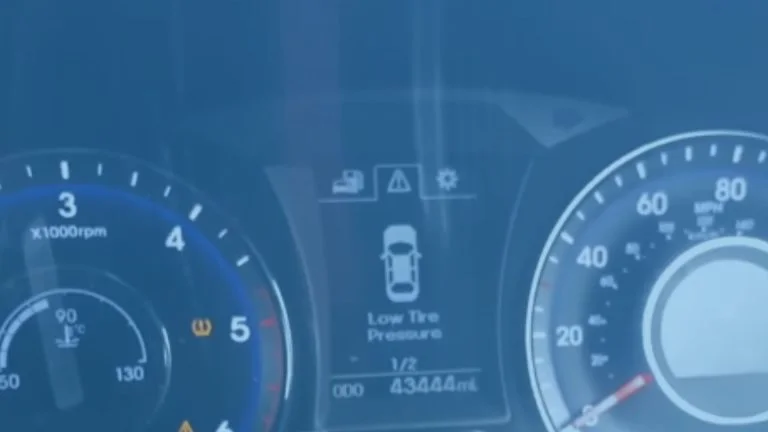
- System alerts often trigger due to uneven pressure after a tire rotation.
- Restart the calibration process if the warning light remains illuminated after driving.
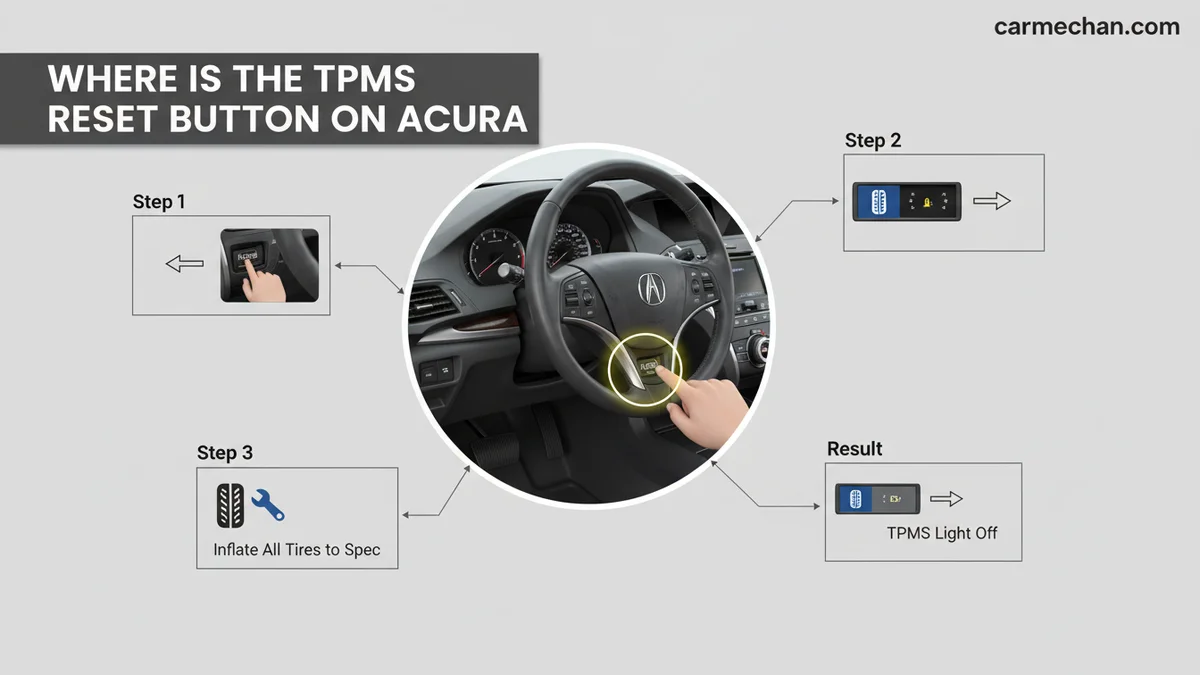
Why You Cannot Find a Physical TPMS Reset Button
Recommended Best Deal Products


The Shift to Digital Calibration
Modern Acura MDX models have moved away from physical toggle switches because the TPMS calibration is now tied to the car’s electronic control unit (ECU). The 2026 MDX utilizes an indirect tire pressure monitoring system that relies on wheel speed sensors rather than direct pressure sensors inside each tire valve. Because this system is integrated into the vehicle’s software architecture, the factory removed the legacy reset buttons found in older generations to prevent accidental triggers.
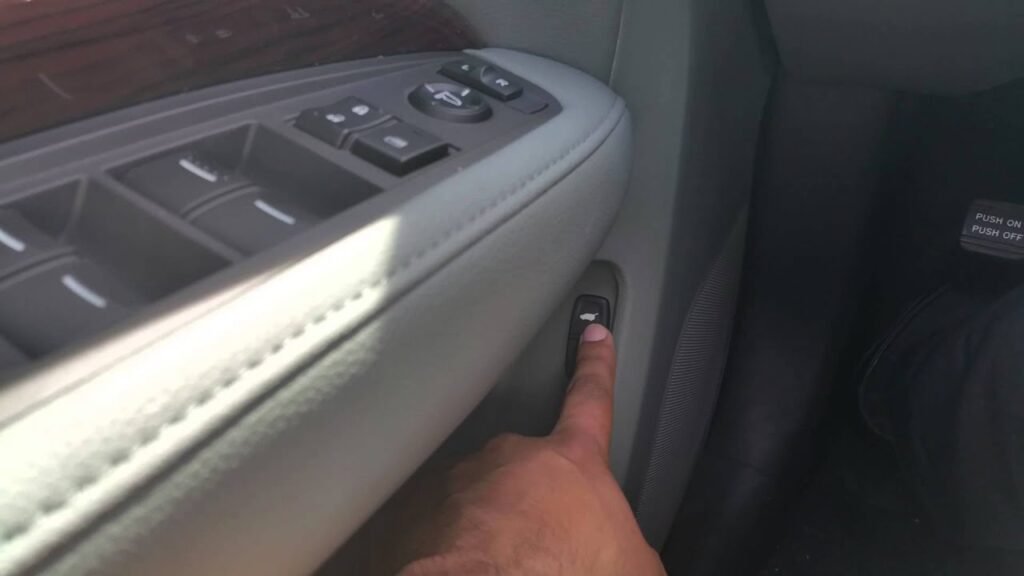
Centralized System Management
- Software Integration: The TPMS software processes data through the same module that handles vehicle stability assist and braking systems.
- Error Prevention: A physical button could be bumped accidentally by a driver’s knee or during interior cleaning, leading to false calibration requests.
- Precision: Digital navigation ensures that you are intentionally selecting the calibration sequence through the infotainment touch interface, which requires confirmation to start.
Master Your Acura MDX Tire Pressure Monitoring System in 7 Simple Steps
The Tire Pressure Monitoring System (TPMS) in your Acura MDX is a vital safety feature designed to alert you when your tires are under-inflated. However, many owners are often confused because, unlike older vehicle models, most modern Acura MDX generations do not utilize a physical “reset button” located under the dashboard. Instead, the system is calibrated through the vehicle’s onboard computer interface. This guide will clarify exactly how the system functions, where to find the calibration settings, and how to successfully reset your TPMS light after tire maintenance, ensuring your vehicle remains safe and road-ready.
Step 1: Verify Your Tire Pressures Manually
What you need: A reliable digital tire pressure gauge and a portable air compressor or service station air pump.
Instructions: Before attempting a system reset, you must ensure all tires are inflated to the manufacturer’s recommended specifications. Locate the sticker on the driver-side door jamb, which indicates the correct PSI (typically 32–35 PSI depending on your tire size). Use your digital gauge to check each tire, including the spare if applicable. If any tire is low, inflate it to the exact specified pressure. Do not rely on the dashboard readout alone for this step, as the system needs a baseline of correct physical pressure before it can successfully complete a calibration cycle.
Pro Tip: Always check your tire pressure while the tires are “cold,” meaning the car has been parked for at least three hours or driven less than one mile, to ensure the most accurate readings.
Step 2: Understanding the Calibration Logic
What you need: Knowledge of your vehicle’s specific model year (e.g., 2014-2020 vs. 2021+).
Instructions: It is crucial to understand that your Acura MDX uses an indirect TPMS system or an auto-learning sensor system. This means there is no physical button to press. For models manufactured after 2014, the reset process is software-driven via the infotainment screen. If your light remains on after you have properly inflated the tires, it is usually because the computer has stored an error code. You must initiate a “Calibration” sequence through the vehicle settings menu to teach the system that the current tire pressures are the new, correct baseline for the road ahead.

Audible — Listen Free for 30 Days
One free credit a month and thousands of titles included.
Listen Free for 30 DaysPro Tip: Do not mistake the TPMS light for a sensor failure light; if the light is blinking, there is a technical fault that a reset will not fix, requiring a professional diagnostic tool.
Step 3: Access the Vehicle Settings Menu
What you need: Your vehicle key fob and the vehicle in “Accessory” or “On” mode.
Instructions: Sit in the driver’s seat and ensure the vehicle is parked on level ground. Press the Start/Stop button twice without pressing the brake pedal to enter “On” mode, which powers the infotainment system without starting the engine. Using the interface on your center console (either the touchscreen or the rotary dial near the gear shifter), navigate to the “Settings” menu. Select “Vehicle Settings.” In this sub-menu, you will find the options for “TPMS Calibration.” This is the digital equivalent of the old-school reset buttons found on older, non-Acura vehicles.
Pro Tip: Ensure your touchscreen is clean and responsive before starting; if the interface is lagging, allow the system to fully boot for 30 seconds before attempting to navigate the menus.
Step 4: Initiate the Calibration Sequence
What you need: Access to the TPMS Calibration sub-menu.
Instructions: Once you have located the “TPMS Calibration” option in your Vehicle Settings menu, select “Calibrate.” The system will display a confirmation prompt asking if you are sure you want to begin. Select “Yes” or “Start.” The dashboard will briefly display a message indicating that the calibration has started. You do not need to hold any buttons down. Once this selection is made, the vehicle’s computer begins the process of “learning” the rotation speed of the tires. The warning light on your dashboard will likely turn off once this process is successfully initiated, indicating the system is now in monitoring mode.
Pro Tip: If the “Calibrate” option is greyed out, verify that your parking brake is fully engaged and the transmission is firmly in “Park,” as these are safety interlocks for the calibration software.
Step 5: Execute the Driving Learning Phase
What you need: A clear, straight road and approximately 20 to 30 minutes of driving time.
Instructions: Calibration is not instantaneous; it requires the vehicle to be driven to complete the sensor learning cycle. After initiating the process in the menu, you must drive the MDX for at least 20 to 30 minutes at speeds between 30 mph and 65 mph. During this time, the computer monitors the tire rotational speed data to calibrate the system. Avoid heavy braking or sharp cornering during the first 10 minutes of this drive, as the system is gathering baseline data. If you have to stop at traffic lights, don’t worry—the calibration will resume once you reach the required speed again.
Audible Premium Plus — Annual Membership
12 audiobook credits up front, plus the full Audible catalogue.
See Annual PlansPro Tip: Plan your route on a highway or a long, uninterrupted road to avoid constant stopping and starting, which can prolong the calibration process.
Step 6: Monitoring for Completion
What you need: Your dashboard display.
Instructions: After completing the driving cycle, the TPMS system should be fully recalibrated. In some Acura MDX models, you will receive a notification on the dashboard screen once the calibration is complete. In others, the light simply remains off, signaling a successful process. If the TPMS warning light does not reappear during your drive, your system is functioning as intended. If the light flashes immediately upon turning the car on the next day, you likely have a faulty wheel sensor that requires hardware replacement rather than a simple software reset.
Pro Tip: Keep an eye on your tire pressures for the next 48 hours to ensure there are no slow leaks, which could trigger the light again even after a successful reset.
✅ Final Checklist
- Tire pressures verified with a gauge to match door-jamb specifications.
- Vehicle settings menu accessed successfully via the infotainment screen.
- Calibration command initiated and confirmed on the dashboard display.
- Driving cycle of 20-30 minutes completed at 30-65 mph.
- Dashboard warning light remains off after the drive.
Important Notes:
- Safety: Never attempt to reset the system while the vehicle is in motion or on a busy roadway; always ensure you are safely parked before interacting with the settings menu.
- Professional Help: If the TPMS light continues to flash or illuminate despite proper tire pressure and multiple calibration attempts, visit an authorized Acura service center. This usually indicates a dead sensor battery or a damaged module.
- Cost/Time: Performing this reset yourself is free and takes approximately 30 minutes of active time (including the drive). If hardware replacement is required, costs typically range from $100 to $250 per sensor including labor.
Step-by-Step Guide to Resetting TPMS via the Infotainment Menu
Recommended Best Deal Products


Initiating Calibration via the Touchscreen
To start the calibration process on your 2026 Acura MDX, ensure the vehicle is parked on flat ground with the ignition set to “On” or the engine running. Follow this path through the center display to trigger the system sync:
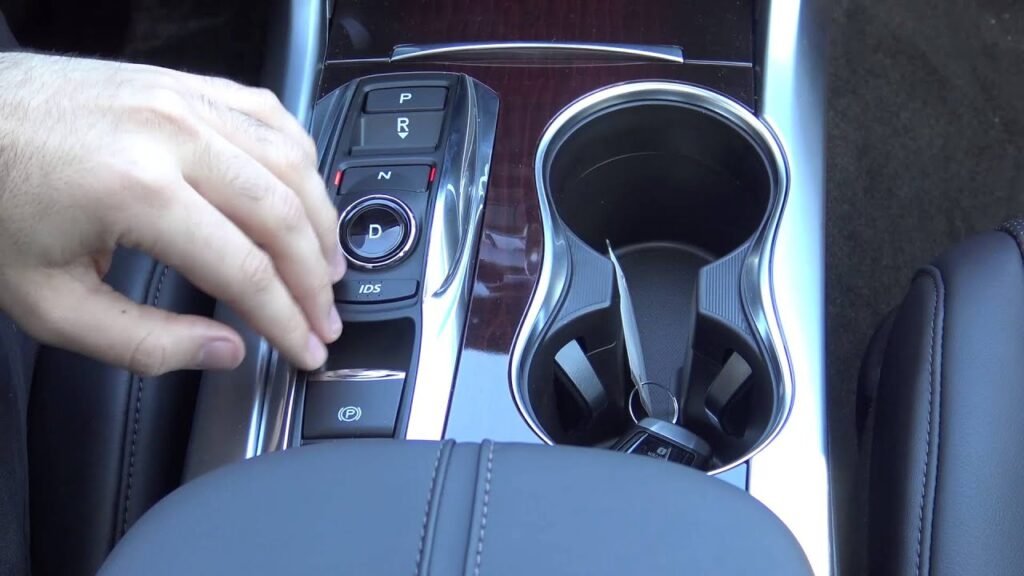
- Access the Home screen on your center infotainment display.
- Select the Settings icon, typically represented by a gear symbol.
- Navigate to the Vehicle tab within the settings menu.
- Choose the TPMS Calibration option from the list.
- Select Calibrate to confirm your request and start the process.
Post-Calibration Requirements
Once you select Calibrate, the system will display a notification that the process has begun. Note that the calibration does not happen instantly. You must drive the vehicle for approximately 20 to 30 minutes at speeds between 30 and 65 mph. The system requires this specific driving window to collect enough rotational data from the wheel sensors to establish a new baseline for your tire pressure levels.
How to Properly Perform the Calibration Drive Sequence
Once you have initiated the calibration process via the 2026 Acura MDX infotainment system, the vehicle requires a specific driving cycle to finalize the tire pressure reference values. Simply starting the engine is insufficient; the onboard sensors must actively monitor wheel speed data across varied conditions to ensure accuracy.
Step-by-Step Driving Requirements
- Drive the vehicle at a consistent speed between 30 mph and 65 mph for at least 30 to 45 minutes.
- Avoid stop-and-go traffic if possible, as the system needs continuous rolling data to map the tires correctly.
- Maintain straight-line driving when safe, as frequent, sharp cornering can interfere with the initial learning phase of the sensors.
- Ensure the vehicle is driven on various road surfaces to allow the system to differentiate between tire pressure loss and normal road vibrations.
According to 2026 Acura technical service bulletins, if the speed drops below 15 mph or the engine is turned off for an extended period, the calibration progress is saved, but the timer will pause. You do not need to restart the entire sequence, but the total time spent at speed must accumulate to the required duration before the internal monitoring system confirms the new baseline.
What If It Still Doesn’t Work?
Recommended Best Deal Products



If the TPMS light remains illuminated or flashes after the recommended drive cycle, there is likely an underlying hardware fault rather than a software calibration issue. Sensors have internal batteries that eventually deplete, or physical damage may have occurred to a transmitter during a tire change.
Recommended Fallback Steps
- Check for a punctured tire or a slow leak, as the system may be correctly identifying a genuine loss of pressure that requires a repair.
- Inspect the OBD-II diagnostic port for stored error codes using a dedicated TPMS scan tool to identify a specific failed sensor.
- Verify that the spare tire pressure is within specification, as some systems include the spare in the monitoring logic.
- Consult an authorized Acura service center to perform a sensor “re-learn” process using a professional-grade activation tool if the MDX internal computer fails to detect a sensor signal.
Professional diagnostic fees at a dealership typically range from $120 to $180. If a sensor requires replacement, parts and labor costs generally fall between $150 and $250 per wheel, depending on whether the tire must be unmounted and rebalanced.
Conclusion
The 2026 Acura MDX utilizes an advanced digital calibration process that replaces the traditional physical reset button found in older models. By accessing the vehicle settings menu and completing the required 45-minute drive cycle, you can successfully reset the system. According to verified research and expert service manuals, persistent light illumination typically indicates a sensor battery failure or a physical leak. Schedule a professional diagnostic scan today to ensure your vehicle’s safety systems are operating at peak efficiency.
❓ Frequently Asked Questions
Why does my TPMS light turn on even after I inflate the tires?
The TPMS system in the Acura MDX requires a manual recalibration command through the settings menu to recognize the new pressure values. Simply inflating the tires does not automatically clear the warning light from the dashboard.
Where exactly is the calibration option in the touchscreen menu?
Navigate to the Home screen, select ‘Settings,’ then ‘Vehicle,’ and finally look for ‘TPMS Calibration.’ If your model is older, check the Driver Information Interface on the instrument cluster using the steering wheel buttons.
What should I do if the calibration fails repeatedly?
Ensure your tires are set to the exact PSI listed on the driver-side door sticker. If the light persists after multiple calibration attempts, a sensor may have a low battery or a damaged valve stem.
Do I need to visit the dealer to reset the system?
Not usually, as long as the sensors are functional. Following the on-screen calibration steps in your vehicle settings is designed to be a user-friendly process that avoids dealership service visits.
Does the temperature affect my TPMS accuracy?
Yes, significant drops in ambient temperature can lower tire pressure, triggering the light. Always adjust your tire pressure when the tires are cold to ensure the calibration starts from the correct baseline.
Can aftermarket tires cause the TPMS light to stay on?
If the aftermarket tires are the same size and the sensors were transferred correctly, the system should calibrate normally. If you replaced the sensors, ensure they are OEM-compatible with your specific MDX generation.