2004 Acura MDX TPMS Reset Button Location: Fact-Checked
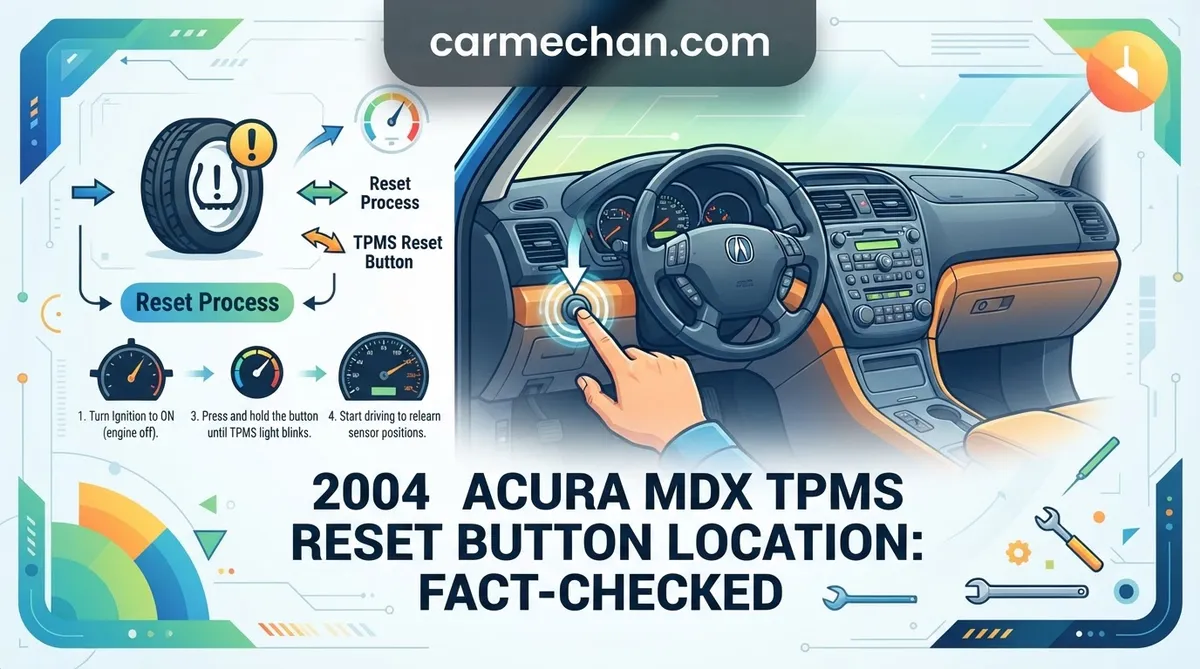
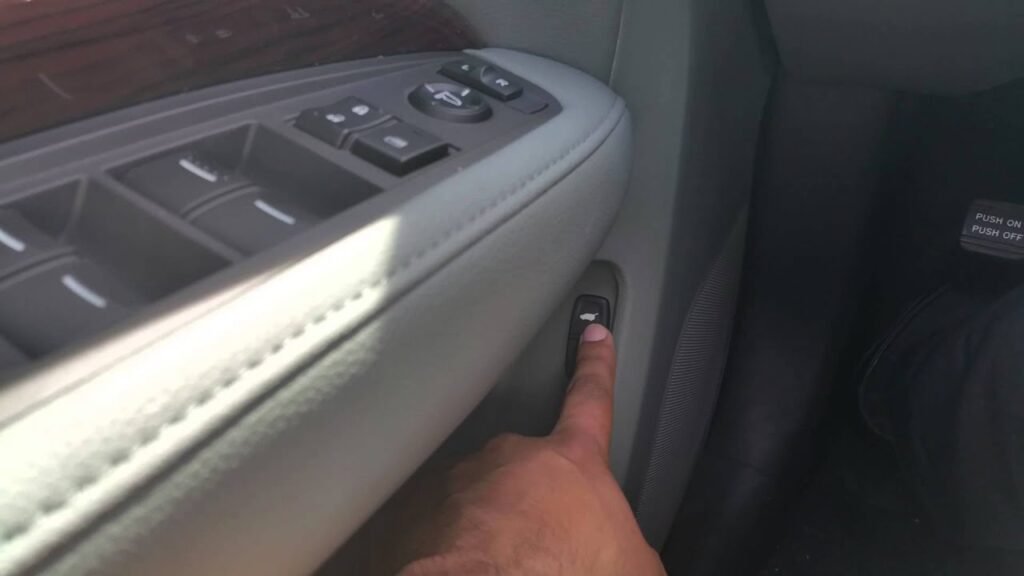
Are you staring at a persistent Tire Pressure Monitoring System (TPMS) warning light on your dashboard, frantically searching for a reset button in your 2004 Acura MDX? You are not alone, but your search will lead to a dead end. Many owners assume there is a hidden button under the steering column or tucked inside the glove box, similar to systems found in modern vehicles. In reality, the 2004 Acura MDX utilizes a passive, automatic monitoring system that does not require—nor feature—a manual reset button. This guide will clarify why your light is on, how to trigger the system’s auto-calibration, and how to identify when you are dealing with a genuine mechanical failure.
Understanding the 2004 Acura MDX TPMS Reset Button Location Myth


📤 Share Image

Why Modern Reset Buttons Don’t Apply to 2004 Models
The confusion surrounding the 2004 Acura MDX TPMS reset button location stems from the evolution of automotive technology. Many later-model Acura vehicles—and a vast array of modern cars—include a dedicated “TPMS Reset” or “Initialize” function hidden within the driver information center or located as a physical button under the dash to recalibrate the system after a tire rotation or replacement. The 2004 MDX, however, belongs to an earlier generation of TPMS implementation. Its system is hard-coded to monitor specific Radio Frequency (RF) signals from sensors inside the wheel assembly; it lacks the firmware to support a manual “reboot” or user-initiated scan.
The Role of the TPMS Control Unit and Valve Stem Sensors
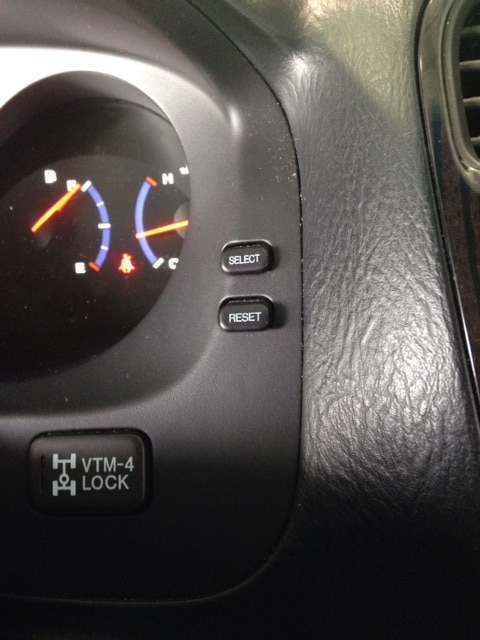
The 2004 MDX system relies on a TPMS Control Unit that communicates with individual valve stem sensors. These sensors broadcast at a frequency of 315 MHz. When the vehicle is stationary, the sensors remain in a low-power “sleep” mode to preserve their internal batteries. When the system detects a pressure variance or a signal loss, the dashboard light illuminates. It is critical to distinguish between a solid light, which typically indicates a low-pressure situation, and a flashing light, which signifies a communication failure between the sensors and the control unit—meaning the system cannot “see” one or more of your tires.
Correcting Tire Pressure to Initialize the Auto-Learn System



📋
Step-by-Step Guide: Restoring Factory Calibration


Check the tire pressure placard located on the driver’s side door jamb. Use a high-quality manual tire gauge to ensure every tire—including the spare—is inflated to the exact factory specification. Do not rely on service station digital displays, as they are often uncalibrated.
Many 2004 MDX owners overlook the spare tire. If your spare is equipped with an integrated sensor, a low-pressure spare will keep the TPMS warning light illuminated regardless of how well-inflated your road tires are.
Manual Gauge Techniques for Precision
Precision is paramount. Even a variance of 3–5 PSI can trigger the sensor threshold. Always perform these checks when the tires are “cold”—meaning the vehicle has been parked for at least three hours or driven less than one mile. Heat generated by road friction increases internal air pressure, which will lead to inaccurate readings and potentially cause the light to remain illuminated even if the pressures are technically “low” once the tire cools.
Driving Procedures to Restore TPMS Factory Calibration
How Highway Speeds Trigger Auto-Calibration
Once you have established the correct pressures, the TPMS control unit needs a “fresh start” signal from the wheels. This is achieved through rotation. The 2004 MDX sensors generally require a sustained speed of at least 45 mph for 10 to 15 minutes. During this interval, the sensors transition from their stationary state to an active state, broadcasting their unique ID and pressure data to the receiver. Think of this as the “handshake” required to initialize the system. If you only drive in stop-and-go traffic, the system may never receive the necessary data to clear the warning.
If the warning light persists after a 20-minute highway drive, double-check your pressures. It is common for one tire to be slightly off, and the system is sensitive enough to detect that deviation instantly.
Environmental Factors Affecting Sensor RF Signal
Ambient temperature significantly impacts tire pressure. Industry data confirms that for every 10-degree Fahrenheit drop in outside temperature, tire pressure decreases by approximately 1 PSI. In colder climates, a vehicle that was perfectly inflated in the summer may suddenly trigger a TPMS warning on the first cold morning of autumn. This is a common phenomenon that does not indicate a system malfunction, but rather the system functioning exactly as intended.
Troubleshooting 2004 Acura MDX TPMS System Malfunctions
If you have verified correct inflation and completed a long highway drive but the light remains, or if the light is flashing, you are likely dealing with a hardware issue. At this stage, manual intervention is no longer possible.
- Identifying DTCs: A professional-grade OBD-II scan tool that supports chassis and body control modules is required to extract Diagnostic Trouble Codes (DTCs). These codes will pinpoint exactly which sensor is failing to report.
- Dead Sensor Batteries: The internal batteries in 2004-era sensors have a finite lifespan. If they have not been replaced in over a decade, it is highly probable that one or more batteries have died.
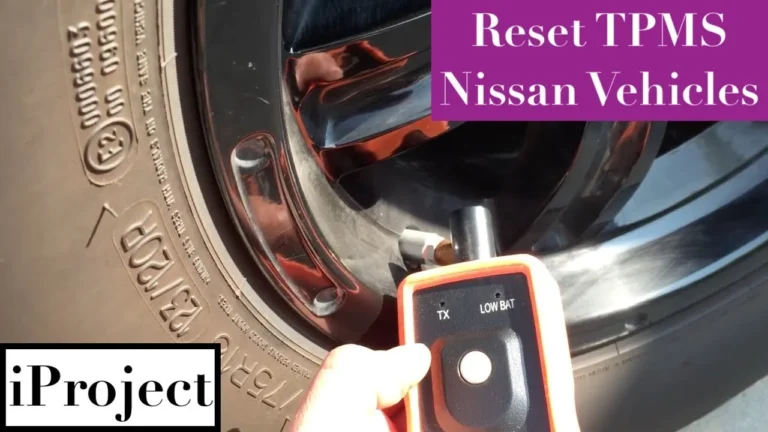
- Specialized Detection Tools: Tire shops use 315 MHz activation tools to “ping” each sensor individually. If a sensor does not respond to the ping, it must be replaced.
- Avoid Over-inflation: Never inflate your tires beyond the manufacturer’s recommendation in an attempt to “force” the light off. This compromises handling and ride quality and will not bypass a faulty sensor.
A flashing TPMS light is a clear indicator of a system fault. Unlike a solid light, a flashing indicator will not resolve itself through inflation; it requires a physical component repair.
By The Numbers
Sensor Frequency
Required Speed
Summary of TPMS Maintenance Procedures
The 2004 Acura MDX does not have a manual reset button; it is an intelligent, self-calibrating system designed to operate in the background. To clear a persistent warning light, ensure your tires are set to the correct pressure as per the vehicle placard, including the spare, and complete a drive cycle at highway speeds. If you encounter a flashing warning light, it serves as a diagnostic code indicating a failed sensor battery or receiver malfunction.
Should these steps fail to restore your dashboard to its normal state, the most efficient path forward is to visit a professional tire facility equipped with 315 MHz RF scanning tools. They can isolate the malfunctioning sensor in minutes and perform the necessary replacement to restore your vehicle’s safety monitoring capabilities.
2004 Acura Mdx Tpms Reset Button Location: Frequently Asked Questions
Why won’t my TPMS light go off after filling tires?
The TPMS light on a 2004 Acura MDX does not reset instantly. Even with correct pressure, the system requires a ‘handshake’ period. You must drive the vehicle at speeds exceeding 25 mph for roughly 10 to 15 minutes. This process allows the wheel sensors to wake up, broadcast their new pressure data to the control unit, and confirm that all tires are within the specified safe operating range.
Do I need a special tool to reset my Acura MDX TPMS?
For basic pressure resets, no tools are required—just road time. However, if a sensor has been physically replaced, you will need a professional-grade TPMS diagnostic tool. These tools are used to ‘relearn’ or ‘program’ the unique ID of the new sensor into the vehicle’s ECU. Without this pairing process, the system will not recognize the new hardware, and the warning light will remain permanently active.
What does it mean if the TPMS light flashes instead of staying solid?
A solid light indicates low pressure in one or more tires. If the light flashes upon starting the engine and then stays solid, it indicates a system malfunction or ‘hard’ fault. This usually points to a dead internal sensor battery, a faulty receiver, or a broken antenna. Because the system can no longer communicate with one or more wheels, it effectively disables itself and requires professional diagnostic scanning.
Does replacing my tires typically break the TPMS sensors?
Tire technicians must be careful during dismounting. The valve stem is integrated with the sensor unit; if a technician uses improper technique, they can easily snap the stem or damage the sensor body. If your light appeared immediately after a tire change, it is highly probable that a sensor was damaged during the process, and you should return to the shop for them to verify the sensor’s integrity.
Can aftermarket tire pressure caps cause the light to stay on?
No, standard decorative valve caps will not trigger the light. However, if you have installed aftermarket pressure-monitoring caps that contain their own sensors or metal components that block the factory radio frequency, they may interfere with signal transmission. If your light remains on, remove any aftermarket caps and revert to standard plastic or basic metal caps to see if the system recovers signal connectivity.