Turn Off Smart Cruise Control Hyundai: Simplified Procedure
Are you struggling to take manual control of your Hyundai’s cruise settings? Modern driver assistance systems can feel overwhelming, especially when the vehicle seems to fight your attempts to stop the cruise function. This guide provides a clear, reliable path to mastering your vehicle’s Smart Cruise Control (SCC) so you can drive with confidence.

Understanding the Mechanisms to Turn Off Smart Cruise Control Hyundai
Recommended Best Deal Products


📤 Share Image
Mastery over your Hyundai’s driver assistance starts with understanding the distinction between system states. Many drivers confuse a paused system with a deactivated one, leading to confusion when the vehicle unexpectedly attempts to resume speed. By definition, the Hyundai Smart Cruise Control (SCC) system uses a forward-facing radar sensor to monitor the distance between you and the vehicle ahead. When active, it modulates your throttle and braking inputs to maintain a set gap.

What is Standby Mode vs. Active Cruise?
When you first press the cruise control button on your steering wheel, the instrument cluster typically displays a white cruise icon. This indicates the system is in Standby Mode—it is active in the background but is not currently managing your speed. Once you reach your desired speed and push the ‘Set’ switch downward, the icon color shifts (usually to green), signifying that the system is now in Active Cruise. Understanding this visual change is critical; if the icon is still displayed on your dashboard, the system is technically “on” and ready to resume operations.

The Role of the Steering Wheel Control Buttons
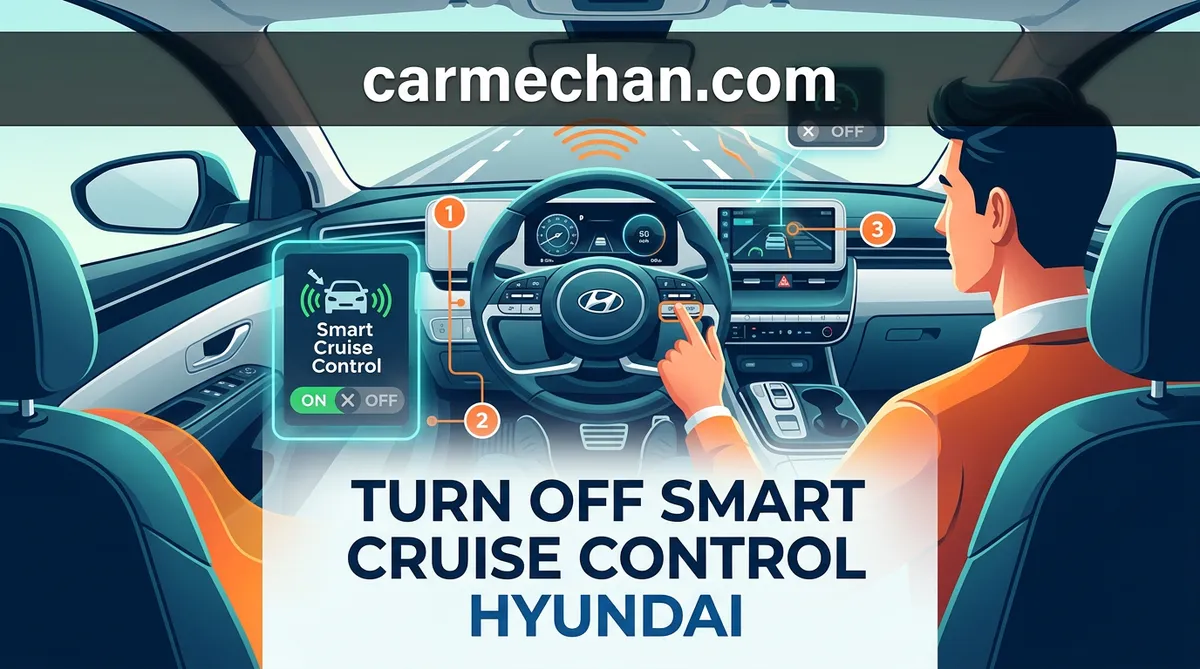
The steering wheel control buttons act as the primary interface for the SCC. A common point of confusion arises because the cruise button functions as a toggle. When you press the main cruise button while the system is in Standby mode, you are instructing the vehicle to power down the entire cruise module, removing the icon from your display. If you press the ‘Cancel’ button, you are merely pausing the speed regulation while leaving the system in a ready state. Expert drivers recognize this distinction as the difference between temporary convenience and full manual control.
Step-by-Step: How to Properly Turn Off Smart Cruise Control Hyundai
For your safety and the safety of those around you, knowing the hierarchy of deactivation methods is essential. Whether you are exiting a high-speed highway or navigating sudden urban traffic, the following methods will help you maintain authority over your vehicle’s velocity.
📋
Step-by-Step Guide
Recommended Best Deal Products


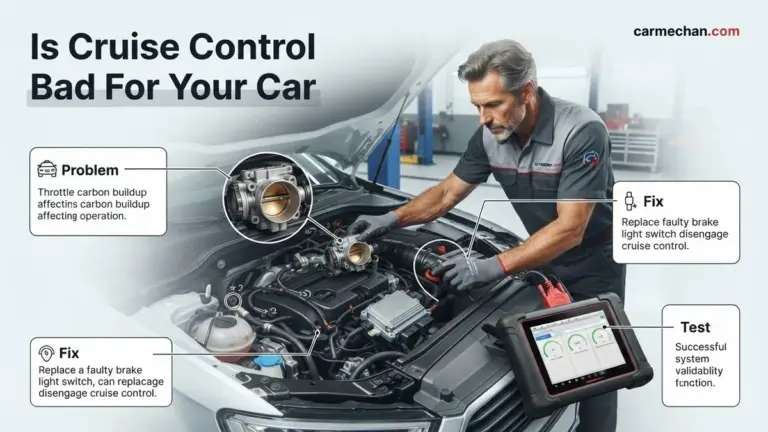
Firmly depress the brake pedal. This is the universal, hardware-level method to immediately disengage the SCC. Your vehicle’s brake light switch signals the cruise control module to terminate all speed regulation instantly, regardless of the software state.
Press the ‘Cancel’ button located on your steering wheel. This suspends active speed control while keeping your previous speed setting stored in the system’s memory for quick resumption once traffic clears.
Press the cruise control button on the steering wheel once more. You should see the SCC indicator on your dashboard disappear. This ensures the system is completely offline and will not accidentally reactivate.
How to Pause vs. Fully Disable the System
Drivers must be wary of “system resume” hazards. If you press the ‘Cancel’ button, the system is dormant but remains powered. Many modern Hyundai models have a feature where the vehicle will attempt to maintain its set speed if you inadvertently bump the ‘Resume’ (RES+) switch. To prevent this, always ensure the system is fully disabled (no icon on the dash) when driving in conditions that require your undivided attention, such as heavy rain, snow, or winding mountain roads.

Audible — Listen Free for 30 Days
One free credit a month and thousands of titles included.
Listen Free for 30 DaysNever rely on the cruise control system to bring the vehicle to a complete stop in an emergency. While Hyundai’s SCC is sophisticated, it is a driver assistance feature, not an autonomous driving system. Always maintain focus on the road ahead.
Switching Between Smart Cruise and Conventional Modes
Reliability in your vehicle’s performance often depends on selecting the right tool for the environment. Some Hyundai models offer the capability to toggle between adaptive (Smart) cruise control and a standard, non-adaptive conventional cruise mode.
Understanding Highway Driving Assist (HDA) Integration
Highway Driving Assist (HDA) is a further evolution of SCC. It utilizes data from the navigation system and front-facing cameras to adjust your speed based on speed limits and lane positioning. While professional in its execution, HDA can occasionally feel aggressive during curves or lane changes. When you choose to turn off smart cruise control on your Hyundai, remember that HDA will also deactivate simultaneously, as the two systems are inherently linked.
Common Technical Problems and Reliable Fixes
Recommended Best Deal Products

Even the most trusted systems encounter environmental limitations. When the SCC system fails to respond to your commands, it is often due to a safety-related software lockout or physical sensor obstruction rather than a mechanical failure.
By The Numbers
Sensor Blocks (Environmental)
Brake Pedal Override Success
Radar Sensor Blockage and Automatic Shutdown
The radar sensor is located behind the front grille emblem or in the lower air dam. If this area is covered in ice, mud, or heavy debris, the system will trigger a ‘Check SCC’ warning. At this point, the system is designed to disable itself to prevent erratic braking or acceleration. You cannot force the system back on until the sensor has a clear line of sight. In these scenarios, you should rely on your manual driving skills until conditions improve and the sensor is clean.
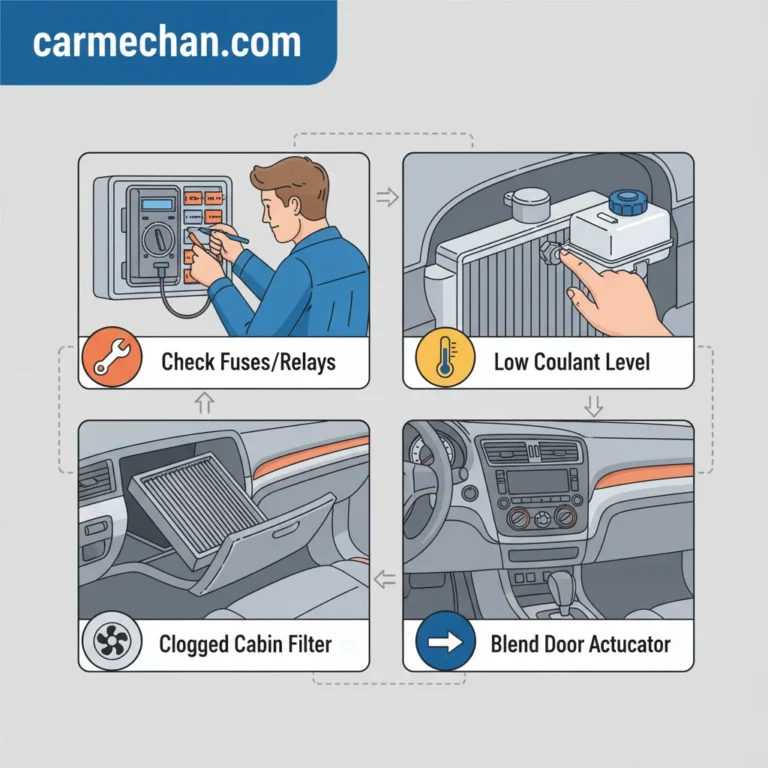
- System Unresponsive: If the steering wheel buttons are unresponsive, check for a blown fuse related to the cruise control module or a malfunctioning clock spring in the steering column.
- Electronic Stability Control (ESC) Interruption: If your vehicle’s traction control or ESC system engages due to a slip, the cruise control will automatically shut off for safety reasons.
- Professional Diagnosis: If the ‘Check SCC’ light persists after cleaning the sensor, visit a professional technician to scan the vehicle’s computer for specific Diagnostic Trouble Codes (DTCs).
Final Guidance on Reliable Operation
Maintaining authority over your Hyundai’s driver assistance technologies is a cornerstone of responsible vehicle ownership. Whether you are daily commuting or on a long-distance drive, always prioritize your manual inputs over the automated system’s logic. Remember, the brake pedal remains your most reliable, trusted tool for an emergency or immediate system shutdown.
In summary, always distinguish between the ‘Cancel’ function and a full system shutdown. Keep your radar sensors free from environmental buildup to ensure consistent operation when you do choose to use SCC. If you ever feel that the vehicle’s automatic speed regulation is inappropriate for your current driving environment—such as during high-traffic congestion or inclement weather—never hesitate to deactivate the system entirely. Consult your model’s owner’s manual for specific button layout details, and stay focused on the road ahead.
Turn Off Smart Cruise Control Hyundai: Frequently Asked Questions
How do I cancel Smart Cruise Control without braking?
Simply press the ‘CANCEL’ button located on your steering wheel’s cruise control cluster. This will disengage the throttle control and return the vehicle to manual speed management. The system will remain in standby mode, keeping your previously set speed in its memory, which is helpful if you want to resume later without re-setting the velocity.
Why does the system keep turning itself back on?
If your cruise control system reactivates unexpectedly, you may be accidentally pressing the ‘RES+’ (Resume) button on the steering wheel while adjusting your grip. Additionally, if the system is still in ‘standby’ mode, minor vibrations can sometimes be misinterpreted by sensitive controls. Ensure you press the main Cruise On/Off button until the light on your dashboard disappears entirely.
Audible Premium Plus — Annual Membership
12 audiobook credits up front, plus the full Audible catalogue.
See Annual PlansDoes pressing the cancel button stop the car completely?
No, pressing the ‘CANCEL’ button does not apply the brakes or stop the car. It merely cuts the automatic throttle input, allowing the vehicle to coast. You must manually apply the brake pedal to slow the vehicle down or bring it to a complete stop. Never rely on the cancel button as a substitute for your vehicle’s braking system.
How do I switch from Smart Cruise to standard cruise mode?
Most Hyundai vehicles allow you to change modes by pressing the ‘Mode’ or ‘Cruise’ button on the steering wheel. Often, this requires a long-press (holding the button for 2-3 seconds) while the system is in standby. Watch your digital instrument cluster; it will typically switch from displaying ‘SCC’ (Smart Cruise Control) to a standard cruise icon, indicating the radar distance feature is disabled.
Can I permanently disable Smart Cruise Control in the settings?
While you cannot permanently remove the Smart Cruise Control functionality, you can navigate to the ‘Driver Assistance’ menu within your infotainment or cluster settings to adjust the distance sensitivity or set the default system behavior. However, for safety and liability reasons, the core Smart Cruise feature is designed to be the primary cruise mode and cannot be stripped from the vehicle software.