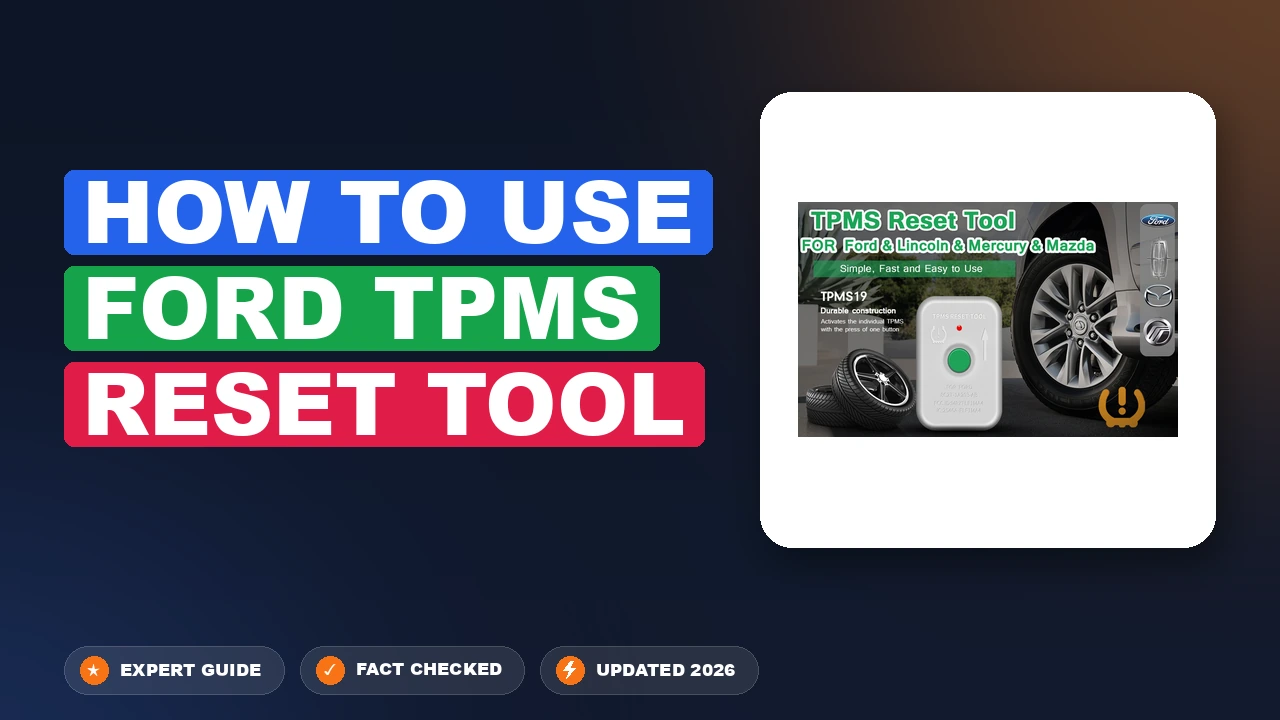
How to use Ford TPMS reset tool: Streamlined and Solved
Ever notice your TPMS light mocking you after a routine tire rotation? It is frustrating to see a dashboard warning light persist even when your tire pressure is perfect, simply because the vehicle’s computer no longer knows which sensor is located at which corner. In this guide, you will learn exactly how to use a Ford TPMS reset tool to communicate with your vehicle’s Body Control Module (BCM), clear the light, and perform a factory-style system refresh to restore optimal operation.
Why the TPMS Light Remains Illuminated



Understanding the difference between a system fault and a standard pressure warning is the first step toward a successful reset. When the Tire Pressure Monitoring System (TPMS) detects an issue, the BCM logs a Diagnostic Trouble Code (DTC). A solid light generally indicates low pressure, whereas a flashing light—typically for the first 60 seconds of driving—signals a technical fault within the system.
📤 Share Image

The Impact of Tire Rotations on Sensor Mapping
Tire rotation is the most common reason the TPMS system requires a manual initialization. Because the BCM records the physical location of each sensor during its last calibration, moving a tire to a new position results in a mapping mismatch. Research indicates that failing to perform a relearn after rotation leaves the BCM “confused,” often causing it to trigger a fault light because it sees sensor data that contradicts the last known wheel location.

Distinguishing Between Low Pressure and System Faults
It is vital to distinguish between a simple pressure drop and a hardware failure. If you have confirmed that all four tires are inflated to the door-jamb specification, yet the light remains, you are likely dealing with a sensor ID mismatch or a dead battery. Sensors generally have a battery life of 5 to 10 years. If the sensor has reached its natural end-of-life battery cycle, it will fail to transmit a signal even when triggered, necessitating a physical hardware replacement rather than a simple software relearn.
By The Numbers
Typical Sensor Life
Required for Post-Rotation

How to Use Ford TPMS Reset Tool: A Step-By-Step Guide


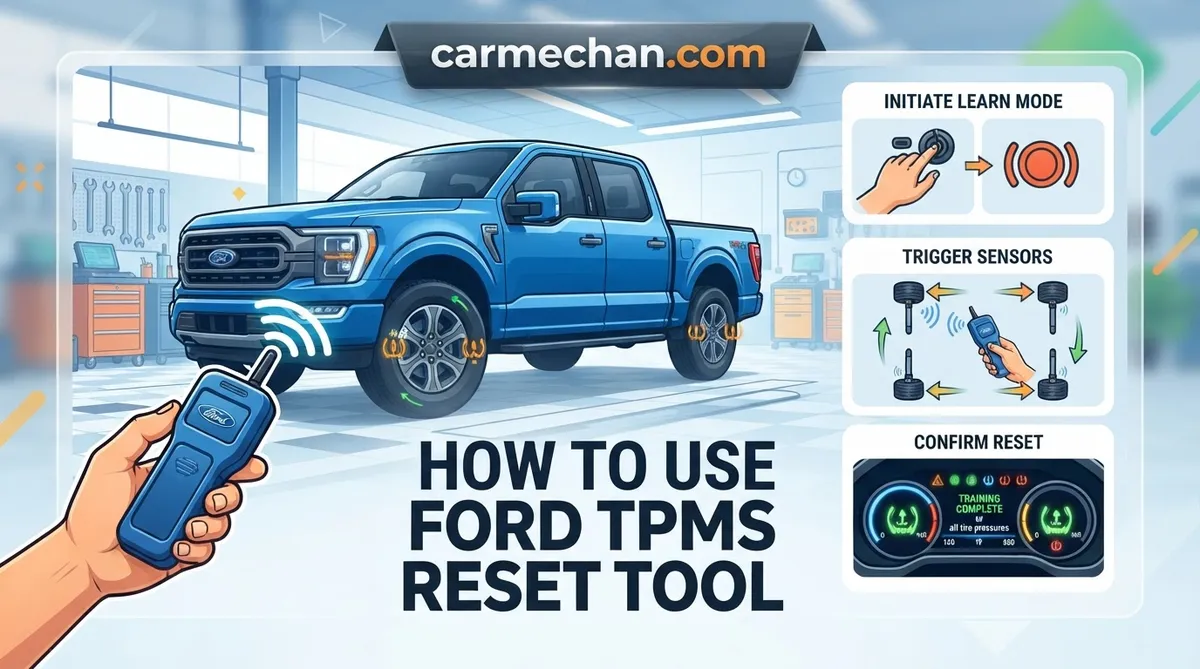
Ensure all tires are inflated to the recommended PSI. For most Ford vehicles, turn the ignition to the “OFF” position. Press and release the brake pedal once. Turn the ignition from “OFF” to “RUN” (engine off) three times, ending in the “RUN” position. Press and release the brake pedal again. Turn the ignition to “OFF.” Finally, turn it back to “RUN.” The horn will chirp once, indicating the vehicle is in “Relearn Mode.”
Starting at the driver-side front tire, hold your Ford TPMS reset tool against the tire sidewall near the valve stem. Press the activation button. The tool sends a signal to wake the transceiver, and the vehicle’s BCM should confirm receipt with a horn chirp. Proceed in this specific order: Driver-front, Passenger-front, Passenger-rear, and finally Driver-rear.
Once the final sensor is triggered, the horn will typically chirp twice, signaling that the learning process is complete. If you do not hear the final confirmational chirp, the system has not saved the backup of the sensor IDs. In this case, restart the process from the beginning.
Common Troubleshooting and Sensor Failures


Even when following the procedure precisely, some users encounter errors. A clean, fresh start to the procedure is often all that is required, but hardware limitations can sometimes be the culprit.
- Frequency Mismatches: Ensure your tool matches the vehicle’s sensor frequency. Most Ford vehicles use 315MHz sensors, but some international models or specific aftermarket sets utilize 433MHz. Attempting to use a 433MHz tool on a 315MHz sensor will always result in a failure to initialize.
- Dead Sensor Batteries: If the tool light flashes or makes no sound when pressed against the valve, the sensor’s internal battery may be depleted. A dead sensor cannot be “initialized”—it must be replaced.
- OBD-II Requirements: On some late-model Ford vehicles, the standard trigger procedure may not suffice. If the BCM fails to recognize sensors repeatedly, an OBD-II scan tool may be required to manually program the sensor IDs directly into the module’s memory.
Choosing the Right Ford Tire Sensor Programmer
When selecting a device, prioritize reputable brands that provide consistent signal strength. Avoid excessively cheap, unbranded knock-offs, as they often lack the signal sensitivity required to wake a sensor through the tire rubber. A high-quality tool should feel solid and have a clear battery level indicator to ensure you aren’t fighting a dead tool while trying to perform a vehicle reboot.
Always verify your tool’s compatibility with your specific model year. While most Ford tools are backward compatible, some newer Ford architectures require specific protocols that older, universal tools may not support.
In summary, the process of resetting your TPMS is a straightforward task when you have the correct tool and follow the factory-specified sequence. Always verify the correct activation order for your specific Ford model, ensure your tool matches the sensor’s operating frequency, and remember that old sensors with failed internal batteries cannot be saved. By systematically working through these steps, you can successfully restore your TPMS functionality, clear that persistent light, and ensure your vehicle is reporting tire data accurately. Check your owner’s manual for model-specific nuances, grab your tool, and complete the sequence to get back on the road with confidence.
How to Use Ford Tpms Reset Tool: Frequently Asked Questions
Will any Ford TPMS tool work on my model?
Not necessarily. While most Ford TPMS tools are designed for the 315MHz frequency, some international or newer models require 433MHz. Always check your owner’s manual or the markings on your existing sensors to ensure the tool matches your frequency. Furthermore, some aftermarket multi-brand tools require a firmware update to correctly handshake with specific Ford module protocols.
Do I need to program the sensors after changing a flat?
If the sensor was not damaged and you simply replaced the tire on the existing rim, you typically do not need to reprogram the sensor ID. However, if the TPMS warning light persists after correcting the tire pressure, performing a reset/relearn procedure is necessary to clear the fault and ‘re-sync’ the sensor to the vehicle’s BCM.
How do I know if the relearn was successful?
A successful relearn is confirmed by the vehicle’s horn chirping after you trigger each sensor. Once you complete the sequence for all four tires, the dashboard will often display a ‘Training Complete’ message. Finally, the tire pressure screen in your instrument cluster should show the correct, updated pressures for every wheel, indicating the system is actively receiving data.
Can I perform a reset without a tool?
On some older Ford models, you can trigger ‘Train Mode’ using ignition cycles and pressing the brake pedal, but you still need an activation tool to ‘wake up’ the sensor if it is in sleep mode. Without a tool, you would have to drive at speeds over 20mph for an extended period, which is rarely effective for a hard reset.
Why does my TPMS light turn off and then come back on?
This usually indicates an intermittent sensor battery failure or an internal sensor malfunction. If the sensor is failing to transmit consistently, the system will trigger a fault light. Because these internal batteries are sealed, the only permanent fix for this behavior is to replace the sensor unit during your next tire rotation or service visit.