How to Set Cruise Control on Infiniti QX50: Mastered Simply
Ever feel like your Infiniti QX50 is doing the work for you on the highway? Many owners initially struggle to distinguish between simple, conventional speed maintenance and the more sophisticated Intelligent Cruise Control (ICC) systems equipped on modern Infiniti vehicles. Whether you are navigating long stretches of interstate or adjusting to varying traffic flow, understanding the nuances of these driver assistance features is essential. In this guide, you will learn exactly how to set cruise control on your Infiniti QX50, manage follow distances, and leverage the system safely to enhance your driving experience.
Understanding Infiniti Intelligent Cruise Control Fundamentals


📤 Share Image
The Infiniti QX50 utilizes a sophisticated Intelligent Cruise Control (ICC) system that transcends the capabilities of conventional cruise control. While older systems simply maintained a fixed velocity regardless of the vehicle ahead, the ICC uses a front-mounted Radar/Lidar Sensor to monitor the gap between you and the vehicle in front of you. By automatically modulating the throttle and, in some cases, applying light braking pressure, the system maintains a user-defined safety buffer.

How Intelligent Cruise Control Maintains Distance
The ICC operates by continuously scanning the road through the radar unit integrated into your vehicle’s front grille. When the system detects a slower-moving vehicle, it adjusts your speed to match that flow while maintaining your preferred distance. Once the lane clears, the vehicle automatically accelerates back to your preset target speed. It is crucial to remember that this technology is an aid, not an autonomous pilot. The system requires the driver to remain attentive and fully responsible for vehicle control at all times, especially in heavy traffic or changing road conditions.

Decoding Your Instrument Cluster Display Icons
Your Instrument Cluster Display serves as the primary communication hub for the cruise control status. You will typically see a dedicated icon appear when the system is in standby mode.
White Icon: Indicates the system is active but not currently locked onto a target speed.
Green Icon: Indicates that a speed is set and the system is actively maintaining that velocity.
Vehicle Indicator: A small car icon will appear on the display when the radar detects a vehicle ahead; this icon may change shape or color depending on the proximity to the lead vehicle.

How To Set Cruise Control On Infiniti QX50: A Step-By-Step Guide


Setting your cruise control is a straightforward process, provided you are familiar with the steering wheel controls. Most modern QX50 models feature intuitive buttons on the right-hand spoke of the steering wheel.
📋
Step-by-Step Guide


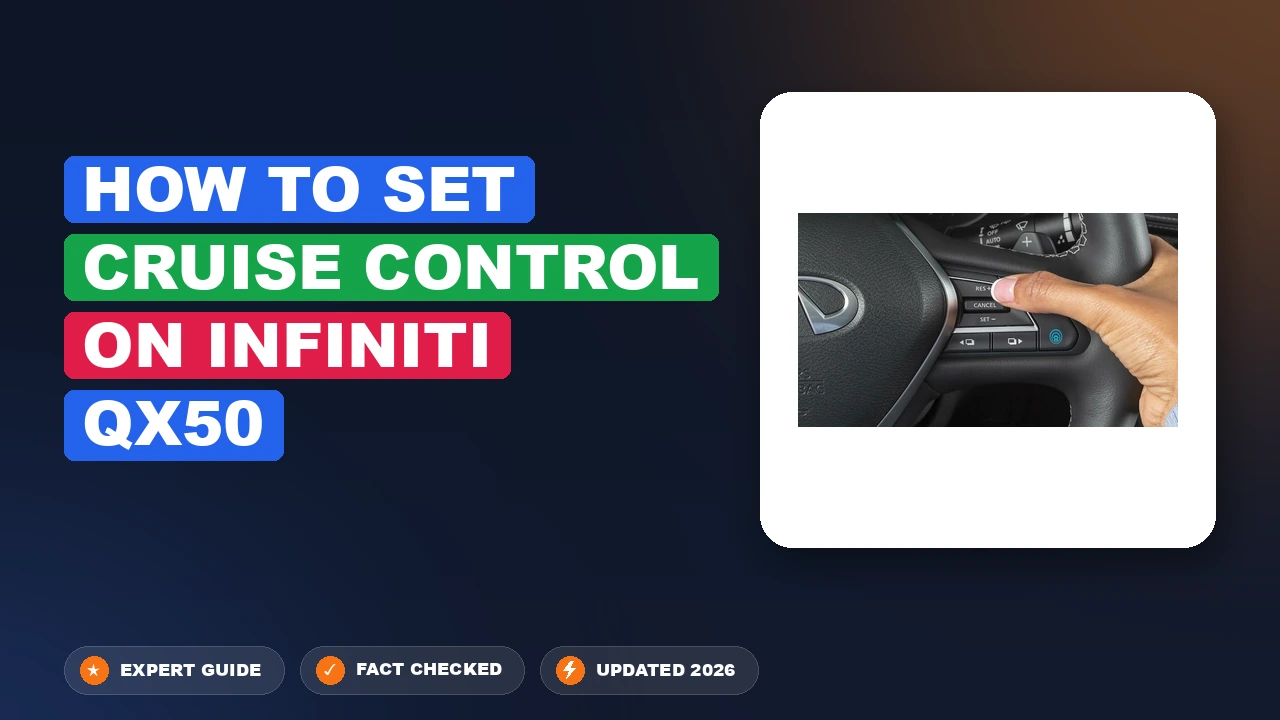
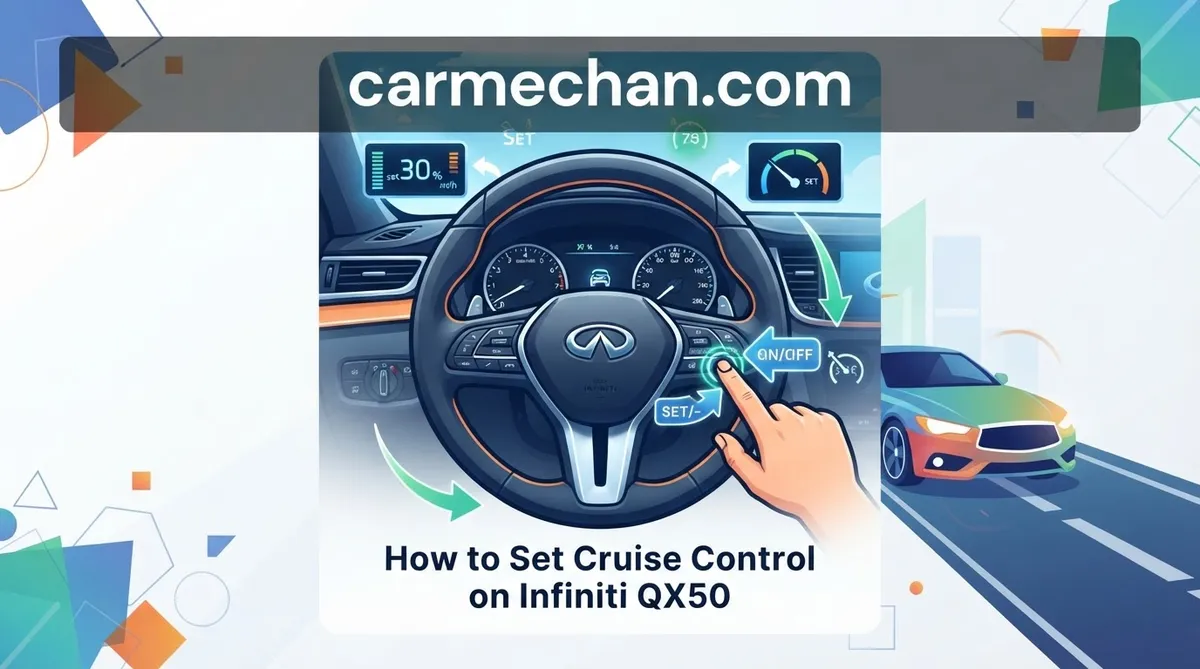
Press the primary ICC button on the steering wheel to power on the system. You will see the cruise control indicator light appear in your instrument cluster.
Accelerate to your desired speed, then press the “Set/-” button. The system will now maintain this speed automatically.
Use the “+” or “-” buttons to fine-tune your speed. To cancel the system, tap the brake pedal or press the “Cancel” button on the wheel.
Activating the System via Steering Wheel Controls
The steering wheel interface is the nerve center of the ICC. Once you press the main cruise control button, the system enters “Standby” mode. Note that the vehicle will not maintain speed until you have reached your target velocity and pressed the ‘Set’ button. Using the ‘Res’ (Resume) button will command the vehicle to return to the last speed that was stored in the system’s memory, provided you are driving above the minimum activation threshold.
Setting and Modifying Your Desired Velocity
Once active, fine-tuning is simple. Incremental speed changes can be performed by toggling the adjustment switch. If you need to accelerate manually—such as for passing—you can use the accelerator pedal without canceling the cruise control. Once you lift your foot from the pedal, the system will revert to your previously set speed, provided the cruise control has not been physically disengaged.
Mastering Follow Distance And Advanced ProPILOT Assist Features
Beyond simple speed control, the Infiniti QX50 allows you to tailor your driving experience through adjustable follow distances and, in newer models, the integration of ProPILOT Assist.
Customizing Your Vehicle Follow Distance
You can dictate how closely the QX50 follows the vehicle in front of you. This is essential for adjusting to highway traffic versus urban driving.
Toggle the Distance Button: Look for the button depicting a car with horizontal bars on your steering wheel.
Visual Feedback: Each press of this button will change the number of bars displayed on your instrument cluster, representing the time gap between you and the lead car.
Distance Selection: Use the shorter distance setting for stop-and-go traffic and the longer setting for high-speed highway cruising.
ProPILOT Assist vs. Standard ICC
It is important to understand the hierarchy of driver aids. While standard Intelligent Cruise Control focuses on speed and distance, ProPILOT Assist integrates steering assistance to keep the vehicle centered in its lane. ProPILOT is a more comprehensive system designed for highway driving and requires consistent hands-on-the-wheel interaction. If your vehicle is equipped with both, you can often engage ProPILOT with a single button press after activating the cruise control.
If you find the system accelerating too aggressively to catch up to a vehicle that has just changed lanes, keep your foot hovering near the brake pedal to maintain manual control until the system stabilizes.
Essential Safety Protocols For How To Set Cruise Control On Infiniti
While technology makes highway travel effortless, safety must remain the primary concern. Electronic Throttle Control systems are highly reliable, but they rely on sensor data that can be influenced by external conditions.
Where and When Not to Use Cruise Control
The system has a Minimum Activation Speed of 20-25 mph. Beyond this technical limit, common sense should dictate your usage. Never engage the system in:
Heavy Rain or Snow: Precipitation can interfere with the radar signals.
Construction Zones: Erratic lane shifts and unpredictable traffic make ICC unreliable.
Winding or Slippery Roads: The system cannot account for road grip or sharp curvature.
Congested City Traffic: Rapid stops and starts are better handled by the driver’s feet.
Recognizing System Operational Limits
Relying too heavily on technology can lead to diminished situational awareness. Always monitor the road ahead. If the radar sensor detects a target that suddenly brakes hard, the system may not be able to stop the vehicle in time if you are not prepared to intervene.
The ICC system is not an autonomous braking system for stationary objects. It may not detect stopped traffic in all instances, especially at high speeds. Always stay ready to apply the brakes manually.
Troubleshooting How To Set Cruise Control On Infiniti QX50 Issues
If your cruise control refuses to engage, the cause is often simple and easily corrected. Before scheduling a service appointment, run through these common checks.
Check the Sensor: Ensure the front bumper area—specifically where the radar sensor is located—is free of mud, heavy snow, or debris. A blocked sensor will disable the ICC for safety.
Verify Standby Mode: If the system is not activating, double-check that you have actually pressed the main ICC button on the steering wheel. It is common for users to mistake the distance adjustment button for the activation button.
Check Speed Requirements: Remember that the system generally will not set below the minimum threshold (20-25 mph). If you are moving too slowly, the system will remain in standby.
Identify Warning Messages: If your instrument cluster displays a “Radar Obstructed” or “System Fault” message, this indicates a technical issue or significant environmental interference, and a dealer visit may be required.
By The Numbers
Minimum Activation Speed
Driver Responsibility
Mastering the cruise control settings in your Infiniti QX50 significantly improves your comfort on long trips. Always remember to engage the system via the steering wheel controls, monitor your dashboard icons to confirm active status, and adjust your follow distance to match the current traffic and weather conditions. Technology is designed to support your driving, but you are the final authority behind the wheel. Take your QX50 for a drive on a quiet, clear stretch of highway today to practice these settings in a controlled environment until they become second nature.
How to Set Cruise Control on Infiniti qx50: Frequently Asked Questions
Why is my cruise control not engaging?
Cruise control will typically fail to engage if you are driving below the minimum speed threshold (usually 25 mph) or if the front radar sensor is obstructed by debris, snow, or mud. Additionally, if the Vehicle Dynamic Control (VDC) system is active or if there is a detected fault in the electronic throttle, the system will prevent activation as a safety precaution.
Can I switch between adaptive and conventional cruise control?
Yes, most QX50 models allow you to switch. By pressing and holding the ‘ON/OFF’ cruise control button for approximately 1.5 seconds, you can often toggle between the Intelligent Cruise Control (ICC) mode and a standard conventional cruise control mode. Check your instrument cluster display, as it will confirm which mode is currently active via a specific icon change.
Does my QX50 maintain speed on hills?
Yes, the QX50 is engineered to maintain your set speed on moderate inclines and declines. The powertrain control module will communicate with the transmission to downshift when necessary on uphill grades to maintain velocity. However, on extremely steep grades, you may notice a slight variance in speed; the system prioritizes safety and may disengage if the engine experiences excessive strain.
How do I resume my speed after braking?
If you have disengaged the cruise control by tapping the brake pedal, you can return to your previously set speed by pressing the ‘RES/+’ (Resume) switch on the steering wheel, provided your current speed is still within the operating range of the system. This action automatically instructs the engine and transmission to accelerate the vehicle back to the last locked velocity.
Will cruise control work in heavy stop-and-go traffic?
If your QX50 is equipped with the Full-Speed Range Intelligent Cruise Control, it is designed to function in heavy traffic. The system can bring the vehicle to a complete stop if the vehicle ahead slows down. Once the traffic begins to move, you may need to briefly tap the resume button or the accelerator to re-initiate the follow function to ensure safety.