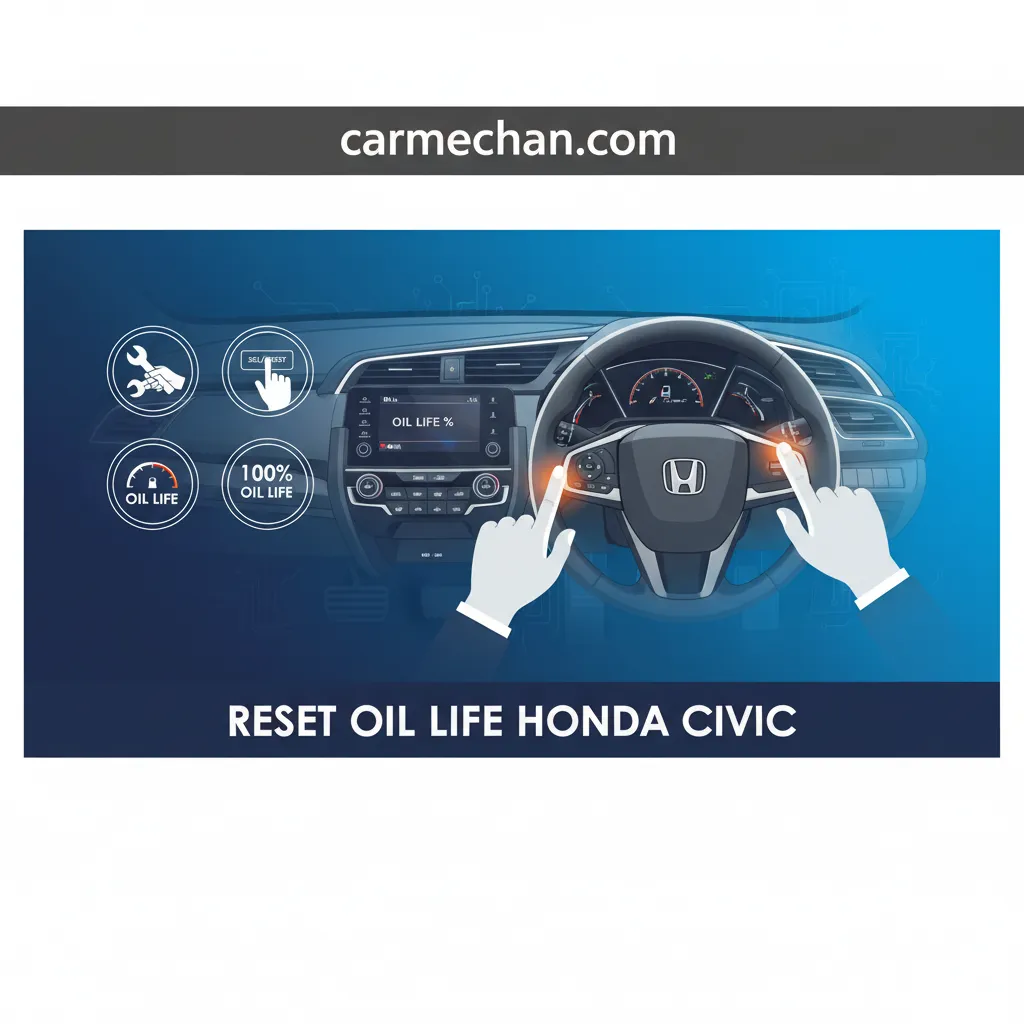
Reset Oil Life Honda Civic: A Step-By-Step Guide For All Generations
Is your Honda Civic’s ‘Maintenance Due’ light persistently glowing after a recent oil change, signaling that your car is due for service even when it’s not? The illuminated oil life indicator can be a source of confusion and concern for Honda Civic owners, particularly when the oil has just been replaced. Understanding how to properly reset this system is critical for accurate vehicle maintenance tracking and peace of mind. This authoritative guide will provide Honda Civic owners with a detailed, generation-specific blueprint to correctly reset their oil life indicator, ensuring their Maintenance Minder system is restored to default and accurately reflecting their vehicle’s service status.

Understanding the Honda Maintenance Minder System in Your Civic
Recommended Best Deal Products


📤 Share Image
The Honda Maintenance Minder system, a cornerstone of modern Honda vehicle care, represents a significant evolution from traditional fixed-mileage service schedules. Introduced across Honda’s lineup, including the popular Civic, this intelligent system diligently monitors a dynamic array of driving conditions and engine parameters to precisely determine optimal service intervals. Unlike a simple odometer reading, the Maintenance Minder employs sophisticated algorithms that consider factors such as engine temperature, vehicle speed, ambient temperature, engine RPM, and time since the last service. This adaptive approach ensures that your Civic receives maintenance exactly when it’s needed, potentially saving owners money on unnecessary service while extending component life.
The most visible component of this system is the ‘Oil Life %’ indicator, prominently displayed on your Civic’s instrument cluster, whether it’s a traditional gauge setup or a modern digital cluster. This percentage decreases from 100% to 0% based on the aforementioned driving conditions. For instance, frequent short trips, extensive idling in traffic, or consistent heavy-load driving will accelerate the decline of the oil life percentage compared to steady highway cruising. Under ideal conditions, the system can recommend oil change intervals stretching up to 10,000 miles or more, a testament to modern engine and oil technology.
Beyond just oil life, the Maintenance Minder communicates a comprehensive set of service needs through specific alphanumeric service codes. These codes appear alongside the oil life percentage when service is due:
- Main Service Items (Letters):
- A: Replace engine oil only.
- B: Replace engine oil and oil filter, inspect various vehicle components (e.g., brakes, tie rod ends, suspension, drive shaft boots, fluid levels).
- Sub-Service Items (Numbers):
- 1: Rotate tires.
- 2: Replace air cleaner element, inspect drive belt, replace dust and pollen filter.
- 3: Replace transmission fluid.
- 4: Replace spark plugs, inspect valve clearance, replace timing belt (if applicable to specific models/engines).
- 5: Replace engine coolant.
- 6: Replace rear differential fluid (for AWD models, not typically Civic).
It is crucial to understand that resetting the oil life indicator only addresses the oil life component, initiating a fresh start for that specific countdown. It does not automatically clear or address other outstanding maintenance items indicated by codes like ‘1’, ‘2’, or ‘B’. For example, if your Civic displays ‘B1’, resetting the oil life will change it to ‘1’, indicating that a tire rotation is still required. The importance of a timely reset after an oil change cannot be overstated. An accurate reset ensures the system can correctly re-initialize its monitoring process, preventing false warnings and guaranteeing that future service intervals are precisely tracked, maintaining the integrity of this sophisticated diagnostic tool.

Step-by-Step Guide: Resetting Oil Life on 2016-Present Honda Civic Models
For owners of the 10th generation (2016-2021) and current 11th generation (2022-Present) Honda Civic models, resetting the oil life indicator is a streamlined process primarily controlled through the steering wheel-mounted interface or the infotainment system. This method allows for a quick and precise reboot of the Maintenance Minder’s oil life calculation. A typical reset takes less than 60 seconds when performed correctly.

📋
Step-by-Step Guide
Recommended Best Deal Products


![[2G+64G] for Honda Civic 2006-2011 Wireless Carplay Android 15.0 Car Stereo |…](https://m.media-amazon.com/images/I/41uEvl6hnfL._SS500_.jpg)
Ensure your vehicle is parked safely. Turn the ignition to the ON position (II), but do not start the engine. All warning lights and indicators should illuminate. This provides power to the instrument cluster and infotainment system.

Audible — Listen Free for 30 Days
One free credit a month and thousands of titles included.
Listen Free for 30 DaysUsing the steering wheel-mounted controls (typically the INFO or MENU button and directional arrows), navigate through the multi-information display until you reach the “Vehicle Settings” or “Maintenance” menu. On some 10th-generation models, this might involve scrolling past displays like trip meters and fuel economy. For 11th-generation Civics, the process often starts by pressing the Home button on the steering wheel, then selecting “Maintenance” from the display.
Once in the maintenance menu, use the directional arrows to highlight “Oil Life Reset,” “Maintenance Reset,” or a similar option. On some variants, particularly those with touchscreen infotainment systems, this selection might be made directly on the screen itself rather than with steering wheel controls. For newer models (e.g., 2022+), you might see a list of maintenance items. Select “Oil Life” if presented with multiple options.
With “Oil Life Reset” highlighted, press the SEL/RESET button or the Enter button on your steering wheel. The system will typically prompt you with a confirmation message such as “Reset all due items?” or “Reset oil life?” Select “Yes” or “Reset.” The oil life indicator should then instantaneously restore to 100%, providing a clean slate for your next service interval. A successful reset means the system has been properly initialized for the fresh oil.
Specific Considerations for Newer Models:
- Digital Dashboard Variations: The exact visual cues and menu layouts can vary slightly between different trim levels (e.g., LX vs. Touring) and model years within the same generation. However, the core principle of navigating through menus using steering wheel controls remains consistent.
- Touchscreen Confirmation: Some higher trim Civics, especially the 11th generation, integrate the reset function more deeply with the central touchscreen. While initial navigation might still use steering wheel controls, the final confirmation to truly restore the system to its default 100% oil life may require a tap on the touchscreen. Always refer to your specific owner’s manual for the most accurate visual representation.
Resetting Oil Life on 2006-2015 Honda Civic Models: The Manual Method
For owners of the 8th generation (2006-2011) and 9th generation (2012-2015) Honda Civic, the oil life reset procedure typically involves a more direct, manual interaction with a dedicated button on the instrument panel. This method is a characteristic of these generations, often requiring no interaction with infotainment screens and relying instead on tactile feedback and visual cues on the odometer or multi-information display.
📋
Step-by-Step Guide
Recommended Best Deal Products


Ensure your Honda Civic is parked safely. Turn the ignition switch to the ON (II) position. Do not start the engine. All indicator lights on the dashboard should illuminate. This powers the instrument cluster and allows you to interact with the display.
Audible Premium Plus — Annual Membership
12 audiobook credits up front, plus the full Audible catalogue.
See Annual PlansRepeatedly press the SEL/RESET button on your instrument cluster until the engine oil life percentage is displayed. This button is typically located either on the lower right side of the speedometer or integrated into the multi-information display controls, usually near the odometer. If your ‘Service Due’ light is already on, the oil life percentage might be displayed automatically.
Once the oil life percentage is shown, press and hold the SEL/RESET button for approximately 10 to 15 seconds. After a few seconds, the oil life display will begin to blink, signaling that the system is ready to reset. Maintain a consistent hold during this entire duration. This action prepares the Maintenance Minder to restore its oil life counter to its factory default.
While the oil life percentage is blinking, release the SEL/RESET button, then press and hold it again for another 5 seconds. The oil life display should then change to “100%,” confirming a successful reset. This action initializes the oil life counter back to a full fresh start. If any other maintenance codes (e.g., ‘A12’ or ‘B1’) were displayed alongside the oil life, only the oil life component (part of ‘A’ or ‘B’) will be reset; the other numerical codes will remain to indicate further service requirements.
Variations and Important Notes:
- Button Label: While ‘SEL/RESET’ is the most common label, some 2012+ models might feature a slightly different button label but the manual press-and-hold principle remains identical.
- Consistency is Key: The process typically requires a consistent 10-second hold initially, followed by a second shorter hold. Inconsistent button presses or timing can lead to an incomplete reset.
Troubleshooting Common Issues After Attempting an Oil Life Reset
Even with precise instructions, a small percentage of users (approximately 5-10%) may encounter minor issues during the oil life reset process due to slight variations in button press timing, system responsiveness, or other factors. Understanding how to diagnose and address these common pitfalls can save you frustration and ensure your Civic’s Maintenance Minder functions as intended. Honda service centers frequently address cases where incomplete resets lead to confusion, emphasizing the need for precise execution.
Issue 1: Oil Life Does Not Reset to 100%
The most common problem is the oil life percentage failing to restore to its 100% default value. This typically indicates an incomplete reset procedure.
- Check Ignition: Ensure the ignition was in the “ON” (II) position and not just “ACC” (I). The vehicle’s electrical systems, including the instrument cluster, need full power.
- Button Hold Duration: The most frequent culprit is not holding the ‘SEL/RESET’ or ‘Enter’ button for the specified duration (e.g., 10-15 seconds initially, then 5 seconds for confirmation). Try again, being meticulous with the timing. A flickering oil life display often indicates an incomplete initial hold.
- Sequential Pressing: For older models, ensure you release the button briefly between the initial hold and the final confirmation hold.
Always consult your Honda Civic’s owner’s manual for the exact button locations and sequence specific to your model year. While general procedures apply, minor differences can impact success.
Issue 2: ‘Maintenance Due’ Light Remains On After Oil Life Reset
A common scenario is that the general ‘Maintenance Due’ or ‘Service’ light persists even after you’ve successfully reset the oil life. This is not necessarily an error, but a misunderstanding of the system’s codes. For example, if your vehicle displayed a ‘B12’ service code:
- You only reset the ‘B’ portion (oil change).
- The ‘1’ (tire rotation) and ‘2’ (air cleaner element, dust/pollen filter) codes are still active and require attention.
- The system will continue to display the remaining codes until those services are performed and their respective items are reset (often as part of the initial oil life reset if multiple items were selected).
Solution: Review your owner’s manual to identify all active service codes. Address each item (e.g., performing a tire rotation or replacing filters). Once all services are performed, re-attempt the full Maintenance Minder reset procedure, ensuring you select “reset all due items” if that option is available, to provide a complete clean slate for your vehicle’s service history.
Issue 3: Temporary Glitches or Electrical Anomalies
Sometimes, a vehicle’s battery power can cause minor interference with system resets or temporary glitches in the dashboard display. If you’re experiencing other electrical quirks, it might be related.
- Battery Check: Ensure your car battery is in good health and properly charged. A weak battery can cause intermittent electrical issues that affect system resets.
- Simple Reboot: Sometimes, turning the ignition off, opening and closing the driver’s door (to ensure systems fully power down), waiting 30 seconds, and then attempting the reset again can resolve minor system hang-ups.
If, after diligent troubleshooting and repeated attempts, the oil life indicator or ‘Maintenance Due’ light refuses to clear, or if you suspect an underlying issue, do not ignore it. A persistent warning might indicate a deeper problem with a sensor, wiring, or the Maintenance Minder system itself. In such cases, professional diagnosis at a certified Honda service center is warranted to avoid potential mechanical issues.
The Critical Importance of Timely Oil Changes and System Resets
Beyond simply clearing a dashboard light, understanding and adhering to your Honda Civic’s maintenance schedule—including diligent oil changes and correct system resets—is paramount for the vehicle’s long-term health, optimal performance, and even warranty compliance. This isn’t merely a suggestion; it’s a fundamental aspect of responsible vehicle ownership and preventative maintenance.
Engine Longevity and Performance
Fresh engine oil is the lifeblood of your Civic’s engine. It performs multiple critical functions:
- Lubrication: Reduces friction between moving parts, preventing metal-on-metal contact and premature wear.
- Cooling: Helps dissipate heat generated by the engine’s operation, preventing overheating.
- Cleaning: Suspends contaminants like dirt, carbon, and metallic particles, carrying them to the oil filter. Over time, oil degrades, losing its viscosity and ability to clean effectively, leading to sludge buildup and increased friction.
Honda’s engine designs are meticulously optimized for specific oil change intervals, often relying on synthetic or synthetic-blend oils to achieve high performance and longevity. Neglecting timely oil changes is a direct path to accelerated engine wear, reduced fuel efficiency, and ultimately, catastrophic engine failure. A proper oil change, followed by an accurate system reset, provides a clean, fresh start for your engine’s internal protection.
Warranty Compliance and Resale Value
The Maintenance Minder system plays a crucial role in upholding manufacturer warranty requirements. Honda’s warranty terms typically stipulate that vehicle owners must adhere to the recommended maintenance schedule. Neglecting service, or performing an oil change without correctly resetting the oil life indicator, can create ambiguity in your service history. In the event of an engine-related warranty claim, a lack of documented, timely service (as tracked by the Maintenance Minder) could potentially invalidate parts of your warranty, leaving you responsible for significant repair costs. Maintaining meticulous records, ideally with receipts and a correctly reset system, serves as your backup for warranty claims and significantly boosts your Civic’s resale value.
Holistic Vehicle Health and Efficiency
The Maintenance Minder isn’t just about oil; it’s a holistic system designed to optimize the vehicle’s entire maintenance schedule for peak efficiency, reliability, and safety. By prompting for other crucial services like tire rotations, filter replacements, and fluid changes, it ensures all components are working harmoniously. This proactive approach prevents minor issues from escalating into major, costly repairs. Adhering to these recommendations also brings environmental benefits, as properly maintained engines operate more efficiently, leading to improved fuel economy and reduced emissions, contributing to a cleaner environment.
Maximized Engine Life
Regular oil changes and system resets ensure optimal lubrication and cleanliness, directly contributing to extending your engine’s lifespan by 20-30%.
Optimized Performance
A properly maintained engine runs more efficiently, delivering better fuel economy and consistent power output for a superior driving experience.
Cost Savings & Warranty
Preventative maintenance is far cheaper than reactive repairs, averaging under $100 for an oil change versus thousands for engine work, while also preserving your warranty.
By The Numbers
Miles (Ideal Oil Change Intervals)
Average Cost of Major Engine Repair
Longer Engine Life (With Proper Maintenance)
Successfully resetting your Honda Civic’s oil life indicator is a straightforward process, varying slightly by model year. The Maintenance Minder system is a sophisticated tool designed to optimize your vehicle’s service intervals. Timely oil changes and proper system resets are paramount for engine longevity, performance, and warranty compliance. Ensure your Honda Civic remains in peak condition by diligently following its service schedule. Should you encounter persistent issues or require further assistance, consult your owner’s manual or contact a certified Honda service technician.
Frequently Asked Questions
Why does my Honda Civic’s oil life not reset after following the steps?
If the oil life doesn’t reset, double-check that the ignition was in the correct position (ON, not ACC) and that you held the ‘SEL/RESET’ button for the full duration specified. Sometimes, releasing the button too early or an intermittent electrical glitch can prevent the reset. Ensure you’ve followed the steps specific to your Civic’s model year, as methods vary between generations.
Can I reset the oil life indicator without changing the oil?
While physically possible, it is strongly advised against resetting the oil life indicator without performing an actual oil change. The system is designed to track oil degradation. Resetting it falsely gives the impression of fresh oil, potentially leading to prolonged use of old, degraded oil, which can cause significant engine wear and damage. Always perform the service first.
What do the ‘A’ and ‘B’ service codes mean on my Civic’s Maintenance Minder?
The ‘A’ code indicates that only an oil change is due. The ‘B’ code signifies a more comprehensive service is required, including an oil and filter change, inspection of brakes, tie rod ends, suspension, and various fluid checks. These are primary service codes, often accompanied by sub-codes (1-7) for additional specific maintenance items like tire rotation or spark plug replacement.
How often should I change my Honda Civic’s engine oil?
Your Honda Civic’s Maintenance Minder system is designed to tell you precisely when an oil change is due, typically between 7,500 to 10,000 miles or about 12 months, whichever comes first, under normal driving conditions. This is often based on sophisticated algorithms, so it’s generally best to follow the system’s recommendation rather than fixed intervals.
Is it harmful to drive my Honda Civic with 0% oil life?
Yes, driving with 0% oil life is highly detrimental. It means your engine oil has reached its maximum degradation point and can no longer effectively lubricate, cool, or clean critical engine components. Prolonged driving in this state significantly increases the risk of severe engine wear, sludge buildup, reduced fuel efficiency, and potentially catastrophic engine failure, leading to costly repairs.