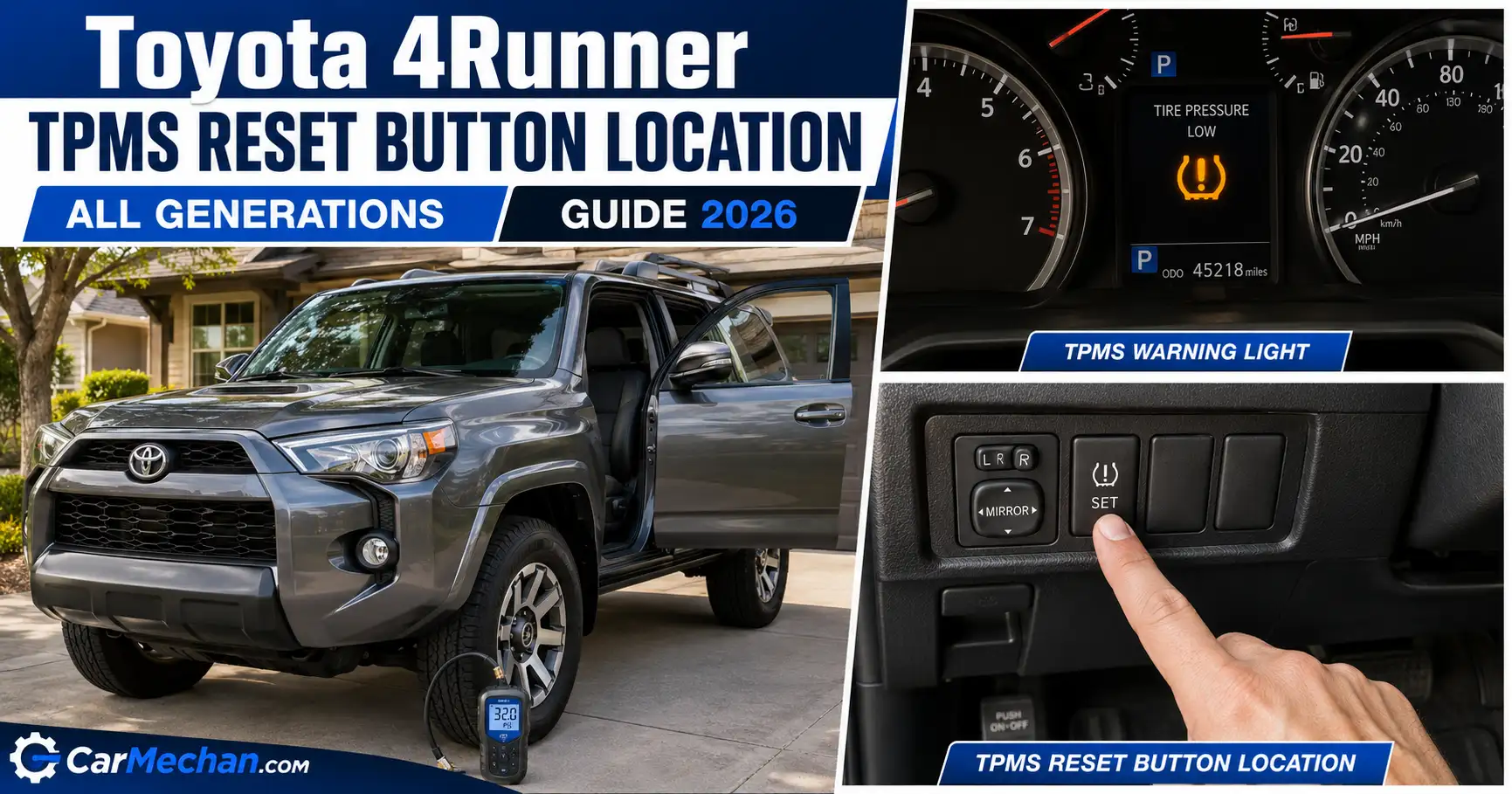
Toyota 4Runner TPMS Reset Button Location by All Generation Guide 2026
Last Updated on September 1, 2026 by Ryan
The Toyota 4Runner TPMS reset button location depends entirely on which generation you own, and that single detail trips up more owners than any other part of this fix. Press a button that does not exist, or follow the wrong year’s steps, and the tire pressure light stays on no matter how carefully you check your tires.

Prime for Young Adults — 6 Months Free
Students and 18–24s get six months of Prime free, then half price.
Start 6 Months Free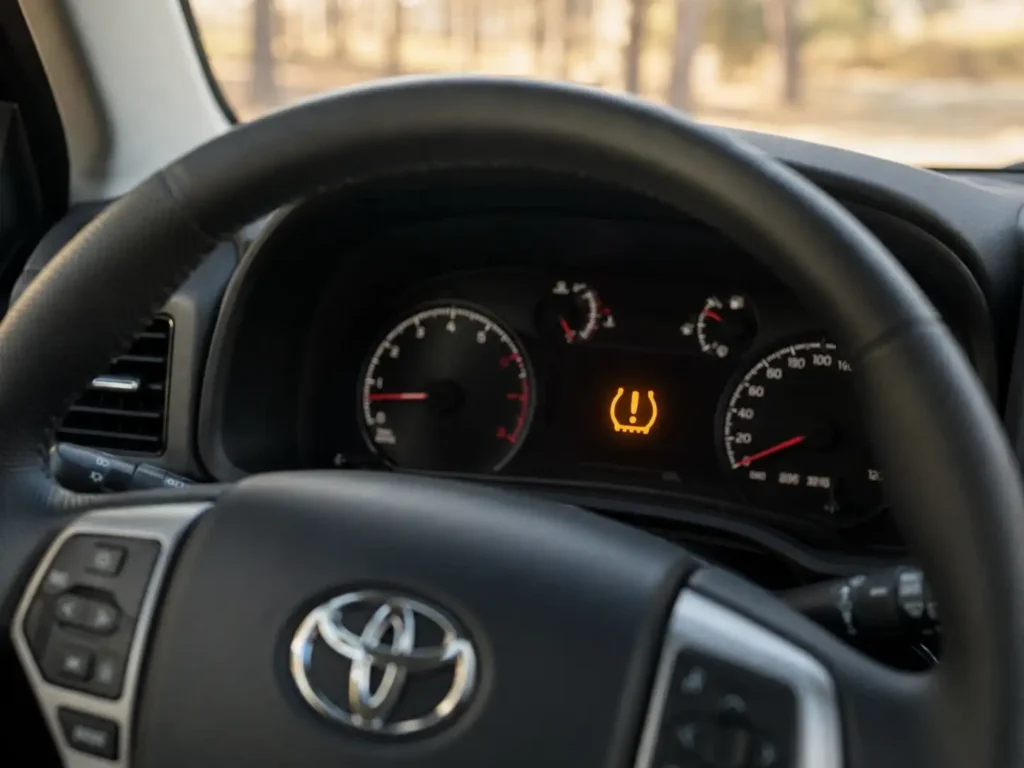
Toyota has changed how the 4Runner clears this warning light three separate times since the system became standard equipment: no button at all on 2003 through 2019 trucks, a dashboard menu relearn starting in 2020, and a genuine physical button on the all-new 2025 redesign. Here is exactly what changes from one generation to the next, and what to do for yours.
Toyota 4Runner TPMS Reset Method by Generation
How the reset process changed across four eras
Built before the federal TPMS mandate. Most trucks from this window have no tire pressure warning light at all.
No physical switch. Correct the tire pressure, then drive 10 to 20 minutes above 25 mph and the light clears on its own.
Reset moves to the multi information display. Select Change Wheel Set, then drive 10 to 30 minutes to finish the relearn.
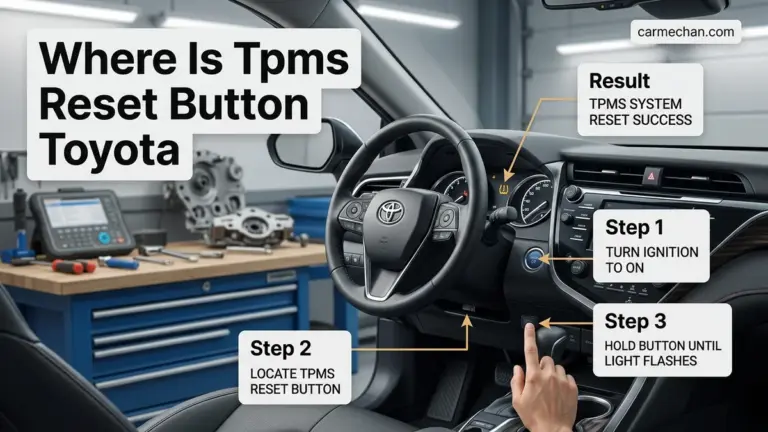
A real reset button returns under the driver side dash. Hold it until the light blinks slowly three times, then drive briefly to confirm.
What Determines Your 4Runner TPMS Reset Method
Recommended Best Deal Products



Two things decide how you will clear this light: your 4Runner’s generation, and whether your dashboard has a Change Wheel Set menu option.

Audible — Listen Free for 30 Days
One free credit a month and thousands of titles included.
Listen Free for 30 DaysToyota has used three different TPMS designs on the 4Runner since the system became standard equipment in the mid 2000s, and each one clears its warning light a different way.
- 2003 to 2019 models (4th generation and most of 5th generation): no physical reset button. The system relearns on its own once tire pressure is correct.
- 2020 to 2024 models (late 5th generation): a menu based relearn through the multi information display, not a physical button.
- 2025 and newer models (6th generation): the first 4Runner generation with a confirmed physical reset button under the dash.
Find your year range below and jump straight to your section.
2003 to 2019 4Runners With No Reset Button
If your 4Runner is a 2003 to 2019 model, stop looking for a button. It was never installed on this generation.
Direct tire pressure monitoring became a federal requirement on new vehicles starting with the 2007 model year under FMVSS 138, so the earliest 4th generation trucks built from 2003 through 2006 may not have a TPMS light at all. Every 4Runner from 2007 onward does.
For these model years, the system clears itself once it detects correct pressure on every tire. There is no dedicated switch to press, no matter where you look under the dash or inside the glove box.
To clear the light:
- Check all four tires plus the spare against the pressure listed on the sticker inside the driver’s door jamb.
- Correct any tire that reads over or under that number.
- Turn the ignition on without starting the engine, then start the engine and drive at a steady speed above 25 mph for 10 to 20 minutes.
- Watch the dash. The light should turn off once the system finishes recalibrating.
If you own the 2018 model specifically, our 2018 4Runner TPMS reset walkthrough covers that exact year in more detail. If the light stays on after a full drive cycle, a failed sensor is the most likely next step, covered later in this guide.
2020 to 2024 4Runners Using the Dash Menu Relearn
Recommended Best Deal Products


Starting with the 2020 model year, Toyota moved the reset process into the dashboard menu instead of a physical button.
To start the relearn:
Audible Premium Plus — Annual Membership
12 audiobook credits up front, plus the full Audible catalogue.
See Annual Plans- Inflate all tires, including the spare, to the pressure on the door jamb sticker.
- Open the multi information display settings menu and select Change Wheel Set.
- Confirm the new wheel set when prompted. Owners with a second set of wheels, such as winter tires, can register that set the same way.
- Drive at a steady speed for 10 to 30 minutes. The system needs this time to register each sensor’s position on the truck.
Owners already familiar with our 2020 4Runner maintenance light reset guide will recognize this same dashboard menu, since Toyota uses it for more than one reset on this generation. Owners on Toyota 4Runner’s largest dedicated forum confirm this exact Change Wheel Set process for registering a second tire set.
The All-New 2025 4Runner TPMS Reset Button Location
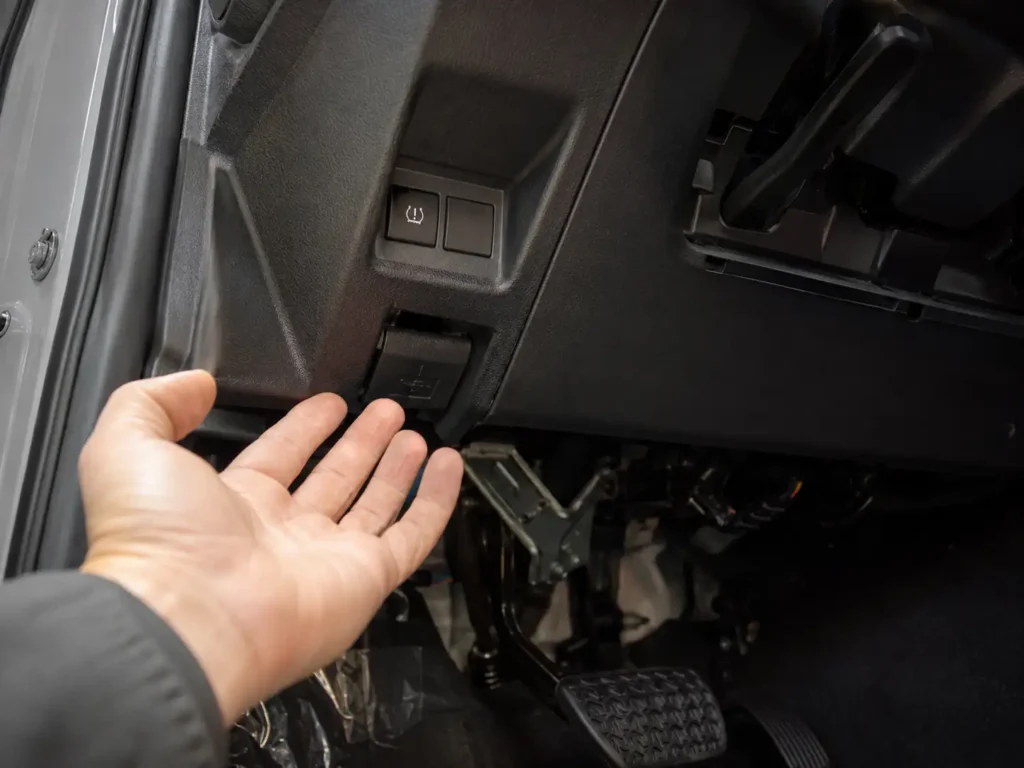
The 2025 4Runner is the first generation in years with a confirmed physical TPMS reset button.
- Park the truck and inflate every tire, including the spare on trims that monitor it, to the pressure on the door jamb sticker.
- Turn the ignition to ON without starting the engine.
- Find the reset button under the driver side dash and hold it down.
- Keep holding until the tire pressure warning light blinks slowly three times, then release.
- Start the engine and drive for a short distance so the system can finish confirming each sensor.
Toyota’s own documentation calls this system TPWS, short for Tire Pressure Warning System, rather than TPMS. The 2025 model’s official owner’s manual covers this exact procedure on pages 553 and 554. Higher trims monitor all five positions, four wheels plus the spare, while base trims monitor only the four road tires.
If you are also shopping for replacement rubber on the redesigned model, see our guide to the best tires for the Toyota 4Runner before your current set wears out.
Quick Decision Guide by 4Runner Generation
Recommended Best Deal Products

Use this table to confirm your exact reset method in one look.
Toyota 4Runner TPMS reset method, sorted by model year and generation.
| Model Years | Generation | Physical Button | Reset Method | Drive Cycle Needed |
|---|---|---|---|---|
| 2003 to 2006 | 4th Gen (Early) | No TPMS System | Not Applicable | Not Applicable |
| 2007 to 2019 | 4th Gen and 5th Gen | No | Automatic relearn after correct pressure | Yes, 10 to 20 minutes |
| 2020 to 2024 | 5th Gen (Late) | No, menu based | Change Wheel Set option on dash display | Yes, 10 to 30 minutes |
| 2025 and newer | 6th Gen | Yes | Physical button under driver side dash | Yes, short drive after |
If you matched your generation above and the light still will not clear, the cause is usually one of the issues below rather than the wrong reset method.
Why the Light Stays on After a Correct Reset
The Spare Tire Sensor
On 5th and 6th generation trucks that monitor the spare, a low or unregistered spare sensor will keep the warning light on even when all four road tires read correctly. Check the spare’s pressure first before assuming a road tire sensor has failed.
A Dead Sensor Battery
Each TPMS sensor runs on a sealed battery that lasts roughly 5 to 10 years. Trucks built between 2008 and 2016 are the most likely to need replacement now. According to RepairPal’s national repair cost data, labor for sensor replacement runs $77 to $113 per tire, with parts typically priced between $169 and $200.
The 2023 to 2025 Instrument Panel Recall
Toyota issued a voluntary recall covering roughly 591,000 vehicles, including certain 2023 through 2025 4Runners, after finding the instrument panel display could go blank at startup and hide the tire pressure, brake, and speed warning lights. Dealers update the instrument panel software or replace the combination meter at no cost.
Check your VIN through NHTSA’s recall lookup tool to see if your truck is affected before assuming a sensor problem.
If you have ruled out the spare, sensor age, and the recall, a Toyota compatible OBD2 scanner can pull the exact TPMS fault code and point straight to the failing component.
Resetting Your 4Runner’s TPMS the Right Way
The right Toyota 4Runner TPMS reset button location, or lack of one, comes down entirely to which generation you drive. Trucks from 2003 to 2019 clear themselves after a drive cycle, 2020 to 2024 models use the Change Wheel Set menu, and the 2025 redesign finally brought back a real button under the dash.
If the light stays on after following the right steps for your year, check the recall status on your VIN before assuming a sensor has failed. That one check saves a lot of owners an unnecessary trip to the shop.
5 Common Questions About 4Runner TPMS Reset
Does My 4Runner Have a Reset Button
Only the 2025 and newer 4Runner has a confirmed physical reset button, located under the driver side dash. 2003 to 2019 models clear the light automatically after a drive cycle, and 2020 to 2024 models use a Change Wheel Set option in the dashboard menu instead.
How Long Do I Drive After Resetting TPMS
Plan on 10 to 20 minutes at a steady speed above 25 mph for 2003 to 2019 models, or 10 to 30 minutes for 2020 and newer trucks completing a menu based relearn. The system needs that drive time to confirm each sensor’s pressure and position.
Why Is My TPMS Light Flashing Instead of Solid
A flashing light usually points to a system fault, most often a dead sensor battery, rather than low tire pressure. A solid light means one or more tires are actually under or over inflated and just needs correct air pressure to clear.
Can I Reset 4Runner TPMS Without Driving
No. Every 4Runner generation, including the 2025 model with its physical button, still requires a short drive afterward so the system can confirm the new pressure readings and sensor positions. Skipping the drive leaves the light on or the readings inaccurate.
Does the Spare Tire Have a TPMS Sensor
It depends on the trim. Higher trims on the 5th and 6th generation 4Runner monitor all five positions, including the spare, while base trims only monitor the four road tires. Check your spare’s pressure first if the light will not clear.