2012 Acura TL TPMS Reset Button: Explained Simply
Is your 2012 Acura TL dashboard lit up with a persistent Tire Pressure Monitoring System (TPMS) light, and you’re tired of hunting under the dash for a ‘reset button’ that doesn’t exist? Many owners spend hours searching for a physical switch or a hidden pinhole reset, only to find that their vehicle requires a more sophisticated software-based approach. This confusion often leads to unnecessary service visits when the issue is something you can resolve in your driveway. In this guide, we will clear up the mystery surrounding the 2012 Acura TL TPMS, show you how to perform a proper recalibration through your steering wheel controls, and explain why your tires need a proper pressure adjustment to get a fresh start.

Understanding the 2012 Acura TL TPMS Dashboard Alerts
Recommended Best Deal Products


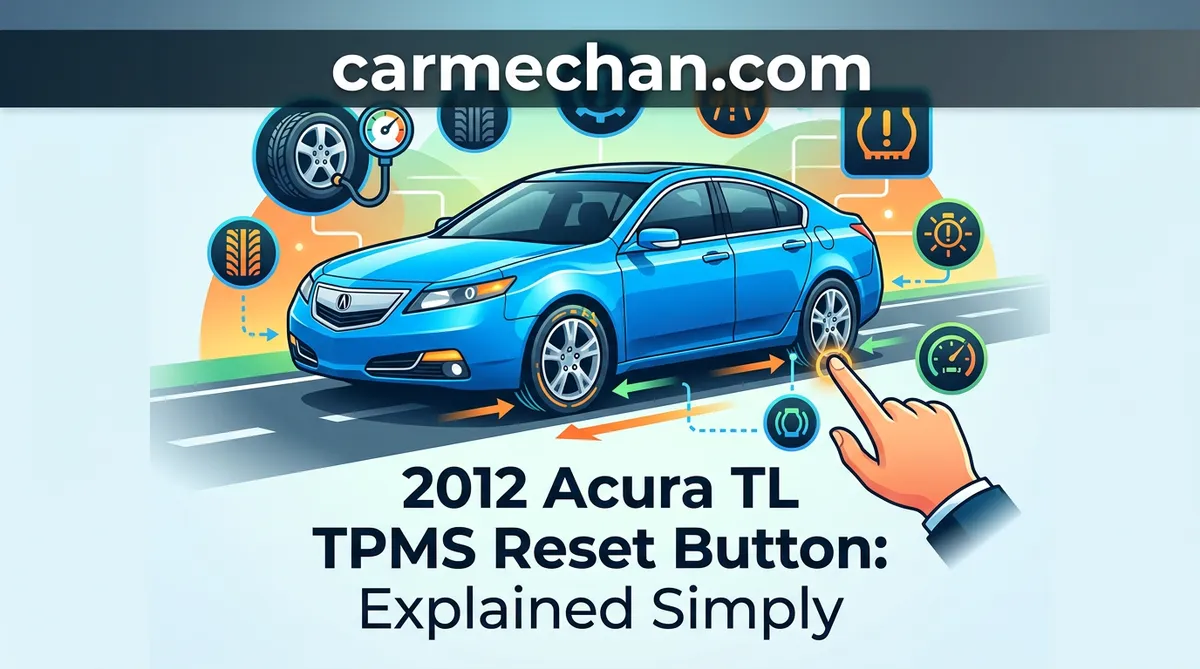
The 2012 Acura TL uses a direct TPMS, meaning each wheel is equipped with a dedicated radio-frequency sensor that broadcasts real-time pressure data to the TPMS control unit. Unlike systems that infer pressure via wheel speed sensors, this setup is sensitive to actual physical changes in air density within the tire.
📤 Share Image
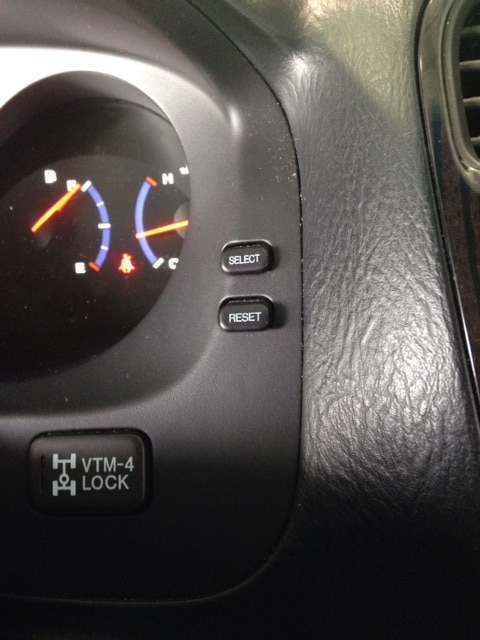
The Difference Between Solid and Blinking TPMS Lights
It is vital to distinguish between the two primary warnings the system provides. A solid TPMS light indicates that the pressure in one or more tires has fallen below the manufacturer’s recommended threshold. This is a common maintenance event. Conversely, a blinking TPMS light signifies a system malfunction. This indicates that the TPMS control unit is failing to communicate with one or more sensors, the sensor battery is dead, or there is an electrical fault in the system. A manual reset or pressure adjustment will not clear a blinking light.
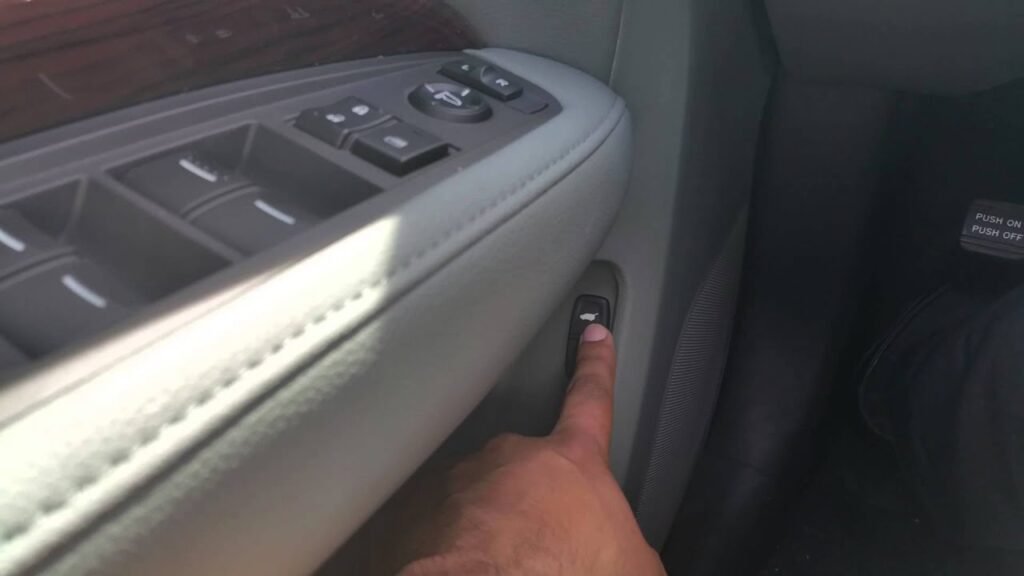
Why Tire Pressure Placard Accuracy Matters
A common mistake among owners is inflating tires to the “Max PSI” printed on the tire sidewall. This is a critical error. The sidewall rating is the tire’s maximum load capacity, not the vehicle’s recommended operating pressure. You must always refer to the tire pressure placard located on the driver’s side door jamb. Inflating to the placard specs ensures the TPMS control unit recognizes the values as the correct factory baseline. Following these manufacturer specifications is the first step toward a successful reboot of the system.
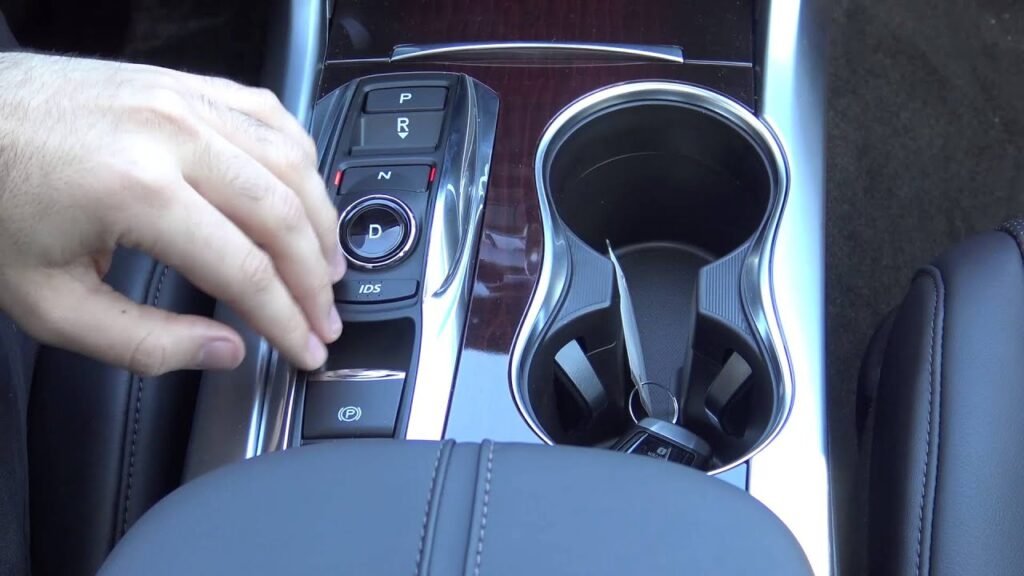
How to Initialize the 2012 Acura TL TPMS System
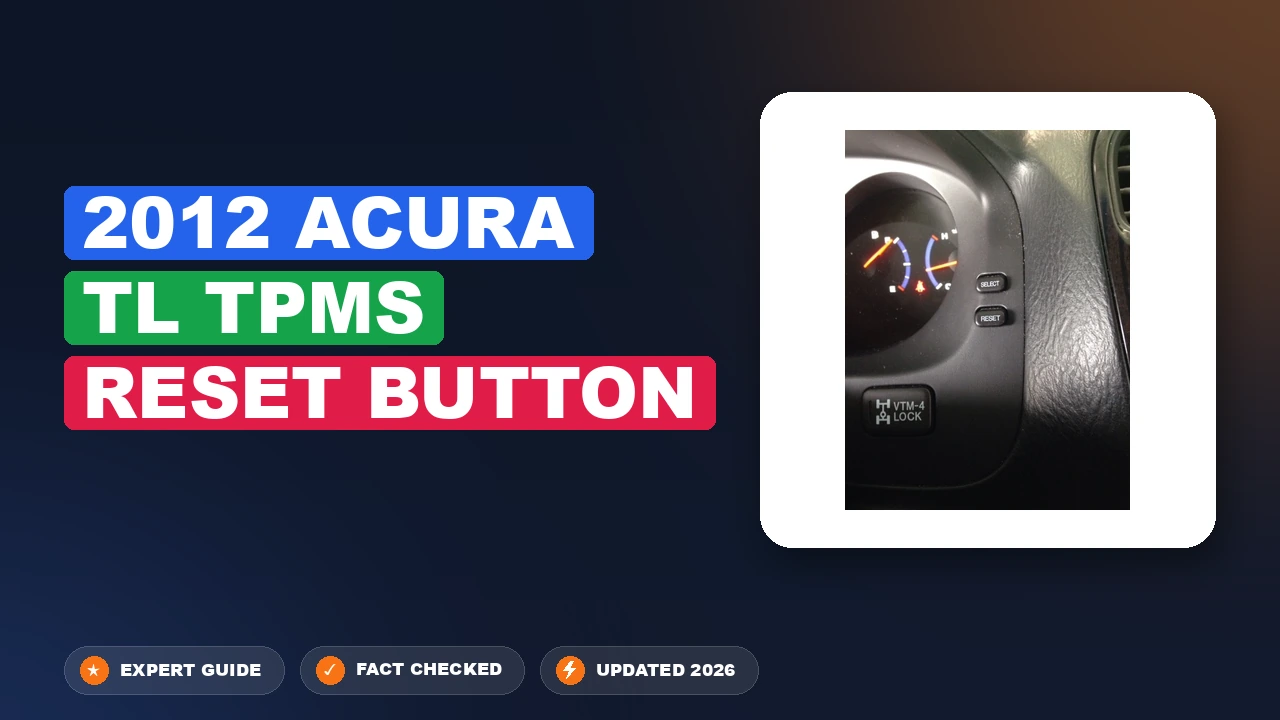
Because there is no physical 2012 Acura TL TPMS reset button, you must interact with the software interface. Before starting, ensure all four tires are inflated to the specific cold tire pressure listed on your door jamb, as the system will use these values to calibrate its default settings.
📋
System Calibration Steps
Recommended Best Deal Products



Turn the ignition to the “ON” (II) position. Use the steering wheel-mounted ‘INFO’ or ‘MENU’ buttons to toggle until the customization menu appears on the Multi-Information Display (MID) in the gauge cluster.
Navigate to ‘TPMS Calibration’ within the settings. Select ‘Calibrate’ or ‘Initialize’ using the ‘SEL/RESET’ button. The system will then prompt you to confirm. Once confirmed, the screen will signal that the process has begun.
Completing the Calibration Drive Cycle for Sensor Recognition
Initiating the command through the dash is only half the battle. The TPMS control unit requires the vehicle to complete a specific driving cycle to finalize the registration of the sensor positions and restore the system to full operation.
Required Driving Speed and Time
To successfully calibrate, you need to drive the vehicle at a steady speed. Industry data suggests that the system requires between 20 to 40 minutes of continuous driving to “learn” the new sensor signals and finalize the baseline. The ideal speed range is between 15 mph and 60 mph. Avoid stop-and-go city traffic if possible; a highway cruise is the most effective way to provide a clean environment for the sensors to transmit to the receiver.

Audible — Listen Free for 30 Days
One free credit a month and thousands of titles included.
Listen Free for 30 DaysIf you turn the ignition off during the calibration cycle, the system will usually pause the process. Most 2012 Acura TL systems will resume the calibration automatically the next time you reach the required speed, but a long, uninterrupted drive is always preferred to ensure the light goes out promptly.
Troubleshooting 2012 Acura TL TPMS Reset Button Myths and Malfunctions
Recommended Best Deal Products



The biggest pitfall for owners is continuing to attempt resets when a mechanical failure exists. If your light remains on or returns shortly after a calibration cycle, you are likely dealing with a hardware fault rather than a software synchronization issue.
Never attempt to force a reset on a system showing a blinking light. A blinking light is an explicit diagnostic code indicating the TPMS control unit cannot see one or more sensors. Resetting will not fix a dead battery or a broken antenna.
- Faulty Sensors: Sensors have an average lifespan of 7 to 10 years. In a 2012 model, these batteries are nearing the end of their operational life. If one sensor is dead, the whole system will trigger a fault.
- Interference: Aftermarket electronic accessories can occasionally interfere with the low-frequency signals transmitted by the TPMS sensors.
- Dealer-Level Diagnostics: If you have correctly inflated the tires and attempted the calibration drive cycle with no success, it is time for professional intervention. A technician can use a high-end scan tool to ping each individual TPMS sensor to determine exactly which one has failed, saving you from replacing the wrong part.
By The Numbers: TPMS Reality
Avg. Sensor Life
Avg. Drive Cycle
To wrap things up, remember that the 2012 Acura TL is a sophisticated vehicle that relies on digital calibration rather than analog switches. Always set your tire pressures to the door placard specifications before you attempt any software-based fix. Use your steering wheel menus to initiate the process, and give the car enough time on the road to finish the job. If the light persists or blinks, do not keep trying to reset it—take it to a professional who can diagnose the specific hardware failure. By understanding these nuances, you maintain the safety and integrity of your vehicle’s tire monitoring system without the headache of chasing nonexistent buttons.
2012 Acura Tl Tpms Reset Button: Frequently Asked Questions
Where is the physical reset button?
There is no physical reset button for the TPMS on the 2012 Acura TL. Unlike some other vehicles, the Acura TL uses an automated system that monitors tire pressure sensors and communicates directly with the engine control unit. To reset the light, you must ensure the tires are correctly inflated and drive the vehicle; the system will detect the correction and turn off the light automatically.
Does changing my tire size affect the TPMS?
Changing your tire size does not necessarily break the TPMS, but it can cause issues if the new tires do not support the pressure requirements of the factory system. If you choose an aftermarket wheel setup, ensure the tire shop uses sensors compatible with the 2012 Acura TL frequency (315 MHz) and that the tire pressure is adjusted to maintain the correct load index for your vehicle.
Do I need to go to the dealer to reset the light?
In most cases, no. If the light is triggered simply by low air pressure, inflating your tires to the manufacturer’s specification will solve the issue after a brief drive. However, if the light remains on or flashes, it typically indicates a hardware fault or a dead sensor battery. In those specific instances, a tire shop or dealer will need to use a scan tool to diagnose and replace the faulty sensor.
Why does the light come back on after resetting?
If the TPMS light returns shortly after you have manually inflated the tires, it usually indicates either a slow puncture in the tire or a failing sensor. Because 2012 Acura TL sensors are now over a decade old, the internal batteries are likely reaching their end-of-life. A tire shop can use a diagnostic tool to pinpoint which sensor is failing to transmit a consistent signal to the car’s computer.
How long does it take for the TPMS light to turn off after filling tires?
After properly inflating your tires to the recommended PSI, the TPMS light should disappear after you have driven the vehicle for approximately 5 to 10 minutes at speeds over 15 mph. This duration provides enough time for the sensors to wake up, calibrate their position, and transmit the corrected pressure data to the vehicle’s electronic control unit for a fresh start.
Audible Premium Plus — Annual Membership
12 audiobook credits up front, plus the full Audible catalogue.
See Annual Plans