Does Nissan Versa Have Cruise Control: Trim Levels Analyzed
Ever wondered if your commute could be easier, but aren’t sure if your vehicle is equipped with the right tech? Many Nissan Versa owners struggle to identify whether their specific trim includes cruise control or how to properly activate it, often confusing basic systems with advanced adaptive features. In this guide, we break down the cruise control capabilities across Nissan Versa model years, teaching you how to confirm your features and operate your system like a professional.


Does Nissan Versa Have Cruise Control: Determining Your Trim Level
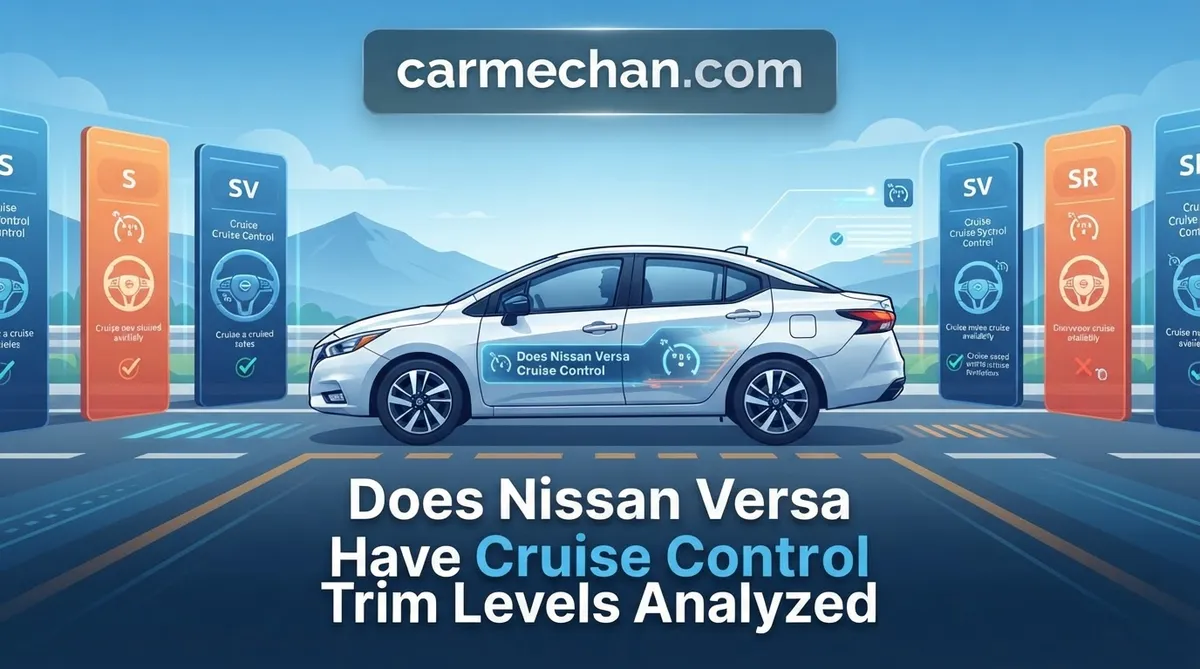
The availability of cruise control in the Nissan Versa is dictated by the vehicle’s trim designation. As an industry standard, manufacturers often omit convenience features like cruise control on base-level models to maintain a lower MSRP. Understanding your specific trim is essential before assuming your vehicle is equipped for highway cruising.
📤 Share Image

Identifying Cruise Control Steering Wheel Controls
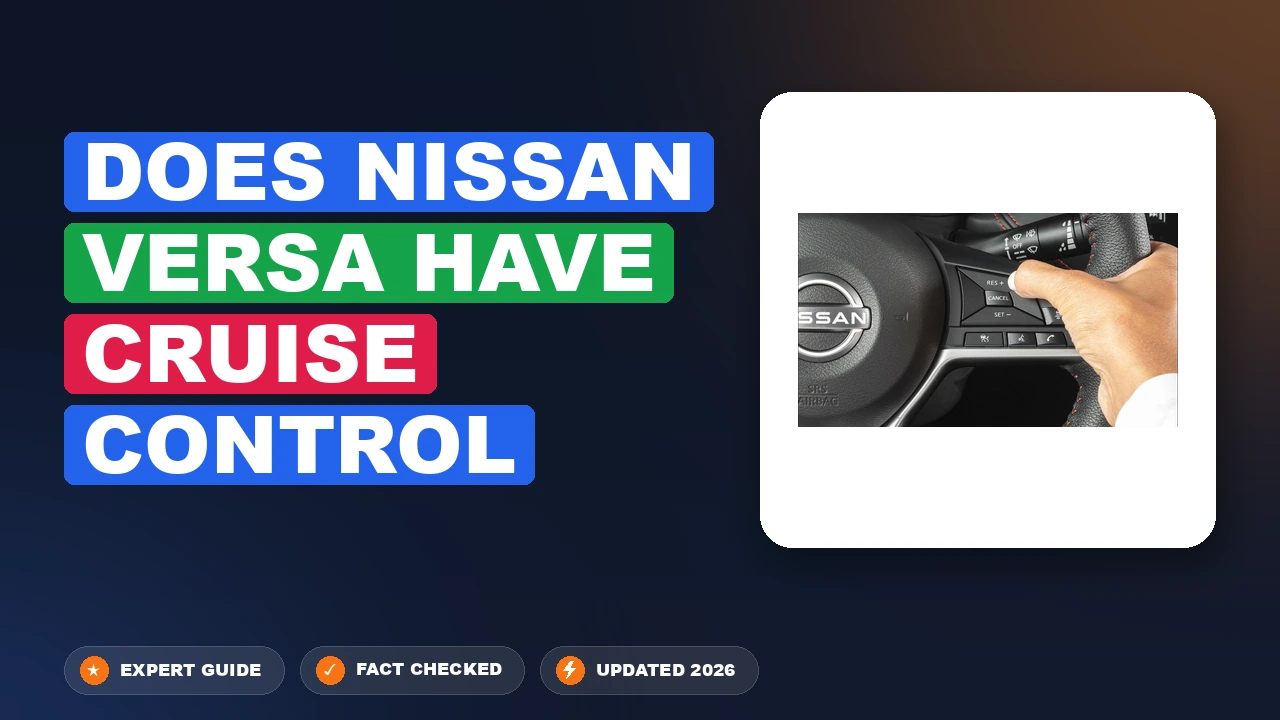
The most reliable way to determine if your vehicle has this feature is a visual inspection. Look at the right-hand side of your steering wheel. Vehicles equipped with cruise control will feature a set of buttons, typically labeled “Main,” “Cancel,” “Res/+”, and “Set/-“. If the right-hand side of your steering wheel is smooth or contains only blank plastic plates, your vehicle was manufactured without factory cruise control.

Why Feature Availability Varies by Model Year
Historically, cruise control was an optional upgrade on base-tier Nissans. For the 2020 redesign and onwards, Nissan leaned into “Nissan Intelligent Mobility,” which significantly increased the standard tech suite. Research indicates that while pre-2019 S trims were frequently sold without cruise control to appeal to budget-conscious buyers, newer iterations have become more feature-rich. Always consult your VIN-specific equipment list if you are buying a used model, as dealer-installed options can sometimes vary.

Distinguishing Standard vs. Intelligent Cruise Control
It is vital to distinguish between standard cruise control and Intelligent Cruise Control (ICC). Standard systems maintain a locked speed regardless of surrounding traffic. In contrast, ICC uses a radar sensor in the front grille to monitor the distance between you and the vehicle ahead, automatically adjusting your throttle to maintain a set following gap. If your steering wheel controls include a button to adjust “distance” (usually marked with an icon showing a vehicle and lines), you possess the more advanced ICC system.
By The Numbers
Year of Major Tech Shift
MPH Min Activation Speed
How to Operate Nissan Versa Speed Control Systems Effectively
Operating a Nissan cruise control system is intuitive once you understand the logic behind the inputs. Follow these steps to ensure you are engaging the system correctly and safely.
📋
Step-by-Step Guide
Press the “Main” or “On/Off” button on your steering wheel. Look for a white or green cruise icon to illuminate on your instrument cluster. This confirms the system is energized but not yet controlling speed.
Accelerate to your desired highway speed (e.g., 65 mph). Press the “Set/-” button. The car will take over throttle management immediately. You may notice a slight fluctuation in RPMs as the computer takes over.
Use the “Cancel” button to temporarily disengage the system without erasing your set memory. Tap “Res/+” to return to your previously set speed once traffic clears.
Does Nissan Versa Have Cruise Control Performance Limitations?
Even a reliable system has physical boundaries. Understanding these ensures both safety and the longevity of your drivetrain.
Driving Dynamics in Hilly Terrain


The Nissan Versa uses a Continuously Variable Transmission (CVT). Unlike traditional automatic transmissions, a CVT does not shift gears. When driving uphill with cruise control engaged, the system will adjust the pulley ratio to maintain speed, often resulting in higher engine RPMs and increased noise. This is normal behavior, not a mechanical failure.
Sensor Reliability in Adverse Weather Conditions
If your model features adaptive or intelligent cruise control, it relies on a radar/camera sensor typically located in the front bumper or behind the rearview mirror. Heavy rain, dense fog, or thick snow can obstruct this sensor, leading to a “System Unavailable” warning. Always exercise manual throttle control during poor weather conditions.
Never use cruise control on wet, slippery, or icy roads. The system can react to a loss of traction by applying throttle, which may cause the vehicle to skid. Always remain in full manual control during inclement weather.
Troubleshooting Nissan Versa Cruise Control Activation Issues
If your cruise control refuses to engage, follow these diagnostic steps before seeking professional service.
- The “Main” Switch Check: Ensure the main dashboard light is active. If the icon doesn’t appear, the system is not receiving power.
- Brake Light Switch: The cruise control system is hardwired to disengage the moment the brake pedal is pressed. A faulty brake light switch may cause the system to think the pedal is being depressed constantly, preventing engagement.
- Clearing Obstructions: If your sensor is blocked by debris, stickers, or road grime, clean the front emblem area or camera housing with a microfiber cloth.
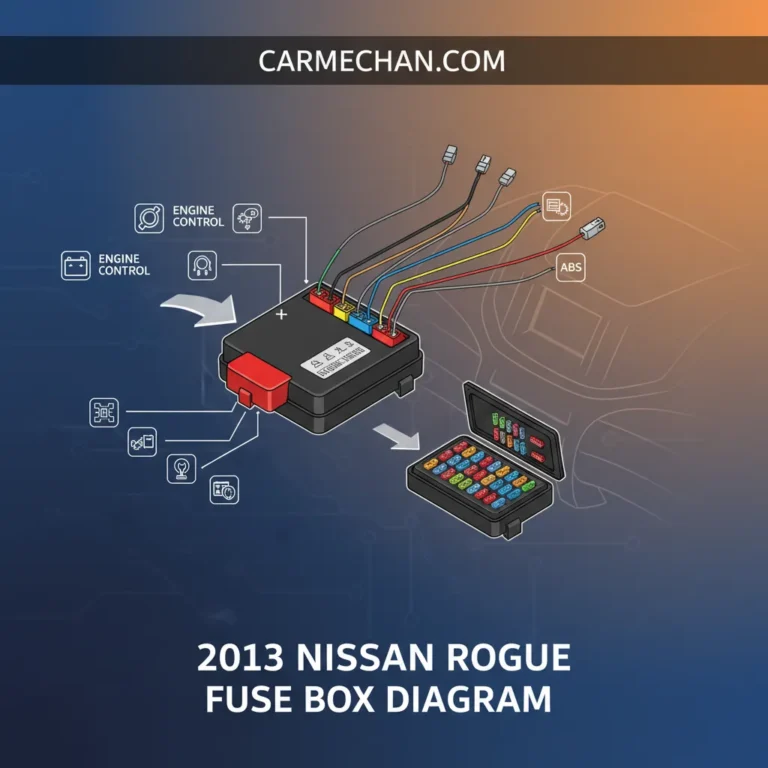
- Fuse Inspection: Check your interior fuse panel. A blown fuse related to the “Cruise Control” or “Engine Control” circuits is a common, inexpensive fix.
- Professional Diagnosis: If the cruise light flashes or you receive a “Check System” alert on your dash, the Electronic Control Unit (ECU) may require a professional scan to diagnose internal hardware faults.
Always verify your brake lights are functioning correctly. Because the cruise system uses the brake pedal sensor as a kill-switch, burnt-out brake bulbs or a failing pedal sensor are the most frequent causes of “unexplained” cruise failure.
Summary and Final Advice
Whether you are navigating a long highway stretch or dealing with a system glitch, maintaining a clear understanding of your vehicle’s tech is vital. Confirm if your steering wheel has the necessary control buttons, always activate the “Main” switch before attempting to set your speed, and understand the difference between conventional and adaptive (Intelligent) cruise control systems. As an expert tip, never rely on these systems in hazardous weather or heavy, stop-and-go traffic scenarios.
If you find your vehicle is equipped with buttons but they are unresponsive after performing the standard troubleshooting steps above, consult your owner’s manual for your specific VIN-verified trim details. For persistent issues, take your vehicle to a trusted technician to ensure your safety systems remain fully operational.
Does Nissan Versa Have Cruise Control: Frequently Asked Questions
Does the Nissan Versa have adaptive cruise control?
As of the current 2026 model lineup, the Nissan Versa is primarily equipped with standard cruise control. It does not typically feature ‘Adaptive Cruise Control’ (ACC) as a standard or available option, as that technology is generally reserved for higher-tier Nissan vehicles. Drivers should remain fully engaged and manage vehicle speed manually in varying traffic conditions to ensure safety.
Why is my cruise control not activating?
The most common reason for cruise control failure is a faulty brake pedal position sensor or a blown fuse. If the brake light switch is stuck or misaligned, the vehicle’s ECU assumes the brakes are being applied, which automatically disables the cruise system. Additionally, ensure you are driving above the minimum speed threshold—usually 25 MPH—before attempting to engage the system.
Is cruise control standard on all Nissan Versa trim levels?


No, cruise control is not standard across every Nissan Versa trim level. While the SV and SR trims usually include it as a standard feature, the base S trim may not include cruise control in all model years. It is vital to check the specific window sticker or dealer specification sheet for your vehicle’s build to confirm its inclusion.
Can I have cruise control retrofitted to my Versa S?
While aftermarket cruise control kits exist, installing them on a modern Nissan Versa is not recommended. These systems involve integrating with the vehicle’s electronic throttle control and steering wheel circuitry, which can void your powertrain warranty and compromise vehicle safety. For the best experience, we suggest selecting a trim level that includes the feature from the factory.
How do I know if my cruise control is engaged?
When the system is activated, a cruise control indicator light—typically green—will illuminate on your dashboard instrument cluster. If you have selected a specific speed, a ‘SET’ light will often appear next to it. If these lights fail to turn on despite pressing the buttons, it suggests an electrical fault or that the minimum activation speed has not been reached.