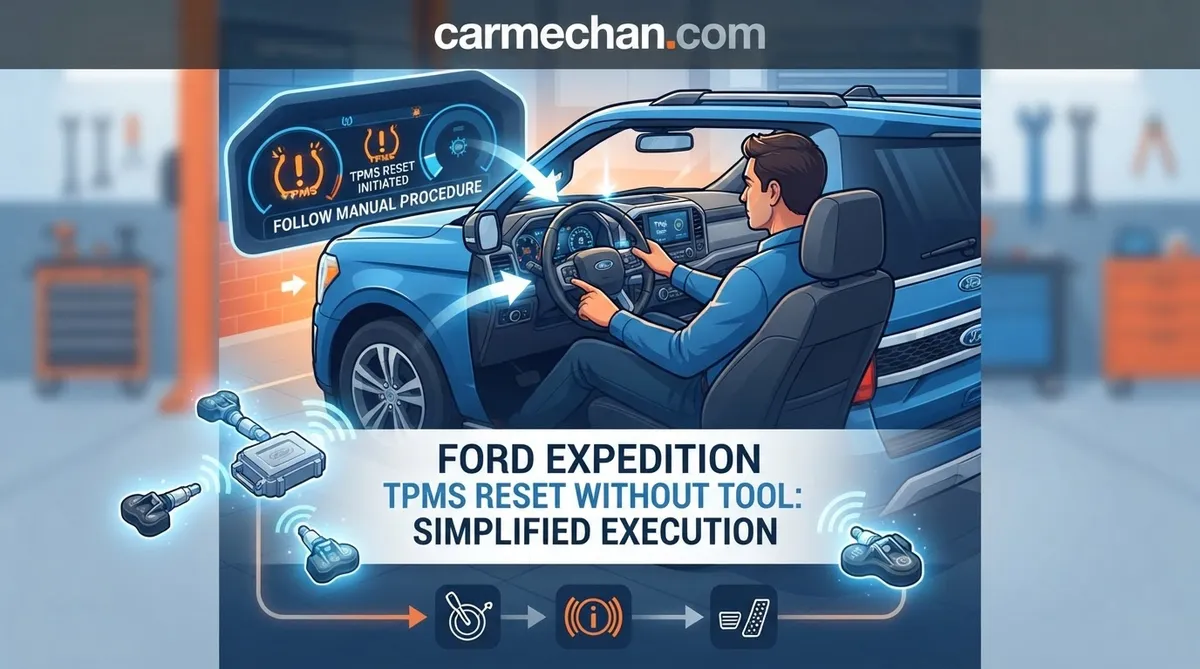
Ford Expedition TPMS Reset Without Tool: Simplified Execution
Seeing that annoying tire pressure light on your Ford Expedition dash? Whether it’s a sudden cold snap causing a pressure drop or the aftermath of a recent tire rotation, TPMS lights are notoriously finicky. Dealership fees for a simple reset are often unnecessary, yet many owners find themselves trapped in a loop of warning chimes and dashboard icons. This guide provides the expert-level knowledge required to execute a Ford Expedition TPMS reset without a tool, distinguishing between simple system re-syncs and true hardware faults that require professional intervention.


Understanding Why the Ford Expedition TPMS Light Stays On
📤 Share Image

Warning Light vs. System Fault Indicators
Understanding the behavior of your instrument cluster is the first step in troubleshooting. If the TPMS light is solid, it is a clear indicator that one or more tires have fallen below the recommended threshold—typically by 25% of the placard pressure. However, if the light flashes for approximately 60 seconds upon startup before remaining solid, you are looking at a system fault. This signifies that the Body Control Module (BCM) is failing to communicate with one or more sensors, which is often a hardware-level issue rather than a pressure-based one.

The Role of Sensor Batteries and Valve Stems
The Tire Pressure Monitoring System (TPMS) relies on small, battery-operated sensors mounted to the inside of the valve stem. These components are not immortal; industry data confirms they have a finite lifespan of 7 to 10 years. Once these internal batteries deplete, the sensor stops transmitting, triggering the “fault” status. Furthermore, road salt, debris, and corrosion can damage the physical valve stem housing. If your Expedition is nearing the decade mark, a flashing light is likely a signal that the sensor battery has reached the end of its functional life, making a manual reset attempt ineffective.
By The Numbers
Years (Average Sensor Battery Life)
Pressure Drop Trigger Threshold

Ford Expedition TPMS Reset Without Tool: The Relearn Sequence
The Ignition Sequence to Enter Training Mode
To initiate the manual relearn, you must trick the BCM into “Training Mode.” For many Ford Expedition generations, this involves a specific ignition sequence. Sit in the driver’s seat, ensure the parking brake is set, and ensure all tires are inflated to the exact PSI listed on the driver’s door jamb. With the ignition off, depress and release the brake pedal once. Cycle the ignition key from the “OFF” to the “RUN” position three times, ending in the “RUN” position. Depress and release the brake pedal again, then turn the ignition off. Within seconds, you should hear a single horn chirp, confirming the vehicle has entered training mode.
Step-by-Step Manual Relearn Procedure
Once the horn chirps, the system is ready to be initialized. Start at the driver’s side front tire. You must increase or decrease the air pressure until the horn chirps again, acknowledging that the sensor ID has been successfully registered. Move to the passenger front, passenger rear, and finally the driver’s rear, repeating the pressure adjustment process at each wheel.
📋
Manual Relearn Steps
Ensure all tires are cold and inflated to the vehicle’s placard pressure. Remove all valve caps to facilitate quick air flow.
Use the ignition cycle sequence (Off-to-Run 3 times, ending in Run) until you hear the horn chirp confirmation.
Why Some Models Reject Manual Reset Attempts
It is important to note that Ford transitioned many of its newer Expedition models toward “Auto-Learn” functionality. In these vehicles, the manual pressure-change sequence is disabled because the BCM is designed to automatically detect and register sensor IDs as you drive. If your specific model year does not respond to the ignition-cycle training sequence, it is likely because it utilizes an automatic synchronization protocol that requires no user intervention other than maintaining proper tire pressure.
Driving to Finalize Your Ford Expedition TPMS Synchronization
Speed and Distance Requirements
If you have completed a tire rotation or sensor replacement, the BCM often requires a “fresh start” by way of driving. Simply idling in the driveway will not suffice. To force a synchronization, drive the vehicle at speeds exceeding 20 mph for at least 10 to 15 minutes. This creates enough rotation for the sensors to activate their internal accelerometers, which then transmit the updated Sensor ID and pressure data to the receiver.
When Automatic Detection Takes Over
In modern Expeditions, the system is designed to “reboot” its internal map automatically. If you have replaced a sensor, the computer will detect the new ID as it begins to broadcast while the wheels are in motion. Do not be discouraged if the light doesn’t extinguish immediately; it can take several miles of consistent driving to ensure the system has verified all four corners.


If you have a persistent light, keep an eye on your spare tire. Some older Ford Expedition models have a sensor in the spare tire, and if its pressure is low, it will trigger the system fault indicator even if your road tires are perfect.
Common Pitfalls During Ford Expedition TPMS Reset Procedures
The Dangers of Over-Inflation
A common mistake during the manual reset process is over-inflating tires in an attempt to “force” the light off. This is counterproductive and dangerous. Never exceed the tire sidewall maximum pressure, and always aim to match the specific PSI on your door placard.
Why Ignoring Sensor ID Registration Fails
One of the most frequent reasons for failure is replacing a damaged sensor without performing a new registration. The BCM is programmed to look for specific IDs; if you swap a wheel or a sensor, it won’t magically know the new ID unless the training mode is successfully engaged.
Mixed Model Year Protocols
Do not assume that the procedure for a 2010 Expedition works on a 2022 model. Ford updates its electronic architecture frequently. If the manual procedure fails after two attempts, check your owner’s manual for model-specific “Auto-Learn” instructions, as forcing a manual process on an auto-learn system can sometimes cause a temporary glitch in the module.
✅ Successful Practices
- Verify pressures with a high-quality digital gauge.
- Ensure the vehicle is on level ground.
- Allow for “wake-up” time after initial inflation.
❌ Common Errors
- Assuming every sensor is compatible with every year.
- Ignoring the spare tire pressure.
- Rushing the ignition sequence.
Advanced Troubleshooting for Persistent TPMS Light Issues
When manual steps fail, the issue usually transcends the user’s ability to “reboot” the system. A persistent flashing light often indicates an internal BCM communication error or a completely expired sensor battery. In these cases, using an OBD-II scan tool can provide the diagnostic data necessary to identify exactly which sensor is not broadcasting. If all four sensors are functioning, the fault likely lies within the receiver module itself. At this stage, professional diagnostic services at a reputable tire shop are the most cost-effective path, as they can clone old sensor IDs to new sensors, saving you the headache of dealership re-programming costs.
Never attempt to bypass the TPMS warning light by ignoring tire pressure or attempting to disconnect the system. The TPMS is a critical safety component required by federal law; a failure in the system can mask dangerous under-inflation that leads to tire blowouts at highway speeds.
To maintain a clean and functioning system, always verify tire pressure using the driver’s door jamb sticker rather than the tire sidewall. Identify your model’s specific capabilities—whether it supports the manual ignition training sequence or relies solely on automatic sensor ID detection. If your light persists after these attempts, acknowledge that you are likely dealing with a dead sensor battery requiring replacement. Finally, remember that driving is often the final component to complete the system initialization. If the issue persists, a visit to a local tire shop for a diagnostic scan is the only way to pinpoint a specific hardware failure.
Ford Expedition Tpms Reset Without Tool: Frequently Asked Questions
Why is my TPMS light still on after inflating tires?
The light often remains on because the vehicle’s Body Control Module has not yet received a updated signal from the wheel sensors. Sensors are designed to conserve battery life by remaining dormant while the vehicle is stationary. You must drive the vehicle above 20 mph for several miles to force the sensors to wake up and transmit the new pressure data to the system.
Do I need to drive the car to complete the reset?
Yes. In the majority of Ford Expedition models, the TPMS system is not a static sensor network; it requires motion to function correctly. The sensors utilize internal accelerometers to detect rotation. Without sustained speed, the sensors will not transmit the necessary data packets to the vehicle’s computer, preventing the warning light from clearing regardless of how perfectly you have inflated the tires.
Can I reset the sensor if the battery is dead?


No. If a TPMS sensor battery is dead, it is physically impossible to reset or ‘wake up’ the unit. These sensors are sealed, maintenance-free units. Once the internal lithium battery reaches the end of its lifecycle, the sensor must be replaced. A dead battery will trigger the TPMS light to flash or remain illuminated constantly, indicating a permanent system fault that no drive cycle can correct.
Why does the Ford manual say I need a tool?
Ford service manuals provide instructions for the ‘TPMS Relearn Tool’ because it is the professional standard for rapid verification. The tool manually triggers a sensor pulse while the car is in a specific service mode. While the tool is convenient for technicians in a busy shop environment, it is not strictly required for daily drivers to clear standard pressure-related warning lights.
Will disconnecting the battery help reset the system?
Disconnecting the vehicle battery may clear temporary volatile memory errors in the ECU, but it will not fix a genuine TPMS fault. If the sensors are functional and the tires are at the correct pressure, the system will eventually self-calibrate through driving. If a fault exists, the light will simply reappear as soon as the system completes its next power-on self-test.