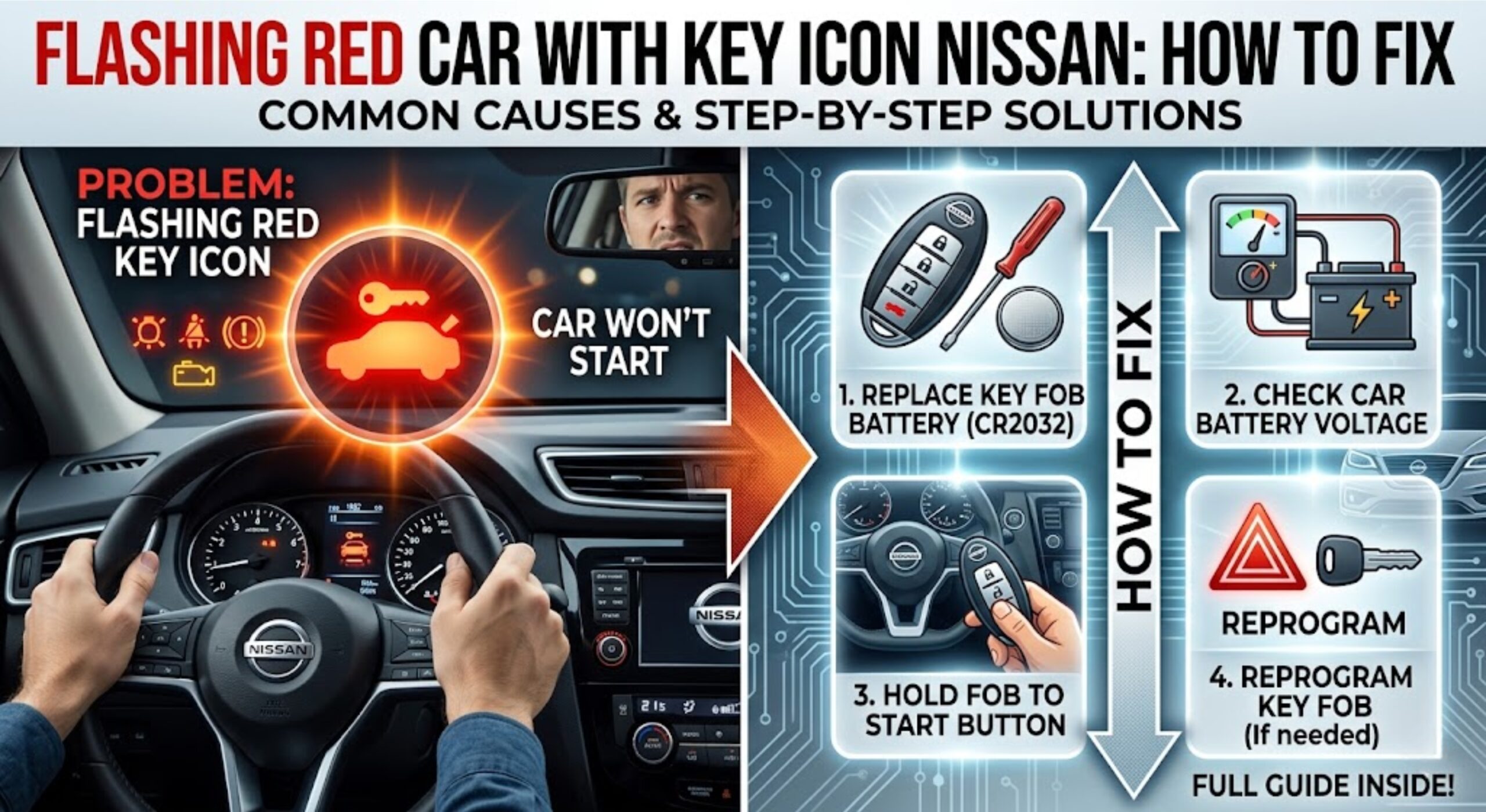
Flashing Red Car With Key Icon Nissan How To Fix It
Last Updated on October 17, 2026 by Ryan
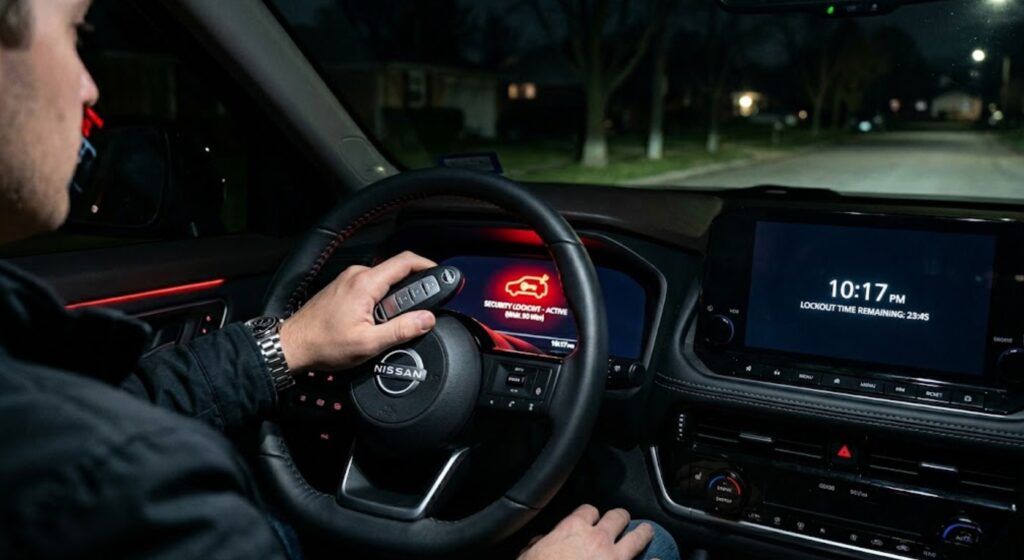
The flashing red car with a key icon on your Nissan dashboard is the security indicator light. Whether it is a problem depends on when it shows up. If it blinks while the car is parked, that is normal. If it stays on or flashes when you try to start the car and the engine will not run, the car is not accepting your key.
Nissan’s manual says the light blinks when the power switch is in the LOCK, OFF or ACC position, which shows the anti-theft system is operating. It also says that if the system is malfunctioning, the light stays on while the power switch is in the ON position (Nissan LEAF 2023 owner’s manual).
Use this guide to match your situation to one of four causes. Start with the free steps in the first section, because they fix the most common cases.
If the fob itself is worn out, a replacement is an option. Match it to your model and year, and expect to have it programmed to the car.

As an Amazon Associate we earn from qualifying purchases.
What the Flashing Red Car With Key Icon Means on Nissan


The icon is the Nissan Anti-Theft System (NATS) security indicator. NATS is an immobilizer, which means it will not let the engine start without the registered key. The exact symbol and wording vary by model and year, so confirm the details in your own owner’s manual.
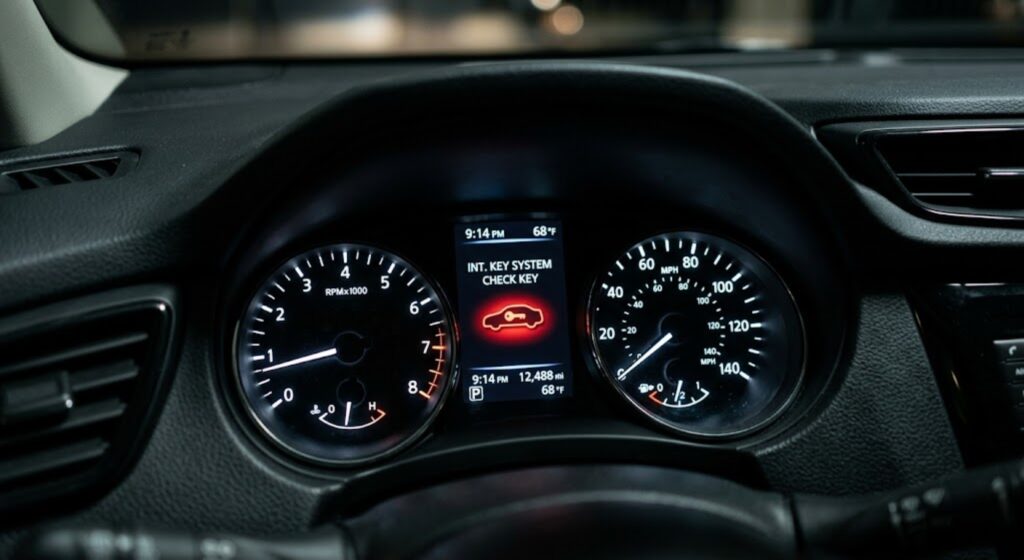
- Blinking while the car is off: Normal. The anti-theft system is operating.
- On or flashing when you try to start the car: A problem. The system is not accepting your key, or it has a fault.
This light is not the check engine light, the battery warning or the tire pressure light. It is part of the key recognition and anti-theft system. If you see a red light blinking after you lock the car with no key icon, read our guide on red light blinking after locking.
4 Conditions That Change How You Fix the Nissan Security Light


Which of these four conditions matches your situation?
Find your condition below
- Condition 1, weak fob battery: The remote works poorly or not at all, and the car says it cannot detect the key.
- Condition 2, key not recognized: You are using a spare or new key, or other keys and devices are interfering.
- Condition 3, recent battery work: The light appeared after a battery replacement, jump start or disconnect.
- Condition 4, NATS fault: The light stays on with the switch ON and nothing else explains it.
Free First Steps for the Nissan Security Light


Nissan’s manuals I reviewed for this guide do not describe a driver reset for this light, so do not trust steps that tell you to cycle the ignition a set number of times. These checks are safe and cost nothing:
- Move other keys and devices away from the key. Nissan says the engine may not start with the registered Intelligent Key because of interference from another Intelligent Key, an automated toll road device, an automated payment device or other devices that transmit similar signals. Move them away from the key and try again (Nissan X-Trail 2024 owner’s manual).
- Try your original, known good key. If it starts the car, the other key is the problem.
- Check the fob battery. A weak battery can leave the car unable to detect the key.
- Check the car battery. Dim dash lights or a slow crank point to the 12 volt battery.
If these do not help, move to the matching condition below.
Dead Fob Battery and the Nissan Security Warning
A weak Intelligent Key battery is a common reason a push-button Nissan will not start. Signs include a remote that needs several presses, shorter range, and a key-not-detected message.
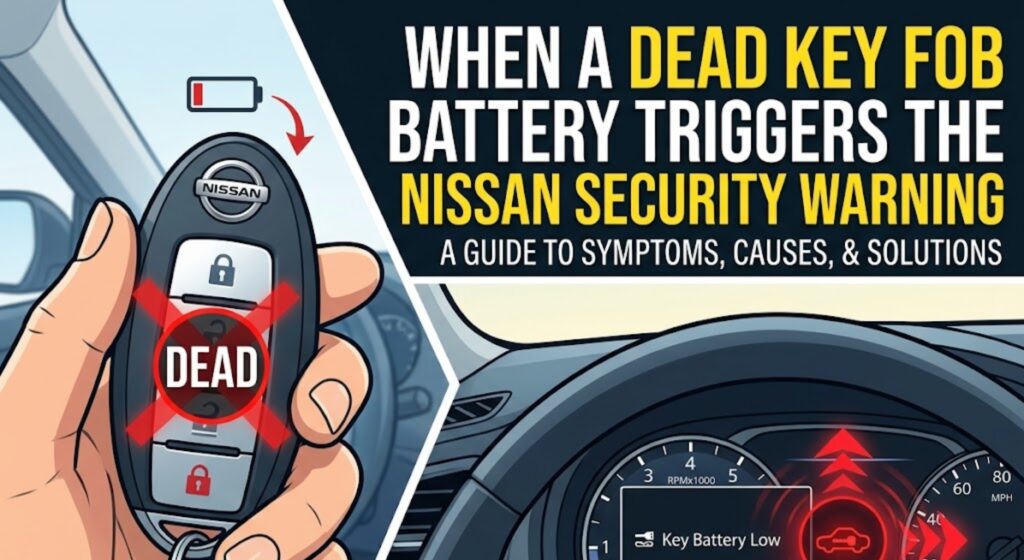
Emergency Start When the Fob Battery Is Dead
Nissan’s manual describes this procedure for a discharged Intelligent Key. Steps can differ slightly by model, so confirm yours.
- Open the driver door with the hidden mechanical key in the fob. Release it with the small button or latch on the fob.
- Get in, put the vehicle in Park and press the brake pedal firmly.
- Touch the Intelligent Key to the ignition switch. A chime sounds.
- Within 10 seconds of the chime, press the ignition switch while holding the brake pedal. The engine should start.
The steps come from the Nissan X-Trail 2024 owner’s manual. The manual notes that pressing the switch without the brake takes the car to ON instead of starting it. For more brands and a full walkthrough, see our guide on how to start a car with a dead key fob.
Replace the Key Fob Battery
Many Intelligent Key fobs take a CR2032 coin cell, but some use another type, so read the number on the old battery. Open the fob case with the hidden key or a small flat tool, note which way the old battery faces, fit the new one the same way, then test the remote. For Rogue owners, see how to fix a low Rogue key battery. Our guide to key fob functions covers what the buttons do.
When Nissan Does Not Recognize the Key
Nissan says NATS will not allow the engine to start without the registered key. A spare or new key that was never registered to your car will open the door but will not start the engine. A key cut only to the shape of the original has no programmed transponder chip.
- If your original key starts the car and the spare does not, the spare is not registered.
- If a key was cut recently, ask the dealer or a locksmith that supports your model to program it.
- If a working key stopped working, check for interference first, then the fob battery, then the car battery.
Programming a key generally needs dealer or locksmith equipment, so home methods are unlikely to work. Prices vary by model and shop, so get quotes before you commit.
After Battery Work or a Jump Start
A weak or disconnected 12 volt battery can leave the car unable to read the key properly, and the security light often shows up after a battery replacement or jump start. Make sure the battery is fully charged and the terminals are tight, then try a normal start with the original key. If the light stays on, treat it as a fault and get the car scanned.
When It Is a NATS Fault
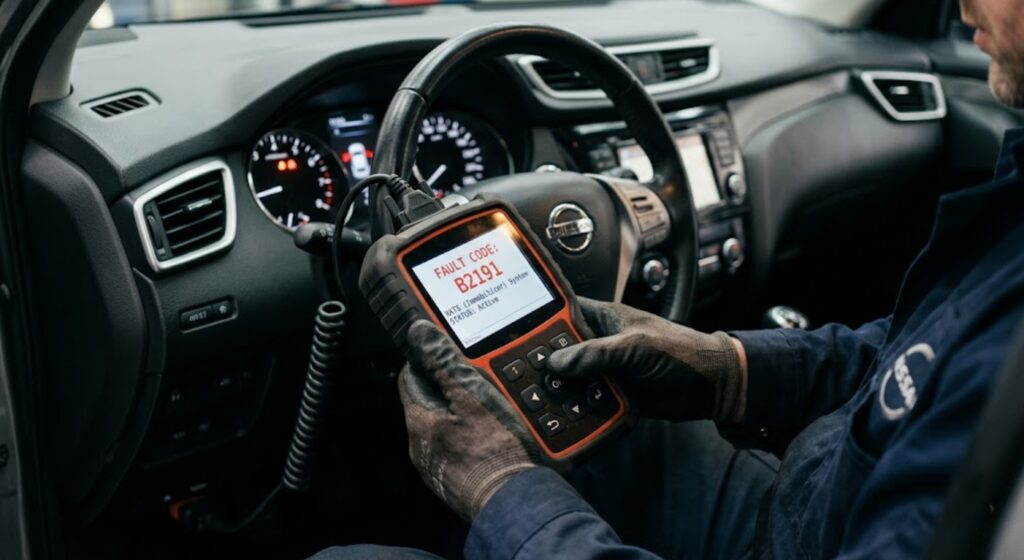
If the security light stays on while the power switch is ON, Nissan says NATS may be malfunctioning and the system should be checked by a dealer. A fault can sit in the key reader, the immobilizer or the body control module, and a scan tool is needed to find which. Basic code readers may not read these body and immobilizer codes, so a dealer with Nissan’s CONSULT tool or a qualified shop is the usual route.
If the Light Keeps Flashing After Repeated Attempts
Repeated start attempts do not fix a fault. If three careful tries with the original key fail, stop, and arrange a tow or a mobile technician rather than draining the battery.
Which Nissan Security Light Fix Applies to Your Situation
Match your symptom to the table, then use the matching section above.
| What You See | What the Car Does | Most Likely Cause | Your Fix |
|---|---|---|---|
| Light flashes, car is off | Parked normally | Anti-theft system working | No action needed |
| Light on, car will not start, remote works poorly | Engine does not crank, or key not detected | Weak fob battery | DIY: fob battery |
| Light on after using a spare or new key | Engine does not start with the new key | Key not registered to the car | Dealer or locksmith |
| Light on after battery replacement or jump start | Engine does not crank | Low or disconnected car battery | DIY: check the battery |
| Light stays on with the switch ON | Engine does not start with the original key | NATS fault | Dealer scan |
| Light on, original key, good batteries | Cranks but does not start | Possible NATS or immobilizer fault | Dealer diagnosis |
When to Take Your Nissan to a Dealer for the Security Light
- The light stays on with the switch ON.
- Your original key will not start the car after the free checks.
- A key needs to be registered to the car, or all working keys are lost.
- The engine cranks but will not start with the correct key.
Nissan dealers use the CONSULT diagnostic system to scan for NATS faults and register keys. A qualified locksmith may also register keys for some models. Costs vary by model and shop, so ask for a quote that covers diagnosis and programming.
Frequently Asked Questions
Why is there a red car with a key symbol flashing on my Nissan dashboard?
It is the NATS security indicator. Nissan says it blinks when the power switch is in LOCK, OFF or ACC to show the anti-theft system is operating. If it stays on while the switch is ON, the system may be malfunctioning.
Can I drive my Nissan with the security light flashing?
If the light only blinks while the car is parked, yes, that is normal. If the engine will not start because the light stays on, the car is not accepting the key and you cannot drive it until that is fixed.
How do I reset the Nissan anti-theft system?
The Nissan manual pages I checked describe no driver reset. Remove other keys and transmitting devices from near the key, try your original key, and check the fob and car batteries. If the light stays on, have the system checked.
How do I start my Nissan if the key fob battery is dead?
Open the door with the hidden key, press the brake, touch the Intelligent Key to the ignition switch until the chime sounds, then press the switch within 10 seconds. Confirm the steps in your owner’s manual.
Will replacing the key fob battery fix the flashing security light?
Only if a weak fob battery was the cause. If the remote also worked poorly around the time the light appeared, it is a good first fix. If the light stays on after a fresh battery, check for interference and then get the system scanned.
How much does Nissan key reprogramming cost?
It depends on the model, the key type and whether you use a dealer or a locksmith. Ask for a written quote that covers programming and any diagnostic fee.
Conclusion
A blinking security light on a parked Nissan is normal. A light that stays on and a car that will not start means the car is not accepting your key. Check for interference, your original key and both batteries first, use the emergency start if the fob is weak, and go to a dealer or locksmith if the light stays on with the switch ON.