Aftermarket Alarm System Car Wont Start
Last Updated on June 19, 2023 by Ryan
If your car won’t start after you’ve installed an aftermarket alarm system, it’s likely due to a wiring issue. Make sure all the wires are properly connected and that none of them have come loose during the installation process. If everything looks fine, then check for any blown fuses or disconnected relays in both the alarm system and vehicle electrical systems.
Additionally, make sure there is power going to the starter solenoid and ignition switch. If these components have no power, then the problem could be with your battery or alternator.
Having trouble starting your car after installing an aftermarket alarm system? This is a common problem, as many aftermarket systems are poorly designed and can disrupt the electrical signals in your vehicle. If this is happening to you, it’s important to get it checked out by a professional mechanic so they can diagnose the issue and make sure everything is working properly.
In some cases, simply resetting or replacing the alarm system may be enough to restore normal function; however, if that doesn’t work then other parts of your vehicle may need to be inspected for damage caused by the faulty alarm system.
Car alarm How To – Repair or remove a starter kill disable


Can Aftermarket Alarm Cause Car Not to Start?

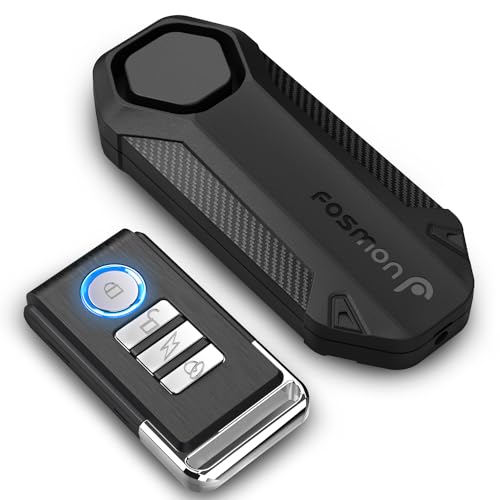

Yes, aftermarket alarms can cause a car not to start. Aftermarket alarms are designed to prevent unauthorized entry into a vehicle by sounding an alarm when triggered. This is done either through sensors placed on the vehicle itself or via a remote control that is used to activate or deactivate the system.
However, if an aftermarket alarm is installed incorrectly or malfunctions, it may interfere with the electrical system of your car and cause it not to start. In some cases, faulty wiring can also lead to this issue. To avoid this problem, make sure that any aftermarket alarm you install in your car has been correctly wired and tested before use.
How Do You Reset an Aftermarket Car Alarm?
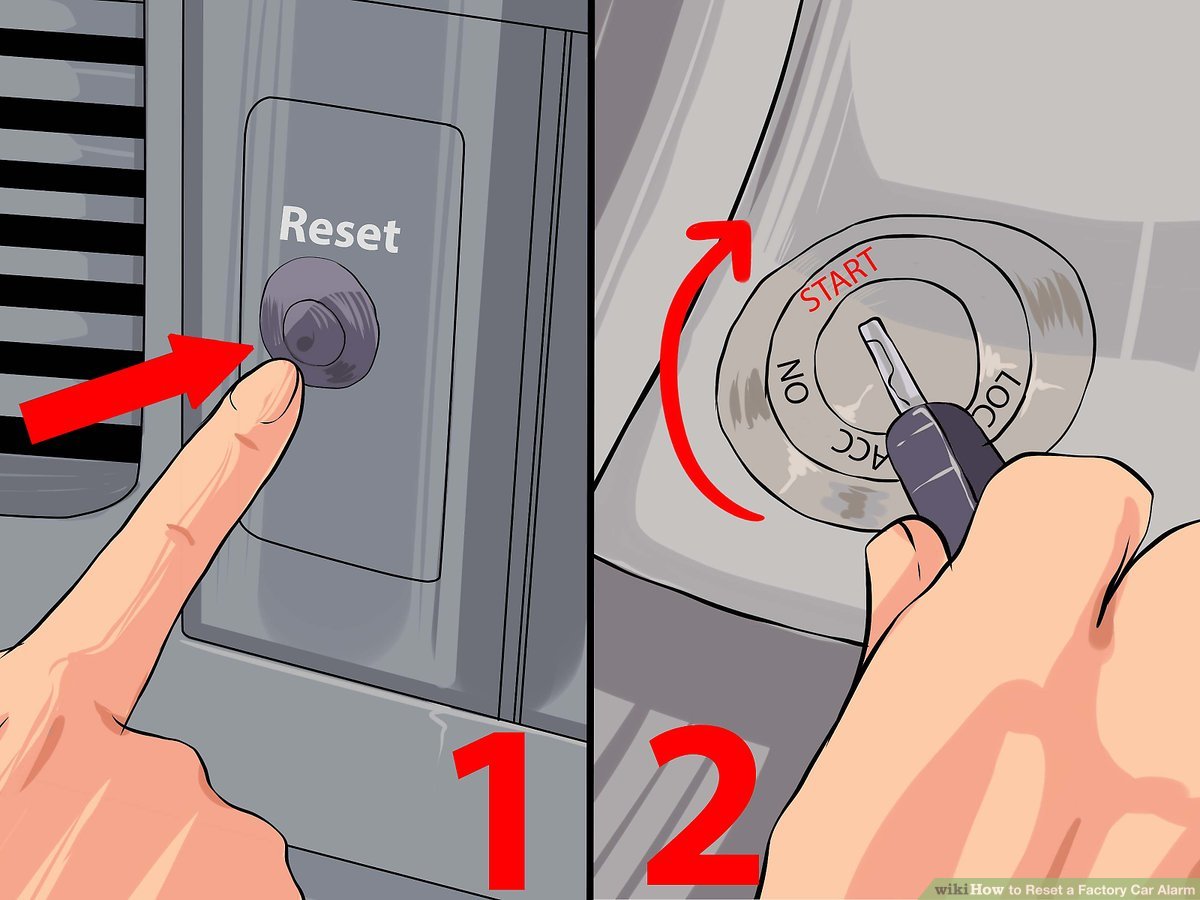
If you have an aftermarket car alarm, resetting it can be a tricky process. Depending on the type and model of your alarm, the steps to reset it may vary slightly. Generally speaking, however, most aftermarket car alarms need to be disarmed by pressing a sequence of buttons or switches in the correct order.
This is usually accomplished by pressing either two specific buttons at once or cycling through a series of button presses until you hear a chirp from the system indicating that it has been successfully reset. If this does not work for your particular system then check with your manufacturer’s instructions for further guidance on how to properly reset your alarm system.
Can an Aftermarket Car Alarm Drain Battery?
Yes, an aftermarket car alarm can drain your battery over time. This is because the alarm needs to constantly be powered in order for it to work properly and if it’s left on for too long without being used, the power that was initially stored in the battery will eventually deplete. Furthermore, many of these alarms also come with a security feature that arms itself automatically when you leave your vehicle, which means more energy is being drawn from the battery while it’s activated.
To avoid this issue, make sure your alarm isn’t set up to arm itself automatically or disconnect it when not in use.
How Do I Get My Car Out of Anti Theft Mode?
If your car is equipped with an anti-theft device, you will need to disarm it before you can start the engine. Depending on the type of system fitted to your vehicle, this could require entering a passcode into a keypad near the ignition or using a specially designed remote control. If you don’t have access to either of these security measures, contact your car dealership for assistance.
They may be able to provide you with a specialized tool that can reset the anti-theft system and allow you to start your vehicle again.
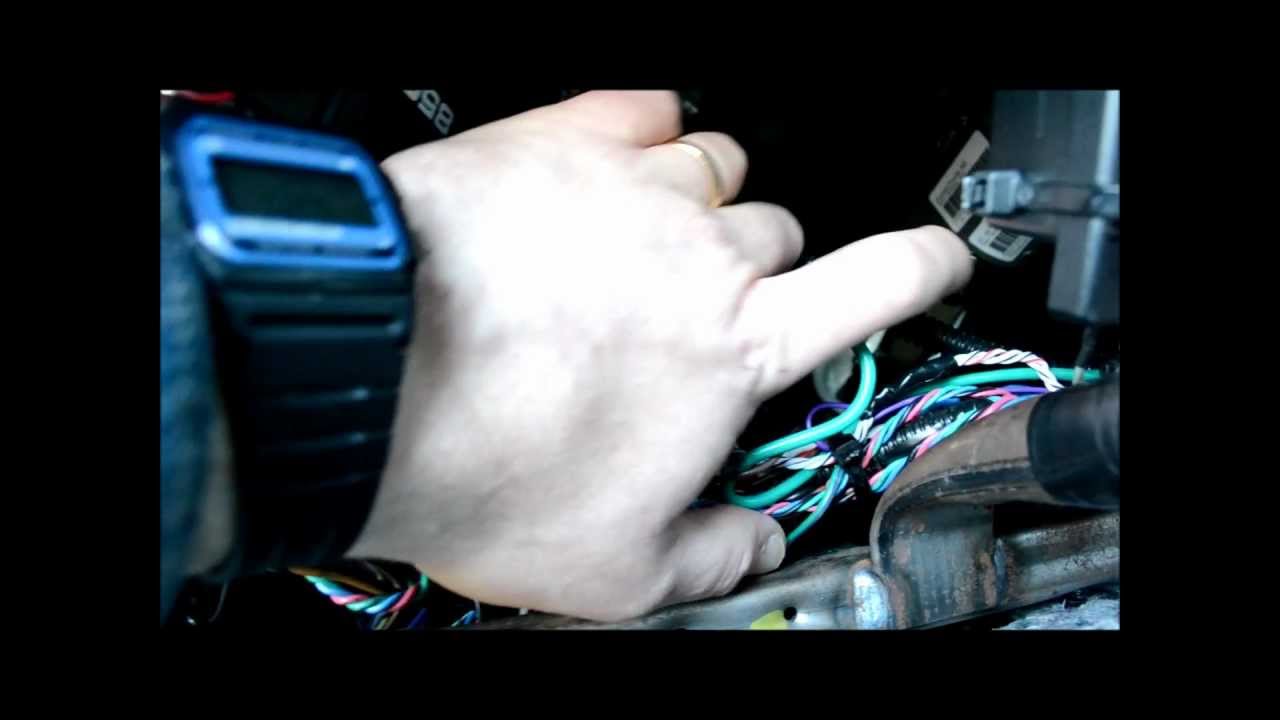
Credit: www.youtube.com
How to Get Car Out of Anti Theft Mode With Key
Getting your car out of anti-theft mode with the key is a simple process. All you need to do is turn the ignition switch on and off three times in quick succession. Once this has been done, the vehicle should exit its anti-theft mode and be ready for use.
It’s important to note that this method only works if your car was put into anti-theft mode using a key, not an alarm system or other device. Additionally, it may take several tries before the car exits its anti-theft mode, so be sure to persist until successful!
Anti Theft System Won’T Let My Car Start
If your car is equipped with an anti-theft system, it may be preventing your vehicle from starting. This system uses a key fob or chip that must be detected in order for the engine to start. If this key fob or chip is not detected, the anti-theft system will prevent the engine from starting and you won’t be able to drive your car until this problem is resolved.
If you are experiencing this issue, make sure to check if there are any errors indicated on your dashboard before having it inspected by a qualified mechanic.
How to Bypass Car Alarm to Start Car
To bypass a car alarm to start your car, you will need to locate the factory-installed security system in the vehicle. The security system may be hidden behind panels or under seats. Once located, you can disconnect and reconnect the battery cables or turn off the ignition switch for 30 seconds and then back on again in order to reset and disable the alarm.
After that, you should be able to start your car without any issues.
Conclusion
In conclusion, aftermarket alarm systems can be a great way to add extra protection and security to your vehicle. However, there are potential issues that may arise when attempting to install or use them. If you encounter any difficulties with installation or activation of the system, it is important to contact customer service for help in resolving the issue.
Also be aware that if your car won’t start due to an aftermarket alarm system being activated, you should try resetting the system using its programming instructions before calling a tow truck or mechanic.