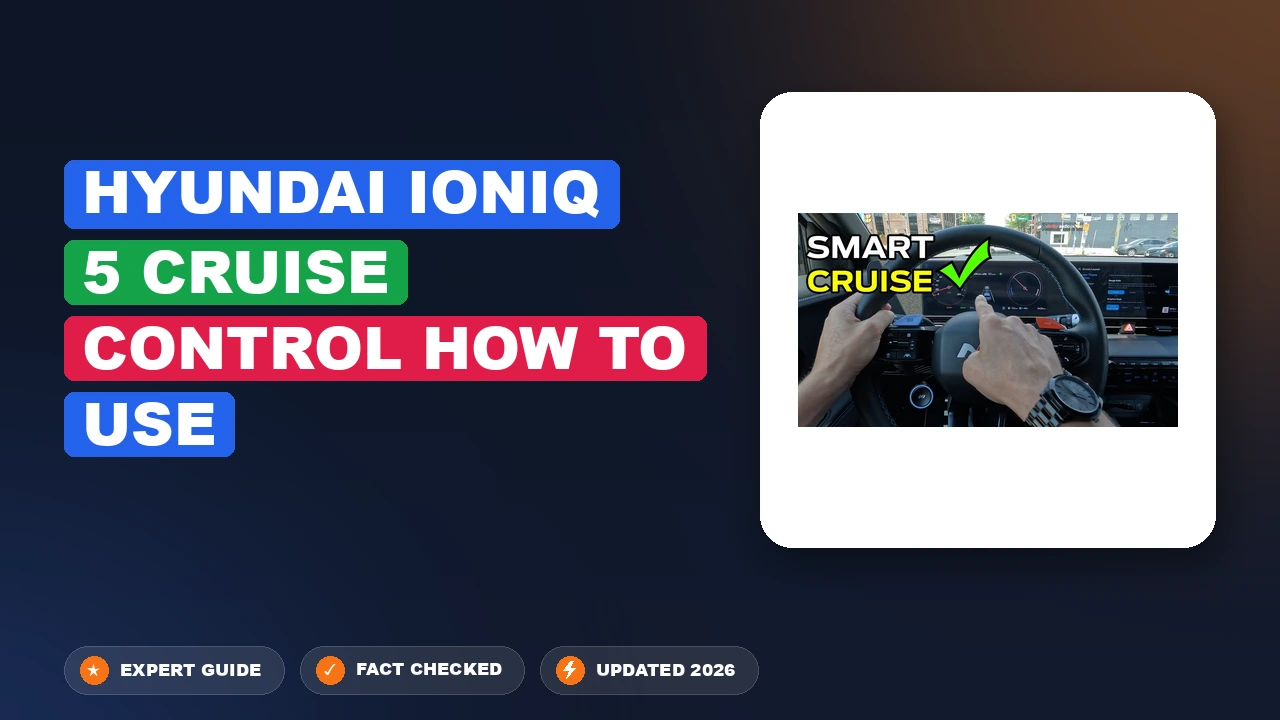
Hyundai Ioniq 5 Cruise Control How to Use: Mastered Simply
Ever felt like you were juggling too many buttons on your Ioniq 5 steering wheel during your morning commute? The transition to an all-electric platform brings significant technological leaps, yet it often leaves drivers confused about the difference between standard cruise, Smart Cruise Control (SCC), and the more advanced semi-autonomous features like Highway Driving Assist. In this guide, we will simplify the Ioniq 5 cruise control system so you can enjoy a safer, more intuitive drive every time you hit the road.
Safety and Mechanics of Hyundai Ioniq 5 Cruise Control How to Use


📤 Share Image

Why the Front Radar Sensor Must Be Clean
The “brain” behind the Ioniq 5’s Smart Cruise Control (SCC) is the front radar sensor located behind the front grille or bumper cover. Unlike traditional cruise control, which simply maintains a set speed, SCC uses electromagnetic waves to measure the distance and closing speed of the vehicle ahead. If this sensor is obscured by snow, mud, or thick road grime—common after a winter storm or a long highway drive—the system will disable itself for safety, often displaying a warning on the instrument cluster. Keeping this area clear is an essential maintenance task to ensure the system doesn’t unexpectedly drop offline during high-speed travel.

SCC vs. Traditional Cruise Control
It is vital to understand that the Ioniq 5 utilizes Smart Cruise Control (SCC). Traditional cruise control is a static speed-holding system; if you encounter a slower vehicle, you must manually brake. SCC, however, automatically adjusts your speed to match the traffic flow while maintaining a driver-selected distance. This is distinct from Highway Driving Assist (HDA) and Lane Following Assist (LFA). While SCC manages speed and distance, LFA manages lateral steering centering, and HDA integrates both with navigation data to adjust speeds for upcoming highway curves. These are supplemental systems, not autonomous driving tools.

Driver Responsibility and System Limitations
Regardless of how comprehensive the Ioniq 5’s sensor suite is, you remain the primary operator. Industry data indicates that driver inattention is the leading cause of incidents while using advanced driver-assistance systems (ADAS). The SCC is designed for steady highway use; it is not intended for complex city intersections, roundabouts, or stop-and-go traffic with pedestrians. You must always keep your eyes on the road and hands ready to intervene.
📋
Hyundai Ioniq 5 Cruise Control How to Use: Step-By-Step Setup


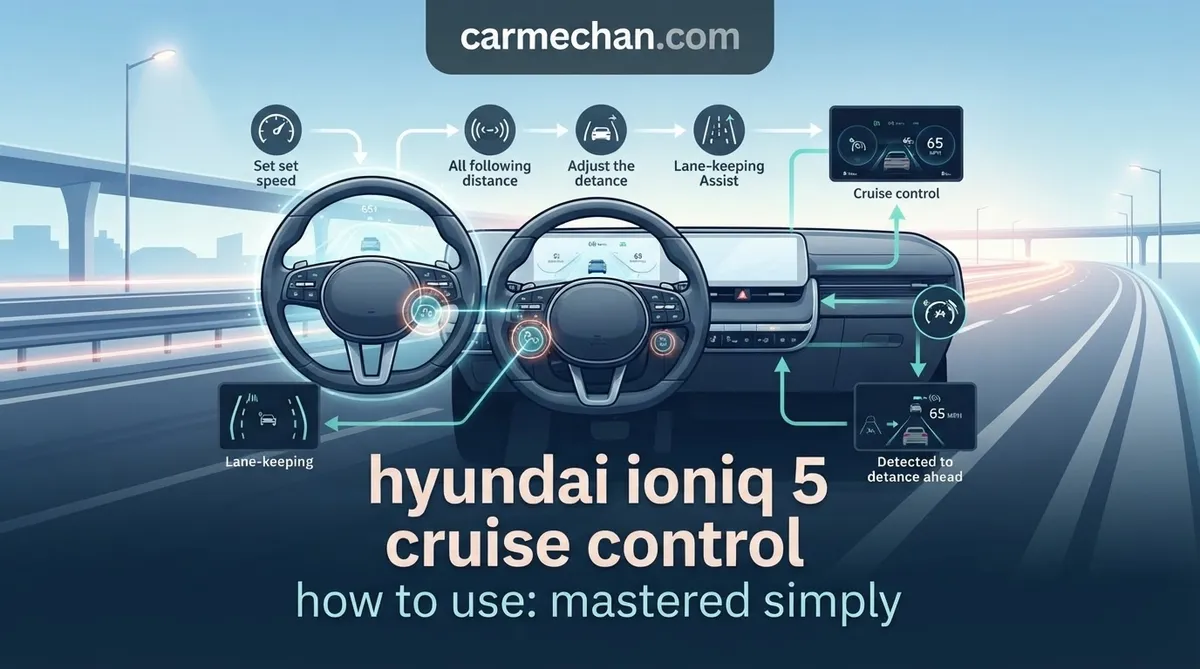
On the right side of the steering wheel, press the cruise control button (icon depicting a speedometer with a car). You will see the ‘CRUISE’ indicator appear on the instrument cluster, signaling the system is ready to be armed.
Once you reach your desired speed, toggle the speed switch downward (SET -). The instrument cluster will display your set speed. You can further increase or decrease this by pushing the switch up (+) or down (-).
Use the vehicle-distance button located on the steering wheel to toggle through four levels of following distance. A 3-bar setting is recommended for standard highway traffic to maintain an appropriate, comfortable gap.
Mastering Stop-and-Go Functionality in the Ioniq 5


One of the most essential features for commuters is the Stop-and-Go capability of the SCC. When you are moving in heavy traffic, the Ioniq 5 can bring the vehicle to a full, complete stop if the car in front of you stops. If the stop is brief—typically lasting 3 to 5 seconds—the vehicle will automatically resume acceleration once the traffic clears. However, if the stop exceeds this window, the system enters a “standby” mode. To resume, you must either gently tap the accelerator pedal or toggle the cruise switch upward.
Pairing the Auto Hold button with SCC provides the smoothest stop-and-go experience. While SCC handles the distance and braking, Auto Hold maintains the vehicle at a standstill once you come to a complete stop, allowing you to relax your foot off the pedal without the vehicle creeping forward.
Because the Ioniq 5 is an EV, these stops benefit from regenerative braking. The system is exceptionally efficient, using the electric motors to decelerate before engaging the friction brakes. Note that during stop-and-go, the vehicle relies entirely on the radar; if you are in city intersections with complex lane markings or non-vehicular traffic, you should always be ready to override the system manually by tapping the brake pedal.
Common Issues and Fixes for Ioniq 5 Cruise Control
Even for the experienced driver, technology can occasionally behave unexpectedly. Understanding the common pitfalls ensures you know exactly how to handle your Ioniq 5 cruise control setup when things don’t go as planned:
- Sensor Obscuration: In heavy rain or snow, the radar sensor may be unable to “see” through the precipitation. The instrument cluster will display a “Radar Blocked” or “System Unavailable” message. You must pull over when safe and clear the front emblem area.
- Resume Misconceptions: A common beginner error is assuming the vehicle will automatically resume from a long stop. If the car has been stationary for more than 5 seconds, you must provide manual input via the accelerator or cruise switch to restart the progress.
- Instrument Cluster Warnings: Always pay attention to the color of the cruise icon. A white icon typically means the system is in standby mode. A green icon indicates that it is currently active. If the icon flashes or disappears, the system has encountered an error or conflict that requires your immediate takeover.
- Speed Limit Linking: Be aware that the Ioniq 5 can be set to adjust its speed automatically based on navigation data. If your vehicle slows down abruptly without a car in front, it may be reacting to a change in the detected speed limit zone. You can adjust these settings within the vehicle’s infotainment menu under the ‘Driver Assistance’ tab.
Never rely on SCC to navigate tight turns or highway exit ramps. The radar sensor has a limited field of view and cannot anticipate sharp changes in road geometry or traffic merging unexpectedly from side streets.
Industry Data and Performance Insights
By The Numbers
Distance Settings
Max Auto-Resume
To master this system, it is recommended that you explore the settings on a quiet, low-traffic stretch of highway. This allows you to understand the vehicle’s braking behavior without the pressure of dense congestion. Remember, SCC is a convenience feature, not a self-driving replacement. Regular sensor cleaning is the key to consistent system reliability, and your ability to toggle through the distance settings quickly will make the Ioniq 5 feel like a true extension of your driving intent. Take your vehicle out for a practice run today, and experience how these tools can significantly reduce fatigue on long-distance journeys.
Hyundai Ioniq 5 Cruise Control How to Use: Frequently Asked Questions
Will SCC work in heavy rain or fog?
While the Ioniq 5 radar is highly advanced, heavy rain, fog, or snow can obscure the sensor and the forward-facing camera. If the system detects a loss of visibility, it will automatically deactivate and display a ‘Smart Cruise Control System Unavailable’ warning. In these conditions, it is unsafe to rely on the system; you must resume manual control of the vehicle immediately.
What is the difference between Cruise Control and HDA?
Standard Smart Cruise Control (SCC) solely manages your speed and following distance relative to the vehicle ahead. Highway Driving Assist (HDA) takes it a step further by utilizing both the radar and camera systems to provide steering assistance. This helps keep your Ioniq 5 centered in the lane, creating a semi-autonomous, Level 2 driving experience on recognized highways and major roadways.
Can I change the speed while cruise control is active?
Yes, you can easily adjust your set speed at any time by flicking the toggle switch on the steering wheel up or down. A quick flick increases or decreases the speed by 1 mph, while holding the switch will adjust the speed in 5 mph increments. This allows for precise control when speed limits change or when traffic flow fluctuates.
What happens if I press the brake while using cruise control?
Pressing the brake pedal will immediately disengage the Smart Cruise Control system. The vehicle will stop automatically following the target speed, and the system will enter a standby mode. To re-engage the system at your previous speed, simply press the ‘RES’ (Resume) button on the steering wheel once the road conditions allow for safe acceleration.
How do I ensure the following distance is safe?
You can customize the following distance by pressing the vehicle icon button on the steering wheel. The Ioniq 5 allows you to choose from four distinct distance profiles. Using the higher settings (3 or 4 bars) provides a larger buffer, which is recommended for high-speed travel or adverse weather, while lower settings (1 or 2 bars) are better suited for moderate-speed, heavy-traffic scenarios.