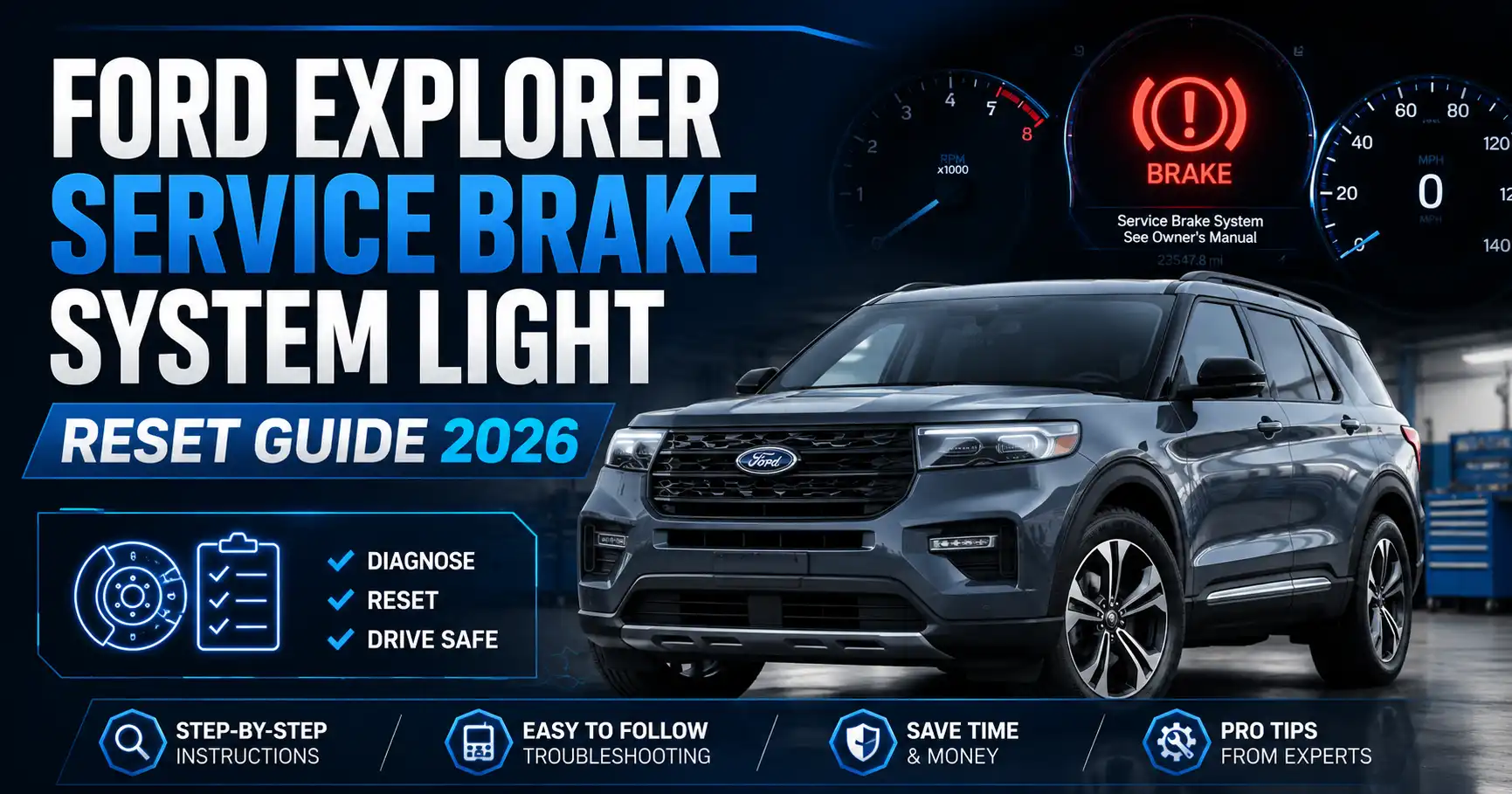
Ford Explorer Service Brake System Light Reset Guide 2026
Last Updated on June 24, 2026 by Albert Duke
A Ford Explorer service brake system light reset should only be done after you check why the warning came on. The light can appear from something simple, such as the parking brake not fully releasing, but it can also point to low brake fluid, an ABS fault, an electric parking brake issue, or a brake system fault that needs service.
For most owners, the safest approach is simple. Check the parking brake, brake fluid, brake pedal feel, battery voltage, and recent brake work before trying to clear the warning.
This guide separates safe reset attempts from warnings you should not ignore.
What Ford Explorer Service Brake System Light Means
Recommended Best Deal Products


The Ford Explorer service brake system light is not one single reset warning. It is a brake-system warning that can appear for several different reasons.
On Ford owner manual pages, brake warnings can relate to the parking brake, low brake fluid, or a brake system fault. Ford also explains that a brake warning that remains on while driving means the system should be checked.
Here is the quick meaning of the most common brake messages.
| Ford Explorer Warning | What It Usually Means | Safe Owner Action |
|---|---|---|
| Brake Fluid Level Low | Brake fluid level is low | Stop and inspect immediately |
| Check Brake System | Brake system needs service | Stop safely and have it checked |
| Park Brake Fault | Electric parking brake issue | Check battery and EPB function |
| ABS Light With Brake Warning | ABS or chassis fault may be stored | Scan ABS module, not just engine codes |
EPB means electric parking brake. On newer Explorers, the EPB is controlled electronically instead of by a manual hand lever or foot pedal.
This matters because the reset method changes based on the cause.
5 Checks Before Resetting The Ford Explorer Brake Light
Do these five checks before you try any reset method. A brake warning is different from a basic maintenance reminder because it can affect stopping safety.
Parking Brake Status
Start with the simplest check. Make sure the parking brake is fully released.
On newer Ford Explorer models with an electric parking brake, press the brake pedal, power the SUV on, and release the parking brake using the switch. If the red brake warning turns off and stays off, the issue may have been parking-brake related.
If the parking brake warning returns immediately, do not keep cycling the switch. The EPB system may need diagnosis.
Brake Fluid Level
Open the hood and inspect the brake fluid reservoir. The fluid should be between the minimum and maximum marks on the reservoir.
Ford warns against using the wrong brake fluid because incorrect fluid can reduce brake efficiency and may lead to loss of control. Use only the brake fluid specification listed for your exact Explorer.
If the fluid is low, do not just top it off and reset the light. Low fluid can mean worn brake pads or a leak.
Brake Pedal Feel
Press the brake pedal before driving. It should feel firm and predictable.
Do not drive if the pedal sinks, feels spongy, or needs extra travel before the Explorer slows down. That is a service situation, not a reset situation.
A warning light plus a bad pedal feel needs a brake inspection.
Battery Voltage
A weak battery can trigger multiple warning lights at once. It can also affect electric parking brake operation.
Ford states that you may not be able to apply or release the electric parking brake if the battery is low or has no charge. If your warning appeared after a jump start, dead battery, battery replacement, or charging problem, test the battery before chasing brake parts.
If low voltage is the issue, start by charging and testing the battery. Our guide to choosing a car battery charger for diagnosis can help if the SUV sits for long periods.
Recent Brake Work
Ask what happened right before the warning appeared. This is one of the fastest ways to choose the right reset path.
If the light came on after rear brake pad replacement, the electric parking brake may not have been placed into service mode correctly. If it came on after front brake work, a sensor wire, wheel speed sensor connection, or battery voltage issue may be involved.
Once these checks are complete, you can choose the safest reset path.
How To Reset Ford Explorer Brake Light Safely
Recommended Best Deal Products


The safest reset method depends on what happened before the warning appeared. Use the branch that matches your situation.
Ford Explorer Brake Warning Reset Decision Flow
Use this flow before clearing the service brake system light. The safest reset depends on what triggered the warning first.
Parking Brake Was Applied
Release the parking brake fully, restart the Explorer, and monitor the warning. If it stays off, no further reset may be needed.
Battery Was Weak
Charge and test the battery first. Low voltage can trigger brake, ABS, steering, and parking brake warnings together.
Brake Pads Were Replaced
Check whether electric parking brake service mode was used correctly. A scan tool may be needed on 2020 to 2026 models.
ABS Codes Are Stored
Use a scanner that reads ABS, chassis, and electric parking brake modules. Basic engine-code readers may miss the fault.
Brake Fluid Is Low
Do not reset the warning yet. Inspect for leaks, pad wear, and unsafe pedal feel before driving farther.
Warning Says Stop Safely
Stop driving and get the brake system inspected. Clearing the message without repair can hide an active safety fault.
If Parking Brake Was Applied
If the warning appeared after using the parking brake, park on level ground first. Press the brake pedal, power the Explorer on, then release the parking brake using the switch or pedal depending on your model year.
Turn the vehicle off, wait about 30 seconds, then restart it. If the warning goes out and does not return, the issue may have been a parking brake status message.
If the warning stays on, do not assume the reset failed. The system may still see a brake or EPB fault.
If Battery Voltage Was Low
If several warnings appeared together after a weak battery, charge and test the battery first. A low-voltage event can confuse brake, ABS, steering, and parking brake modules.
After the battery is stable, restart the vehicle and check whether the warning clears. If it does not, scan for stored module codes.
Do not replace brake parts before confirming the battery and charging system are healthy.
If Brake Pads Were Replaced
If the warning appeared right after brake pad replacement, the reset may involve brake service mode instead of a simple dashboard reset.
This matters most on 2020 to 2026 Ford Explorer models with electric parking brake hardware. Rear brake work can require service mode before caliper service and exit from service mode after the job.
Do not force rear caliper pistons without confirming the correct service mode process for your exact year. Use Ford service information, a capable scan tool, or a qualified shop.
If ABS Codes Are Stored
If the ABS light, traction control light, hill start assist warning, or stability control warning appears with the brake warning, scan the ABS system.
A basic code reader may only read engine codes. It may miss ABS, chassis, and parking brake module faults.
For this situation, you need a scanner that can access more than the engine computer. Our guide to an OBD2 scanner that reads more than basic engine codes is a useful next step before buying a tool.
If Brake Fluid Is Low
If brake fluid is low, do not reset the light first. Find out why the fluid is low.
Brake fluid may drop as pads wear, but a low reservoir can also mean a leak. Look around the master cylinder, brake lines, calipers, and inside each wheel area for wetness.
If the fluid is low and the pedal feels wrong, stop driving and have the Explorer inspected.
What Changes On 2020 To 2026 Ford Explorer Models
The 2020 to 2026 Ford Explorer needs extra care because of the electric parking brake. A regular brake pad job can create warnings if service mode was skipped, interrupted, or not exited correctly.
The electric parking brake also depends on battery power. Ford states that a low or dead battery can prevent the electric parking brake from applying or releasing.
Do not do these three things on a 2020 to 2026 Explorer:
- Do not force the rear caliper piston without service mode confirmation.
- Do not assume a basic engine-code scanner can clear EPB faults.
- Do not ignore a brake warning that appears after rear brake service.
Some owner reports describe warnings after brake service that needed a bidirectional scanner or dealer-level reset. Treat those reports as useful context, not official Ford repair instructions.
If the warning started right after brake work, the next step is to verify service mode status and scan the ABS or parking brake module.
What Changes On 2011 To 2019 Ford Explorer Models
Recommended Best Deal Products


The 2011 to 2019 Ford Explorer often needs an ABS-focused diagnosis when brake warnings appear with traction or stability messages. These models may show several related dashboard warnings together.
A brake warning with ABS or stability control lights does not always mean the hydraulic brakes failed. It can mean the anti-lock braking system has stored a fault.
Ford owner manual guidance says an ABS indicator while driving indicates a malfunction, while normal braking may continue without anti-lock braking function. That means the SUV may still stop, but emergency braking control can be reduced.
There is also a recall note for some older Explorers. NHTSA Campaign 15V-464 involved certain 2015 to 2016 Ford Explorer vehicles with a parking brake concern. The recall document lists affected Explorers built from May 4, 2015 to May 23, 2015.
Because recall eligibility depends on VIN, check your Explorer at the official NHTSA recall lookup before assuming your SUV is included.
This older-generation reset path is usually about finding the ABS or brake fault first, not clearing a parking brake service mode issue.
When Not To Reset The Ford Explorer Brake Warning
Some Ford Explorer brake warnings should not be reset at home. If the warning points to an active braking fault, clearing the message only hides the symptom.
Do not reset the warning if any of these apply:
- The display says Brake System Fault or Stop Safely.
- The brake pedal feels soft, spongy, or sinks.
- Brake fluid is below the safe range.
- You see fluid near a wheel, brake line, or master cylinder.
- The warning returns immediately after clearing codes.
- ABS, traction control, and stability warnings appear together.
- The warning started after rear brake work on an EPB model.
This is also where comparing similar brake warning issues can help. CarMechan already covers a service brake system light reset on Chevy Silverado, but the Ford Explorer needs its own EPB and ABS checks.
If the warning has any safety symptom attached, diagnosis comes before reset.
Which Scanner Can Clear Ford Explorer Brake Codes
A basic check engine light scanner may not clear a Ford Explorer brake warning. Basic OBD2 readers usually focus on engine and emissions codes.
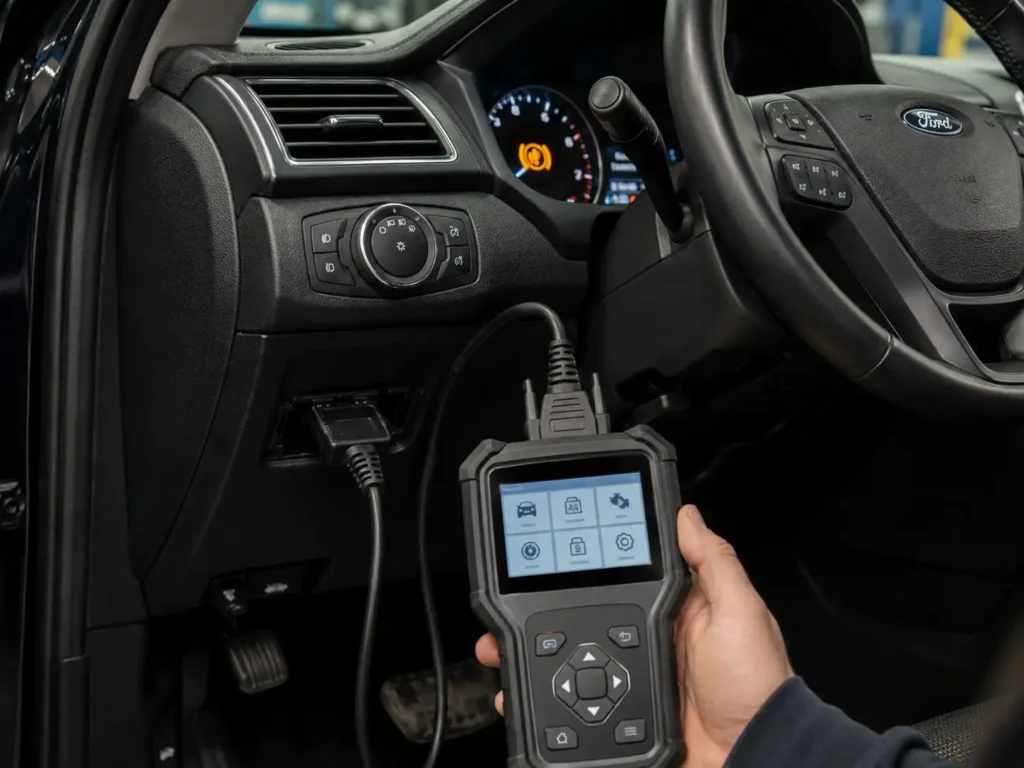
Brake-related warnings often live in ABS, chassis, body control, or electric parking brake modules. Those systems may require an enhanced scanner.
Look for these scanner features before buying or borrowing one:
- ABS code reading and clearing
- Chassis module access
- Electric parking brake service function
- Bidirectional controls for service mode
- Ford enhanced diagnostics
- Live data for wheel speed sensors and brake switch status
A bidirectional scanner can command certain module functions instead of only reading stored codes. That can matter when the Explorer needs EPB service mode, calibration, or module reset after brake work.
For general EPB troubleshooting context, our guide to electric parking brake problem diagnosis explains why electronic parking brake systems need a different approach than old cable-style brakes.
The tool matters, but the rule stays the same. Scan first, repair the cause, then clear the warning.
Best Next Step For Ford Explorer Owners
The right Ford Explorer service brake system light reset is the one that fixes the cause first. If the warning appeared after normal parking brake use and goes away after release and restart, monitor it.
If it appeared after a weak battery, charge and test the battery before replacing brake parts. If it appeared after brake service, confirm EPB service mode and scan the brake-related modules.
If brake fluid is low, pedal feel is unsafe, or the warning says stop safely, do not reset it at home. Get the brake system inspected before driving farther.
Ford Explorer Service Brake System Light Reset FAQ
Can I Drive With The Ford Explorer Service Brake System Light On
You should not keep driving if the Ford Explorer service brake system light stays on with low brake fluid, poor pedal feel, or a stop safely message. If the warning appeared briefly after parking brake use and cleared, monitor it. If it stays on, inspect the brake system first.
Why Did My Ford Explorer Brake Warning Come On After Changing Pads
A brake warning after changing pads can happen if the electric parking brake service mode was not handled correctly, especially on 2020 to 2026 models. It can also happen from low battery voltage, disturbed sensor wiring, or stored ABS codes. Scan the ABS and EPB modules before clearing anything.
Will Disconnecting The Battery Reset The Service Brake System Light
Disconnecting the battery may temporarily clear some warnings, but it does not fix the cause. If a brake fault remains stored or active, the warning will return. Battery resets can also create extra warning messages, so scanning is safer.
What Scanner Clears Ford Explorer Brake System Codes
You need a scanner that can read ABS, chassis, and electric parking brake modules. A basic engine-only OBD2 reader may not be enough. For EPB service mode or reset functions, look for Ford enhanced diagnostics and bidirectional control support.
Does Low Brake Fluid Trigger The Ford Explorer Brake Warning
Yes, low brake fluid can trigger a Ford Explorer brake warning. Ford manual guidance says low brake fluid means the system should be inspected immediately. Do not just top off the fluid and reset the light without checking for pad wear or leaks.
Is The Ford Explorer Parking Brake Recall Related To This Warning
It can be related only for certain vehicles covered by the recall. NHTSA Campaign 15V-464 included certain 2015 to 2016 Explorer vehicles with a parking brake concern. Use your VIN on the NHTSA recall lookup because model year alone does not confirm eligibility.