Kenworth T680 Adaptive Cruise Control Fault: Diagnosed & Fixed
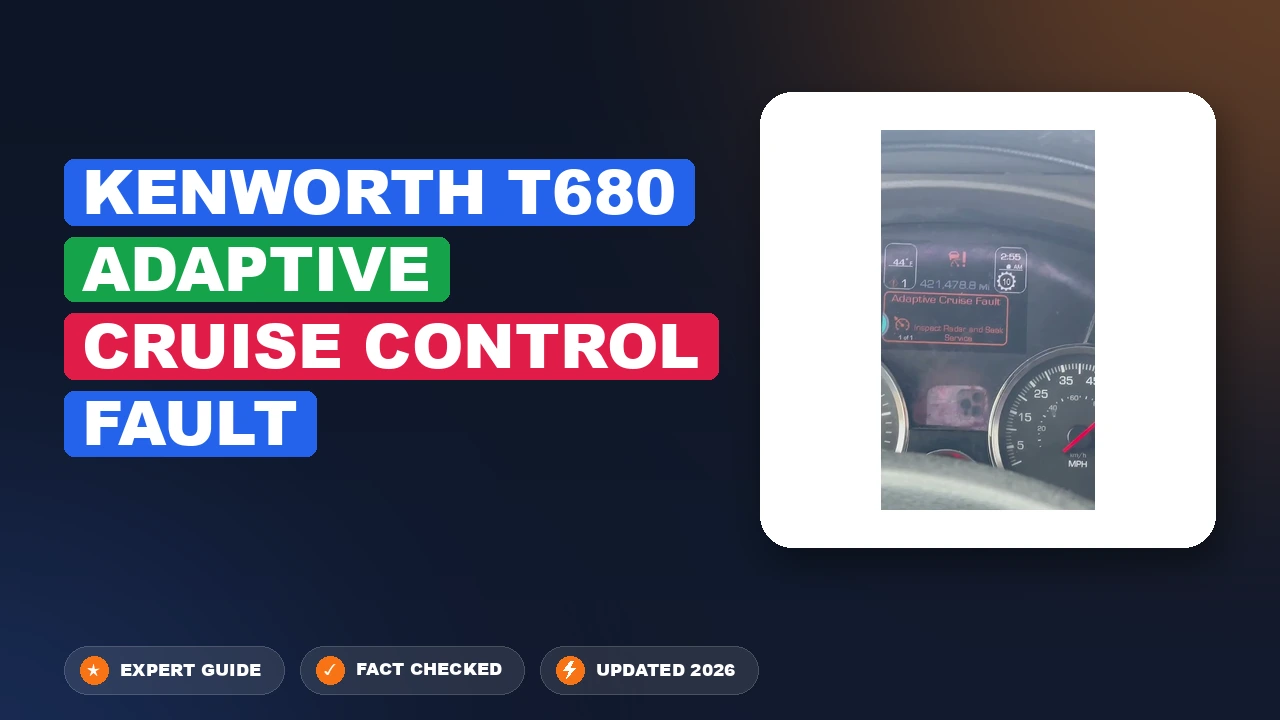
Is your T680’s cruise control suddenly refusing to set, or are you seeing dash warnings for a collision mitigation system failure? The Kenworth T680 adaptive cruise control fault is a common frustration that can suddenly sideline your cruise functionality and trigger safety-critical warnings. In this guide, we break down why these faults occur, how to safely troubleshoot the issue, and when it is time to head to the dealership for professional recalibration.
Origins of a Kenworth T680 Adaptive Cruise Control Fault


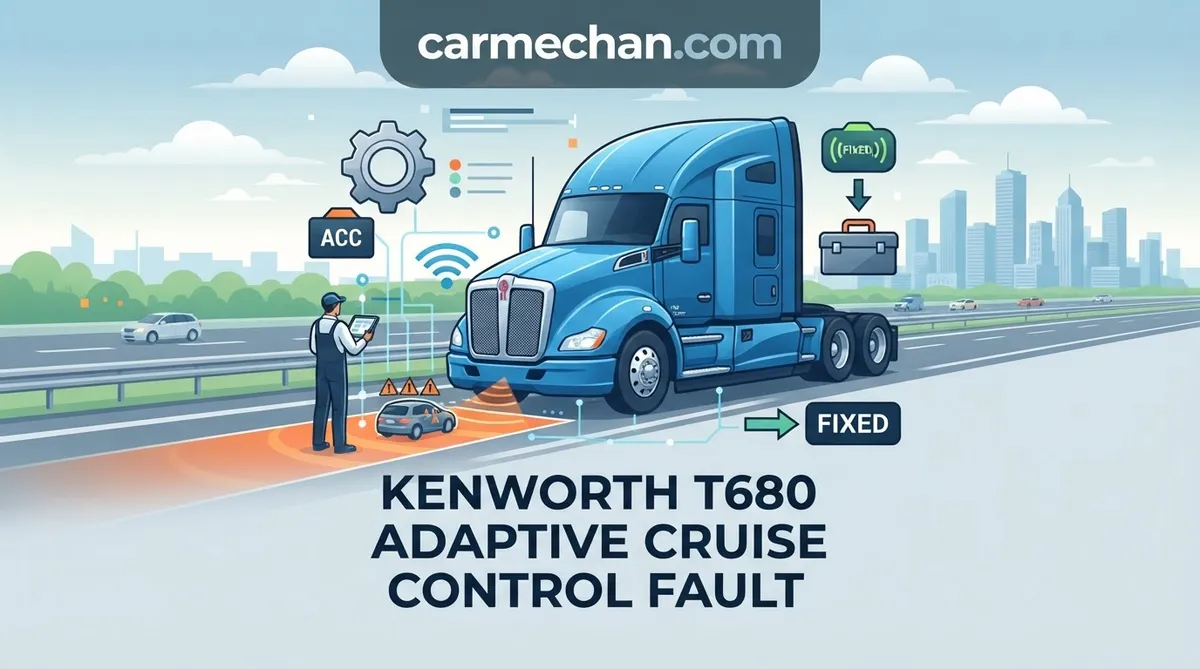
The Bendix Wingman Fusion system utilized in the Kenworth T680 is a sophisticated integration of radar, camera, and brake systems. When the electronic control unit detects a discrepancy in the data stream, it will trigger an adaptive cruise control fault to ensure safety. Understanding the root cause is the first step toward an effective solution.
📤 Share Image

Common Physical Obstructions Impacting Radar Sensors
The forward-looking radar sensor is highly sensitive to its immediate environment. Physical obstructions like mud, ice, or road debris are the primary culprits for intermittent “Sensor Blocked” messages. During winter months, frozen slush buildup or heavy road grime can completely blind the radar, rendering the adaptive cruise control inoperable. Because the system requires a clear line of sight, even a small, partially translucent layer of ice can cause a signal attenuation fault.

J1939 CAN Bus Data Interruption Patterns
The T680 relies heavily on the J1939 CAN bus to allow the radar unit to communicate with the engine and transmission controllers. If this network experiences “noise” or a high error rate, the system will drop the ACC connection to prevent erratic braking or acceleration. These interruptions are often traced back to chafed wires or corroded connectors located anywhere along the chassis main harness leading to the front of the truck.

How Bumper Alignment Affects Bendix Wingman Accuracy
The radar sensor is mounted specifically to the front bumper assembly. If the bumper has sustained even a minor impact—common in tight dock maneuvering—the structural alignment of the sensor can shift. The Bendix Wingman system is calibrated to a fraction of a degree. Any deviation in the vertical or horizontal tilt, caused by bent mounting brackets or a sagging bumper, will immediately result in a persistent fault code, as the radar unit can no longer accurately calculate the closing speed of objects ahead.
How to Troubleshoot and Resolve T680 ACC Faults


📋
Diagnostic Procedure


Use a soft, non-abrasive damp cloth to clean the radar cover. Never use a high-pressure power washer directly on the sensor, as it can force water past the seals and into the electrical connectors.
Inspect the sensor plug for pin corrosion. Follow the wiring harness back toward the frame rail to check for tight zip-ties or abrasion points that might be causing a short in the CAN signal path.
Retrieve Diagnostic Trouble Codes (DTCs) using the truck’s dash display or professional diagnostic software (such as Bendix ACom). If the error is a “ghost” code, a hard reset—disconnecting batteries for 15 minutes—can sometimes clear the module memory.
Cleaning Radar Sensors Without Damaging the Surface
The radar-transparent cover is made of specialized plastic designed to minimize signal interference. Using harsh chemicals or abrasive brushes will create micro-scratches that disperse the radar signal, causing permanent “dirty sensor” warnings. Always use mild soap and water with a microfiber towel for cleaning.
Inspecting the Sensor Wiring Harness for Corrosion
Because the radar sensor is exposed to the elements, the wiring connector is a high-risk area. If you find blue or green oxidation on the pins, use an electrical contact cleaner and a fine pick to gently remove debris. If the wiring insulation appears brittle or cracked, the entire pigtail should be replaced to prevent future intermittent connectivity issues.
Diagnostic Trouble Code (DTC) Retrieval Steps
If the fault persists, utilize diagnostic software like Bendix ACom to view the specific “SID/FMI” code. A failure in the J1939 communication usually indicates a bus error, while a sensor-specific internal fault often requires a software flash or module replacement. Do not attempt to jump or bypass the pins on the radar connector, as this can fry the sensitive ECU inputs.
When to Recalibrate or Replace Bendix Wingman Components
There is a critical distinction between a system that needs cleaning and a system that requires professional service. Radar sensors require precise horizontal and vertical alignment to operate within manufacturer parameters. If the sensor is misaligned, even by a degree, it will miscalculate the distance to vehicles ahead, triggering an automatic system disable.
The Importance of Precise Radar Sensor Calibration
Calibration is a professional-grade task. Using Bendix-authorized software, technicians measure the pitch and yaw of the sensor relative to the chassis centerline. This alignment process ensures the “cone” of the radar is pointed exactly where the truck is traveling. “Plug-and-play” sensor replacement rarely works in these systems; without a digital calibration reset, the new sensor will likely throw an immediate alignment fault.
Understanding Default Cruise Control Behavior During Faults
When a fault occurs, the Bendix Wingman system will default the vehicle to standard cruise control or disable it entirely. This is a safety feature to prevent the truck from engaging in autonomous braking based on potentially incorrect radar data. If your cruise control is grayed out on the driver interface, it confirms the ECU has identified an internal system fault that requires investigation.
Never attempt to realign the radar sensor by manually bending the mounting bracket. The tolerances required are too fine for manual adjustment, and you risk permanently damaging the mounting hardware or the sensor itself.
Preventing Future Kenworth T680 Adaptive Cruise Control Faults
Maintaining the Bendix system is about proactivity. By integrating sensor checks into your routine, you can avoid the unexpected downtime associated with an adaptive cruise control fault.
Electrical Stability and Voltage Requirements
The radar system requires a stable power supply between 12 and 14 volts. Excessive voltage fluctuations—often caused by failing batteries or a dying alternator—can trigger a low-voltage fault in the radar module. Ensure your battery connections are clean and tight to maintain a consistent signal.
Best Practices for Seasonal Sensor Maintenance
- Monthly Inspection: Check the radar-transparent cover for stone chips or deep scratches that could distort the signal.
- Routine Software Updates: During oil changes at the dealer, request a check for available firmware updates for the Bendix ECU.
- Wiring Loom Check: Annually inspect the wiring harness behind the bumper for signs of vibration wear or heat exposure.
- Avoid Abrasives: Never use scrub pads or stiff-bristled brushes on the sensor face; stick to microfiber.
- Battery Health: Use a multimeter to verify that your electrical system is consistently delivering stable voltage to the engine bay modules.
By The Numbers
Required Voltage
Most Common Fault: Debris
Summary and Professional Guidance
Managing the health of your adaptive cruise control system is vital for operational efficiency and driver safety. To summarize the most critical points: most faults are caused by physical debris on the radar sensor. Always check your wiring harnesses before assuming a sensor failure. Safety-critical systems like the Bendix Wingman require precise calibration that usually requires specialized dealer tools, and you should never ignore recurring faults, as they often indicate a deeper J1939 network issue that could affect other vehicle systems.
If your T680 continues to display a fault code after thorough cleaning and harness inspection, contact your nearest Kenworth dealer to verify the radar alignment and system software. Prompt professional attention prevents minor glitches from escalating into expensive component failures.
Kenworth t680 Adaptive Cruise Control Fault: Frequently Asked Questions
Can I drive the truck if the ACC system has a fault?
Yes, you can operate the vehicle; however, the Adaptive Cruise Control and Collision Mitigation features will be disabled. You must operate the truck as a standard vehicle, relying solely on manual braking and throttle control. Never rely on the system when the dash indicates a fault, as the radar unit is no longer providing automated monitoring or intervention.
How do I clear the radar sensor obstruction code?
First, thoroughly clean the radar sensor cover on the front bumper using a damp, soft cloth. If the fault is caused by ice or mud, the system will often clear itself automatically once the obstruction is removed and the truck reaches operating speed. If the error code remains after cleaning, use the Bendix ACom software to perform a system scan and clear inactive fault codes.
Will a bad alignment cause an ACC fault?
Yes, significant chassis or wheel alignment issues can cause the truck to track incorrectly. If the radar sensor detects that the road geometry does not match the vehicle’s direction of travel over a sustained period, it can trigger a ‘misalignment’ fault. Ensuring the truck is within factory alignment specifications is a vital step in troubleshooting chronic radar faults.
Do I need to go to a dealer to reset the system?
Not necessarily for minor obstructions, but you do need professional support if the sensor requires recalibration or if the fault is rooted in the truck’s proprietary CAN bus architecture. If you lack Bendix-compatible diagnostic tools or the specialized alignment jig required for radar sensor aiming, a dealership or certified service facility is the only way to ensure the system is calibrated to safety standards.
What is the role of the Bendix ACom software?
Bendix ACom is the professional-grade diagnostic tool used to interface with the Collision Mitigation system. It allows technicians to pull specific fault codes, view real-time data from the radar sensor, perform system health checks, and execute the final calibration procedure after a sensor replacement. Without this software, accessing the deeper diagnostic information needed to resolve complex electronic faults is nearly impossible.