WOLFBOX Dash Cam Review 2026: Is This Mirror Dash Cam Worth It?
Struggling with blind spots and low-visibility parking? The WOLFBOX 12″ Mirror Backup Camera upgrades standard rearview mirrors with crystal-clear 4K video, a massive touchscreen, and superior night vision. Read on to evaluate its features, pricing, and installation requirements.
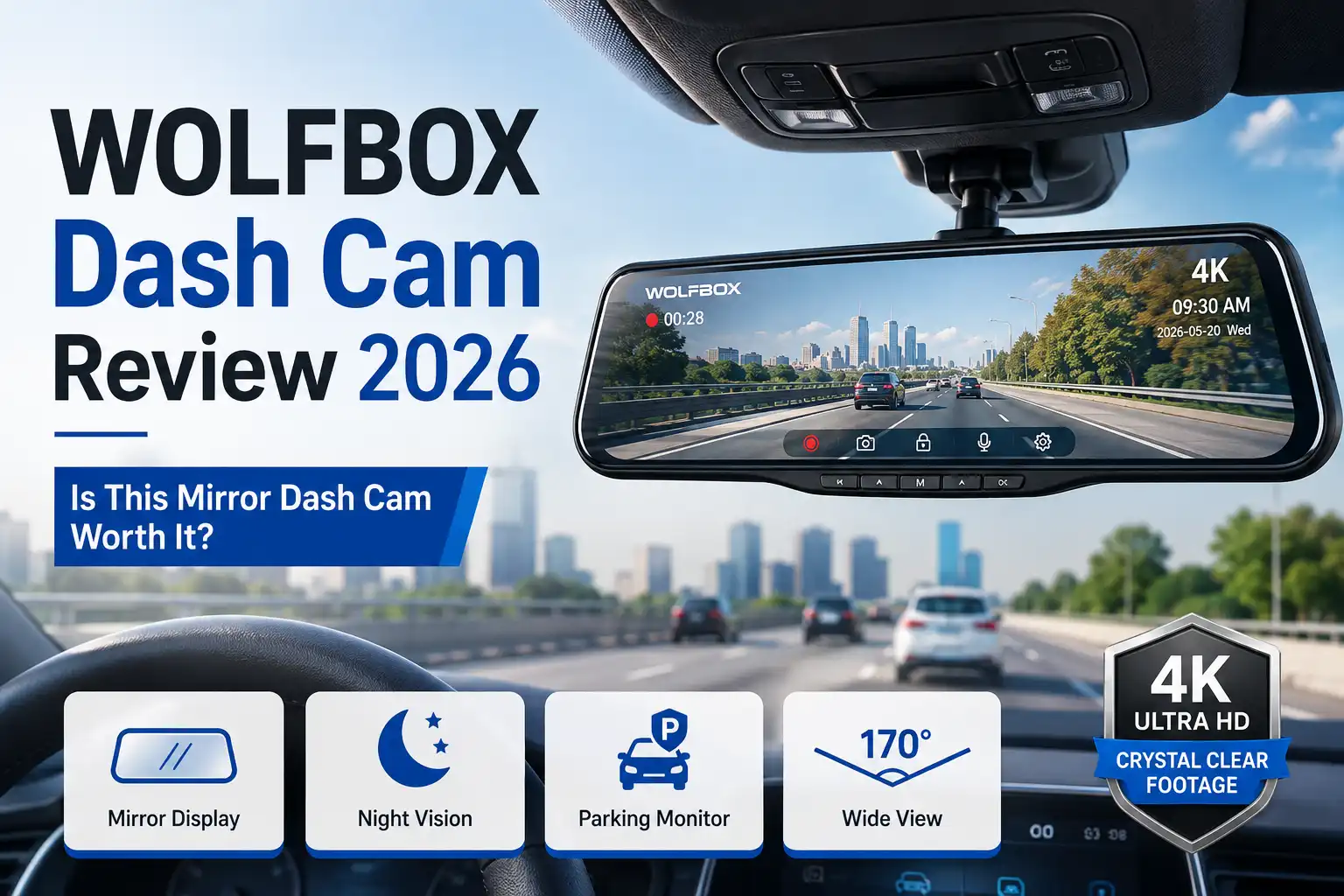
The WOLFBOX 12″ Mirror Backup Camera is a top-tier upgrade for your vehicle in 2026, combining a crystal-clear 4K front camera with a 1080P waterproof rear lens. Priced competitively on the market, it replaces your traditional rearview mirror with a massive smart touch screen designed to eliminate blind spots entirely.
If you are tired of restricted rear vision, difficult parking maneuvers, and blurry night footage, this comprehensive review breaks down its exact features, installation realities, and real-world performance to help you decide if it belongs in your car, truck, or SUV.
Key Takeaways
- Features a massive 12-inch anti-glare IPS touch screen for easy navigation.
- Delivers ultra-sharp 4K front recording combined with 1080p rear backup coverage.
- Enhanced night vision utilizes an advanced WDR sensor for low-light clarity.
- Includes loop recording and G-sensor automatic collision locking capabilities.
- Compatible with a wide range of vehicles including cars, trucks, and SUVs.
What Causes Poor Rear Visibility and Blind Spots on the Road
Recommended Best Deal Products


The Limitations of Factory Rearview Mirrors
Traditional factory mirrors leave massive blind spots that standard adjustments simply cannot fix. When your trunk is packed, your back seats are full of passengers, or you are driving a large SUV or truck, your direct line of sight completely disappears. Traditional glass also suffers from severe glare caused by the headlights of trailing vehicles during night driving, forcing you to constantly flip your manual mirror tab up and down. This lack of clear visibility increases your reaction time and raises your risk of accidents during routine lane changes and highway merging.
Obstacles Specific to Trucks, SUVs, and Large Vehicles
Driving larger vehicles introduces unique visual challenges that standard mirrors fail to address. Consider these common road obstructions:
- Tall truck beds and camper shells that completely block low-angle traffic
- Thick C-pillars and headrests that create dangerous side-rear blind zones
- Weather elements like rain, snow, and mud that instantly coat traditional rear windows
- The inability to accurately judge distances when parallel parking in tight urban spaces
How to Evaluate the WOLFBOX 12″ Mirror Backup Camera Specifications
Decoding the 4K Resolution and 12-Inch Touch Screen
When evaluating a modern dash cam system, display quality and recording resolution dictate how useful your footage will be in an emergency. The WOLFBOX unit features a massive 12-inch anti-glare IPS touch screen that straps directly over your existing mirror. It streams a live, wide-angle feed of what happens behind you without the visual obstructions of your vehicle interior. The front-facing camera records in true 4K Ultra HD, while the rear camera captures crisp 1080P video. This dual-channel setup ensures that license plates, road signs, and unexpected traffic events are captured with sharp clarity, regardless of lighting conditions.
Core Safety Features and Smart Recording Tools
Beyond basic recording, this system incorporates advanced hardware to protect your vehicle 24/7. Here is what you get out of the box:
- G-Sensor Impact Detection: Automatically locks and saves video footage when sudden shakes or collisions are detected.
- Loop Recording: Continuously overwrites the oldest unlocked files on your MicroSD card so you never run out of storage.
- Super Night Vision: Enhanced WDR (Wide Dynamic Range) technology balances extreme light and dark areas.
- GPS Tracking: Records your exact driving route, speed, and location for precise trip logging.
Step-by-Step Guide to Installing Your WOLFBOX Dash Cam System
Recommended Best Deal Products


Proper installation ensures your WOLFBOX mirror dash cam operates reliably under all driving conditions. According to automotive electronics technicians, taking time for clean wire routing prevents electrical interference and keeps the cabin looking factory-finished. Follow these precise instructions to complete the setup safely.
Mounting and Power Connection
- Attach the WOLFBOX streaming mirror securely over your existing factory rearview mirror using the provided heavy-duty rubber straps.
- Plug the USB-C power cable into the top of the dash cam and route the cord along the headliner and down the passenger-side A-pillar.
- Insert the 12V car charger adapter into your vehicle auxiliary power outlet and test that the touchscreen powers on instantly.
- Format a high-endurance Class 10 MicroSD card (up to 128GB) directly within the camera settings menu before recording.
Rear Camera and Reverse Trigger Wiring
- Run the rear camera cable from the front cabin, tucking it neatly behind the door weatherstripping toward the rear window.
- Mount the waterproof backup camera either above the license plate using screws or on the interior rear glass using adhesive brackets.
- Connect the red trigger wire from the rear camera cable to the positive wire of your vehicle reverse light circuit to activate parking guidelines.
- Secure all excess wiring with zip ties under the dash to prevent interference with foot pedals or airbag deployment zones.
What If the Backup Camera Display Still Fails to Operate Correctly
Even after thorough troubleshooting and correct installation, persistent hardware or electrical faults can occasionally prevent the rear display from functioning. When standard troubleshooting steps fail, automotive safety guidelines recommend pursuing systematic hardware validation to protect your investment.
- Inspect the 4-pin AV-in connector linking the rear camera wire to the main mirror unit, ensuring the waterproof pins are not bent or oxidized from moisture exposure.
- Test the auxiliary power output with a multitester to verify that your vehicle circuit delivers a steady 12 volts under active load conditions.
- Contact WOLFBOX customer support directly to process a warranty claim if the internal video processor or rear camera sensor exhibits hardware failure.
- Consult a certified mobile electronics installation professional to diagnose complex wiring faults or blown fuses, with typical diagnostic service fees ranging from $75 to $150.
Conclusion
Recommended Best Deal Products


Resolving backup camera display issues on your WOLFBOX system typically requires verifying power delivery, inspecting proprietary connections, and ensuring firmware is fully updated. According to verified research and automotive safety experts, maintaining a functioning multi-angle recording setup significantly reduces blind-spot accidents and parking mishaps. Take the next actionable step by inspecting your vehicle wiring harness today to restore total visibility and driving confidence on the road in 2026.
❓ Frequently Asked Questions
What comes included in the standard WOLFBOX mirror dash cam package?
The box typically includes the 12-inch mirror dash cam, a 1080p waterproof rear camera, a rear camera cable, a car charger, rubber mounting straps, and user instructions. A MicroSD card is often purchased separately depending on current bundle deals.
How does the night vision perform in total darkness?
Equipped with an advanced WDR (Wide Dynamic Range) sensor and superior aperture capabilities, the camera significantly reduces glare from headlights and enhances dark areas for clear nighttime footage.
Can the backup camera display guide lines while reversing?
Yes, the system displays adjustable parking assist lines on the screen when you shift your vehicle into reverse, helping you navigate tight spaces safely.
Does the G-sensor lock important video files during an impact?
The built-in G-sensor detects sudden shakes or collisions and automatically locks the current video segment to prevent it from being overwritten by loop recording.
Is professional installation required for this dash cam?
Most users can install the system themselves by plugging the car charger into the cigarette lighter and routing the rear camera wire around the vehicle headliner. Hardwiring kits are available separately for 24/7 parking monitoring.
What type of memory card is recommended for this device?
WOLFBOX typically recommends using a high-endurance Class 10, U3 speed MicroSD card ranging from 32GB to 128GB capacity for stable 4K recording performance.