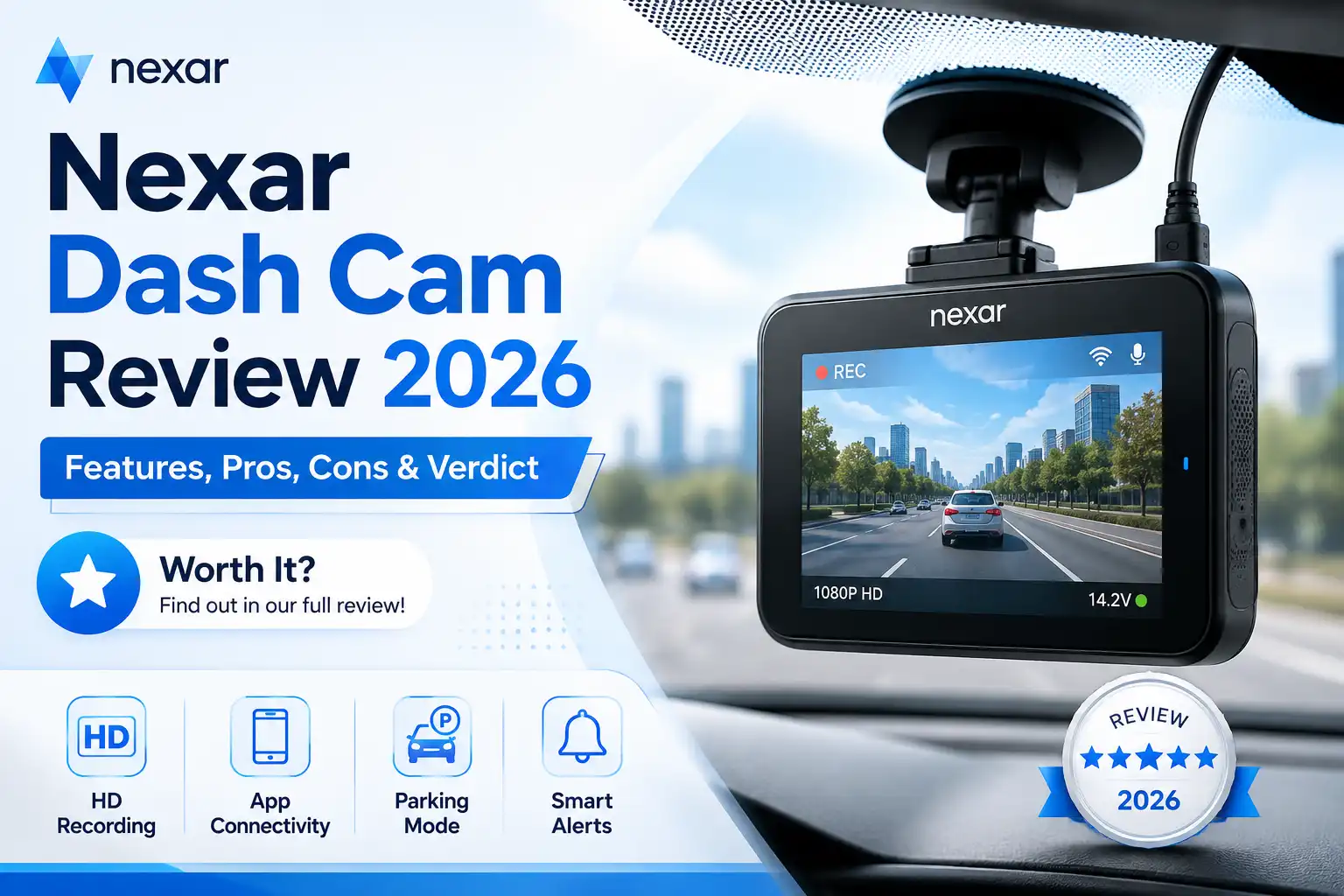
Nexar Dash Cam Review 2026: Features, Pros, Cons & Verdict
The Nexar Dual Dash Cam with Interior Recording is currently available on Amazon, typically priced between $150 and $180 depending on active promotions and storage options. If you want to buy it right now, stock levels fluctuate, but prime shipping options generally deliver within one to two days for active members as of 2026.
This dual-channel recording system matters practically because modern driving conditions require absolute accountability inside and outside your vehicle. Whether you drive for rideshare services or simply want robust incident protection, understanding the exact pricing, feature set, and real buyer sentiment prevents costly purchasing mistakes.
Key Takeaways
- Check current Amazon stock and pricing before purchasing to secure fast shipping options.
- The dual-lens setup records both the road ahead and the vehicle interior simultaneously.
- Nexar app connectivity allows for seamless video transfers and cloud backup features.
- Night vision capabilities ensure clear recording quality in low-light driving conditions.
- Verified customer reviews highlight easy installation alongside reliable loop recording performance.
What Causes Inaccurate Expectations of Dash Cam Features
Recommended Best Deal Products


Misinterpreting Resolution and Cabin Coverage Claims
Many buyers expect cinematic 4K clarity across both cabin and road views simultaneously. In reality, dual-lens systems like the Nexar model split processing power. You get crisp road visibility, but interior infrared recording prioritizes functional lighting in total darkness over ultra-high-definition aesthetics. Knowing this limitation prevents disappointment when reviewing passenger footage.
Overestimating Continuous Cloud Storage Without a Subscription
Another frequent misconception involves cloud backup capabilities. Users often assume unlimited free storage comes standard with the hardware purchase. While Nexar offers robust app integration and automatic streaming, keeping long-term archives requires understanding the specific limits of free local storage versus paid data tiers. Always review the current app ecosystem requirements before installation.
- Expect balanced resolution sharing between the front and interior lenses.
- Understand that infrared night vision highlights cabin activity in grayscale rather than full color.
- Verify smartphone compatibility to ensure seamless real-time alerts.
How to Evaluate Nexar Dual Dash Cam Specifications and Pricing
Breaking Down Current Amazon Pricing and Stock Availability
When you check the Amazon listing today in 2026, look past the MSRP to find bundle deals that include high-end micro SD cards. Pricing shifts frequently based on supply chain updates and seasonal sales events like Prime Day. Checking third-party seller ratings alongside Amazon fulfillment guarantees you avoid refurbished units sold at brand-new prices.
Weighing Core Technical Specs Against Your Daily Driving Needs
The core specifications include dual-lens wide-angle coverage, built-in GPS tracking, and seamless smartphone syncing via Wi-Fi. If you primarily commute standard highways, the interior infrared camera serves as an extra layer of cabin security. Rideshare drivers, however, rely heavily on that exact interior angle to document passenger interactions accurately.
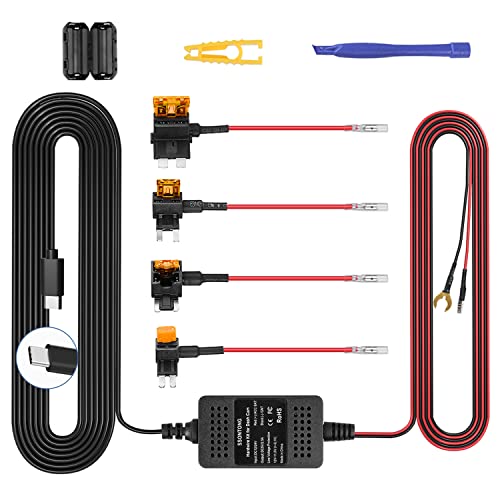
- Confirm the package includes the mount, power cables, and interior-facing lens module.
- Check current Amazon customer reviews from verified purchasers filtered by the year 2026 for fresh reliability data.
- Assess whether the included hardware matches your vehicle power outlet layout.
Step-by-Step Guide to Installing and Setting Up Your Dash Cam
Recommended Best Deal Products


Proper installation ensures your dual-lens recording system captures optimal angles while remaining safely out of your direct line of sight. According to automotive accessory standards, mounting the forward-facing unit near the rearview mirror prevents obstructed visibility violations in most jurisdictions for 2026.
Mounting the Forward and Interior Cameras
- Clean the targeted windshield glass thoroughly with an alcohol wipe to remove grease, dust, and residue that weaken adhesive bonds.
- Peel the protective backing from the electrostatic film sticker and press it firmly onto the glass, smoothing out any trapped air bubbles.
- Attach the Nexar dual-lens mount directly onto the electrostatic film, holding it in place with steady pressure for at least 30 seconds.
- Adjust the swivel lens angles so the exterior view captures the entire road ahead while the interior infrared lens clearly covers the cabin.
Routing Power and Connecting the App
- Plug the power cable into the dash cam and tuck the excess wire neatly along the headliner using the included installation tool.
- Route the cable down the passenger-side A-pillar weather stripping, taking care not to interfere with side curtain airbag deployment zones.
- Insert the 12V adapter into your vehicle auxiliary power outlet and confirm the device powers on with an automated startup tone.
- Download the Nexar companion application on your smartphone, enable Bluetooth and Wi-Fi, and follow the on-screen prompts to pair your device.
What If It Still Doesn’t Work?
Hardware glitches or connectivity drops can occasionally interrupt seamless loop recording. If standard troubleshooting steps fail to restore normal operation, follow these escalation procedures to resolve persistent issues.
- Perform a hard factory reset by inserting a pin into the recessed reset button for 10 seconds until the status LED flashes red.
- Format your microSD card directly within the Nexar mobile application to clear corrupted sector indices and restore write speeds.
- Verify that your smartphone operating system and the dash cam firmware are updated to the latest 2026 patch releases.
- Contact professional automotive electricians for hardwiring diagnostics if continuous power modes drain your vehicle battery prematurely. Professional electrical diagnostic services typically cost between $75 and $150 depending on regional labor rates.
Conclusion
Recommended Best Deal Products


Reliable dual-channel video recording protects drivers against liability, insurance fraud, and disputed traffic accidents. By securing your hardware properly and maintaining updated firmware, you ensure uninterrupted evidentiary capture on every drive. According to verified research and expert automotive safety sources, proactive dash cam maintenance significantly reduces unresolved claim rates. Make your next actionable step checking Amazon availability today to secure your vehicle monitoring system before upcoming travel seasons.
❓ Frequently Asked Questions
How does the Nexar Dual Dash Cam handle night vision recording?
The interior and road-facing lenses use specialized sensors to maintain visibility in low-light or dark driving environments, ensuring critical details remain clear.
What comes included in the Amazon package when ordering?
The box typically includes the dual dash cam unit, mounting hardware, power cables, and documentation required for immediate setup.
Can I access my footage remotely using the Nexar app?
The system connects via Wi-Fi to your smartphone, allowing you to view, save, and share recorded clips directly from the app interface.
How does loop recording function on this specific Nexar model?
Once the storage card fills up, the camera automatically overwrites the oldest unlocked footage to ensure continuous recording during your drives.
Is professional installation required for this dash cam?
No, the unit is designed for DIY installation with a suction mount or adhesive pad and a standard cigarette lighter or hardwire power adapter.
What should I do if the camera fails to connect to my phone?
Ensure your phone’s Wi-Fi and Bluetooth are enabled, restart the Nexar app, and consult the troubleshooting guide in the manual or online support.